
PixAI Style Center
The PixAI Style Center is a new way to make your profile uniquely yours. It’s not only about looking stylish—it’s about showing your personality, celebrating milestones, and highlighting your creations.
Decorations let you decorate your profile with badges, avatar frames and artwork frames. Whether you’re a casual creator or a longtime member, cosmetics give you a way to leave your mark on the community.
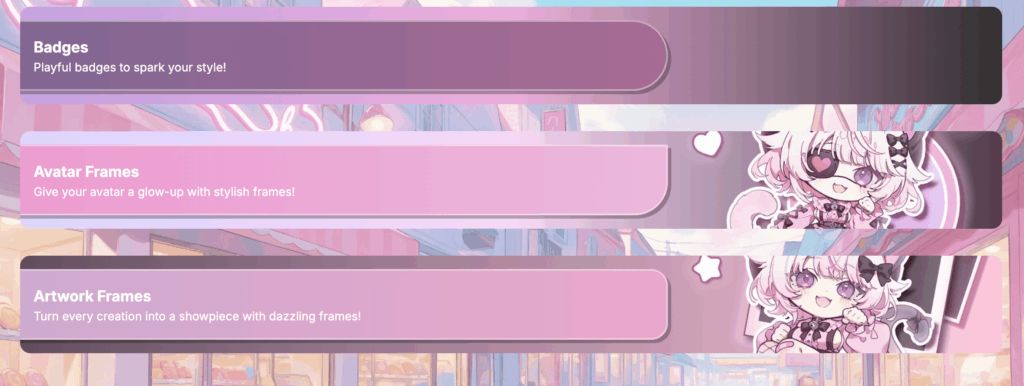
Types of Decorations
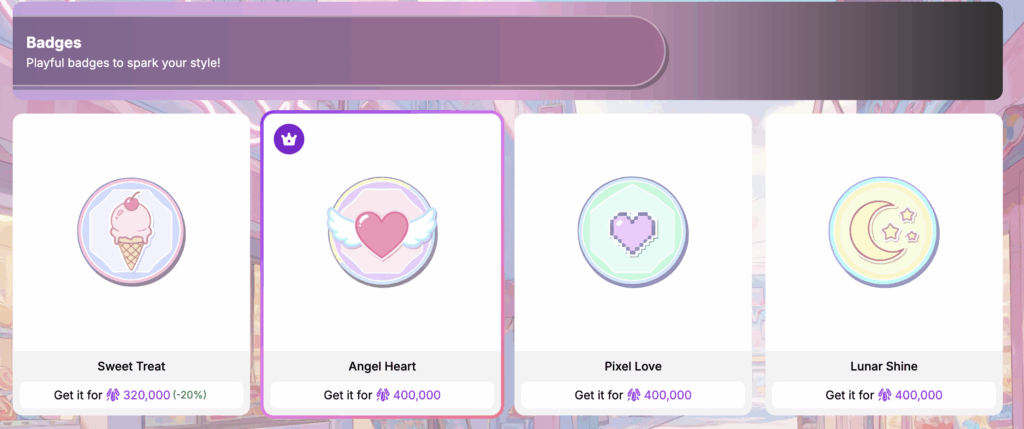
- Badges
Show off your achievements, celebrate events, or display your style. They’re visible across PixAI wherever your avatar shows up.
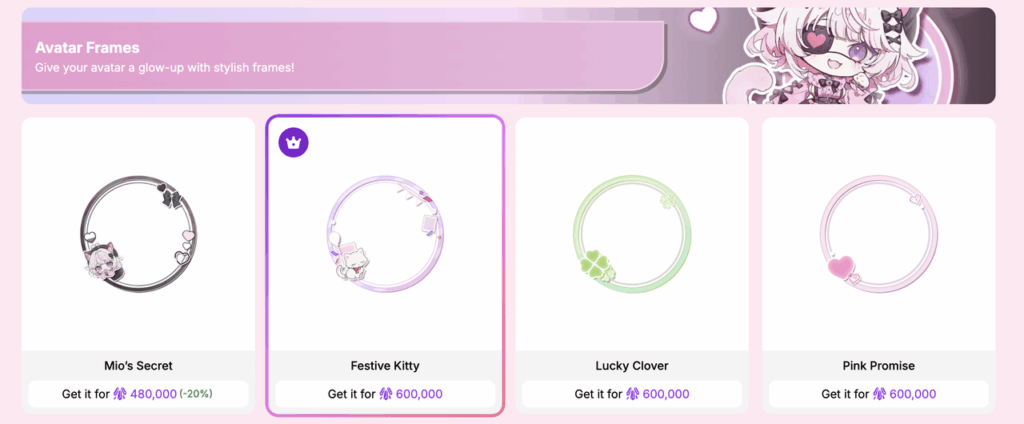
- Avatar Frames
Make your profile picture pop with limited-edition designs, from playful to elegant. They’re visible across PixAI wherever your avatar shows up.
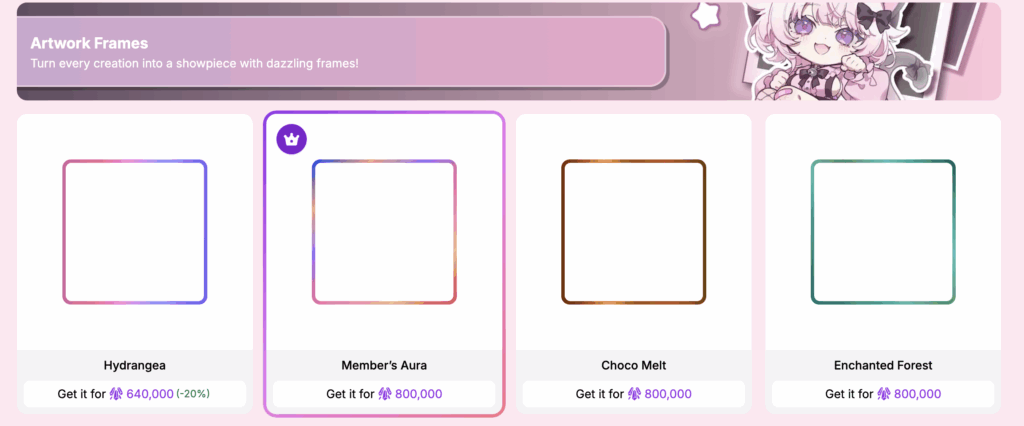
- Artwork Frames
Dress up your creations with decorative borders. Artwork frames make your works stand out in galleries.
Limited-Time Sale Decorations
Enjoy a 20% discount during the event period — prices will return to normal afterward.
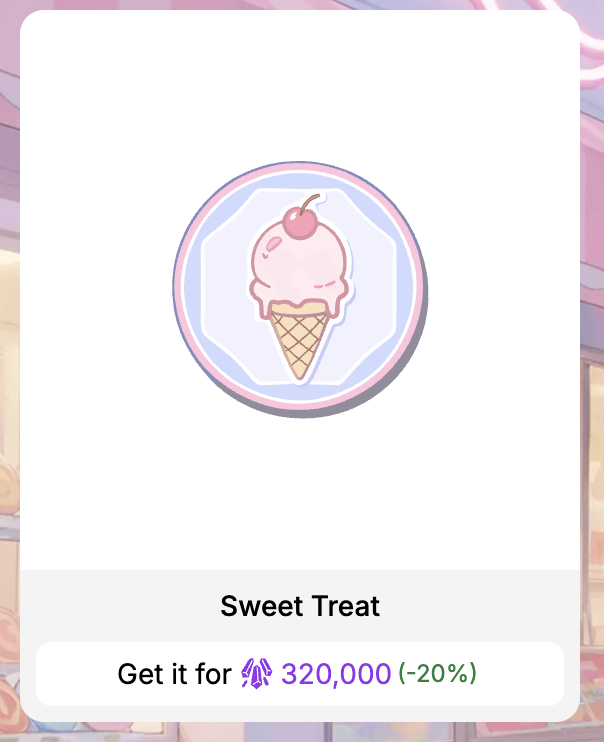
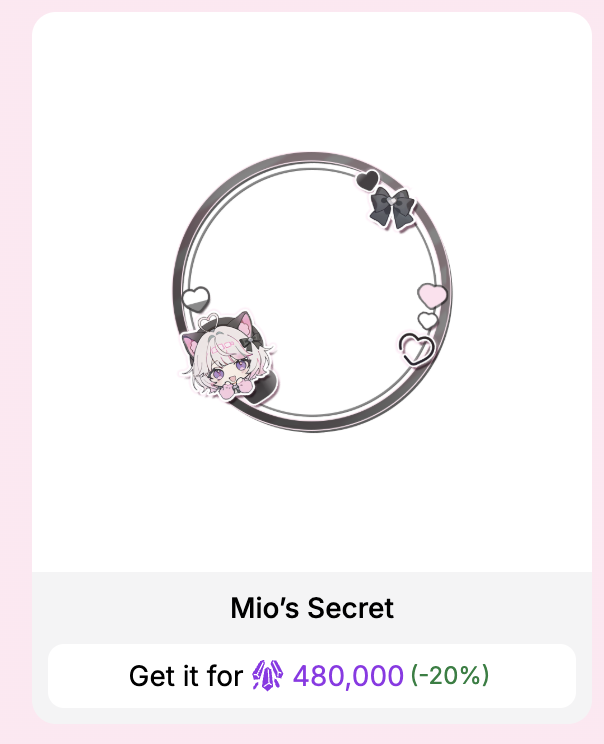
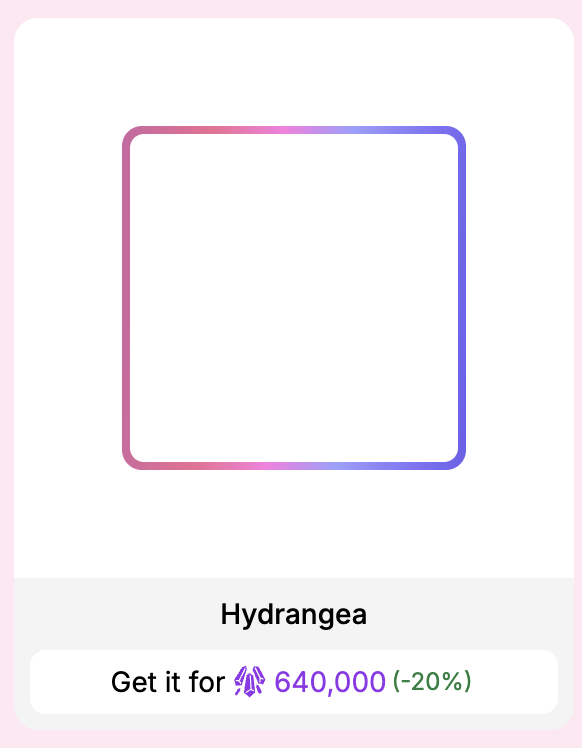
- Member-Only Decorations
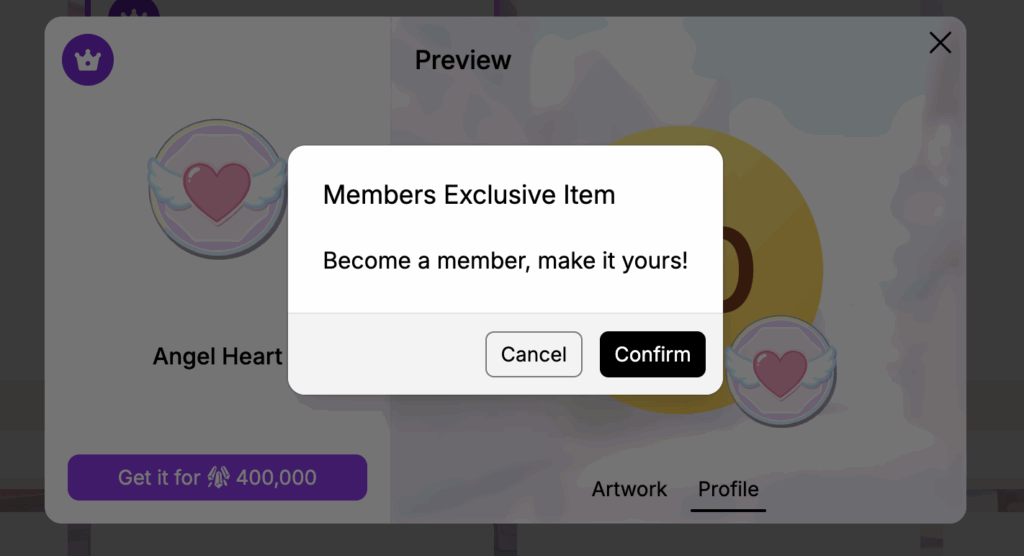
These decorations are only available to members. You must be a member to purchase them.
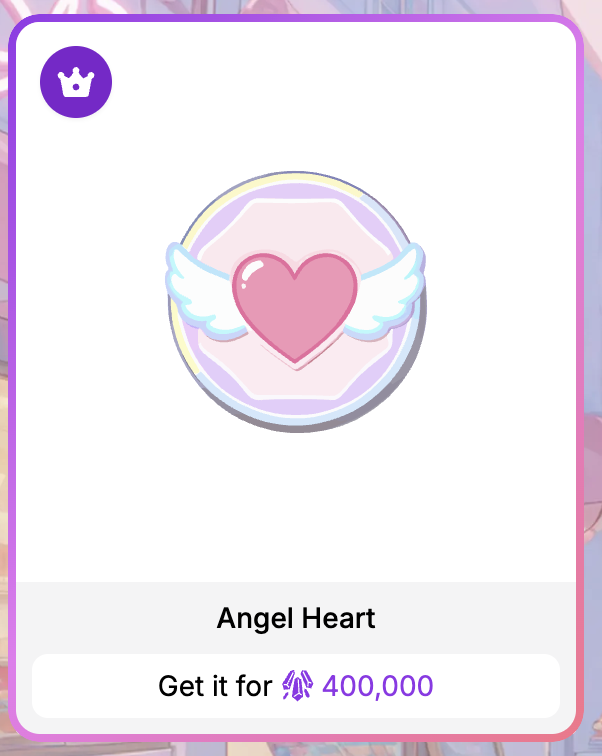
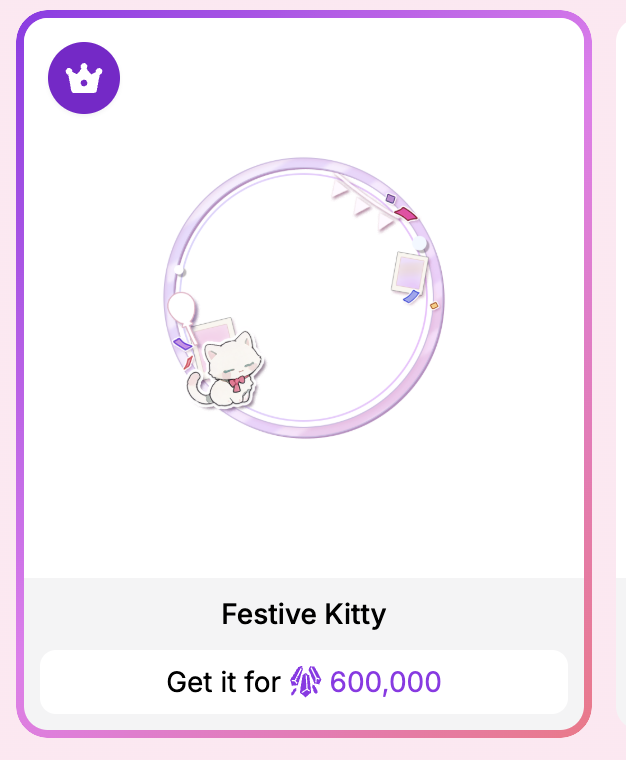
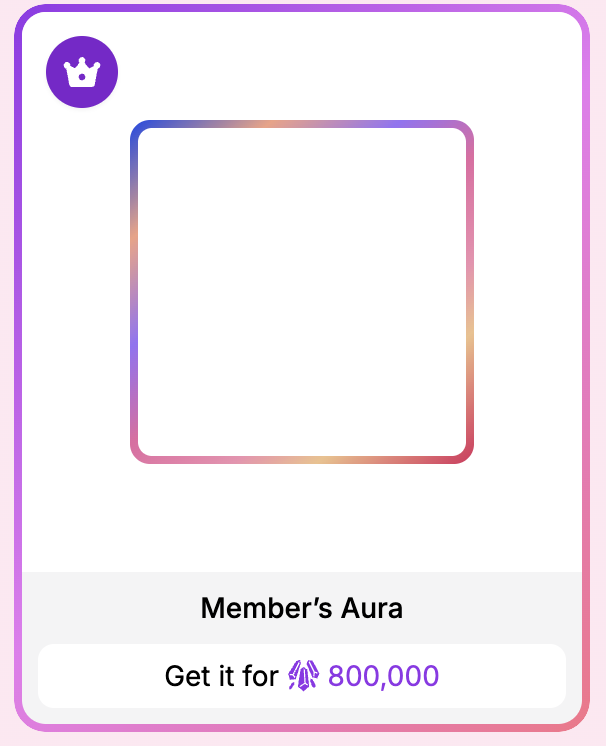
3rd Anniversary Exclusive
- Earn Moonlit Elixir (Badge) and Fox Whisper (Avatar Frame) by collecting fragments through daily check-ins.
- Long-term users also receive special rewards: check in for 15 days and unlock the Starlit Hat (Badge) if your account is over 1 year old, and the Misty Boo (Avatar Frame) if it’s over 2 years old.
- Collect 10 cards in the Mio Anniversary Card Set → unlock Game Master (Badge)
- Collect 20 cards in the Mio Anniversary Card Set → unlock Purrfect Cat (Badge), Sweet Mio (Avatar Frame), Eclipse Kiss (Artwork Frame)
- Purchase the $180 credit pack → unlock Unicorn’s Dream(Badge)
How to Buy & Apply
- You can purchase cosmetics directly in the Style Center, accessible from your Profile → Decoration tab.
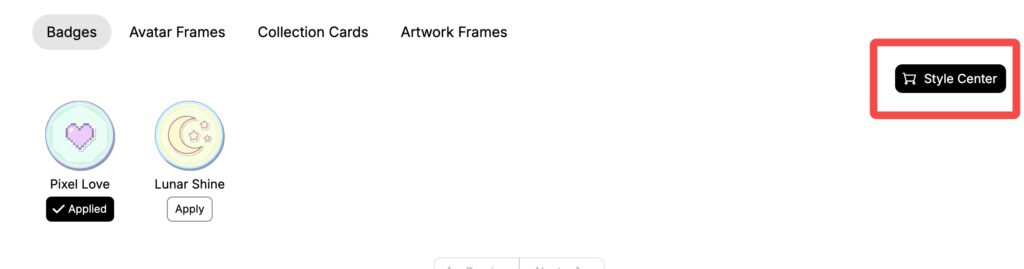
- Tap any decoration to preview how it looks before you buy.
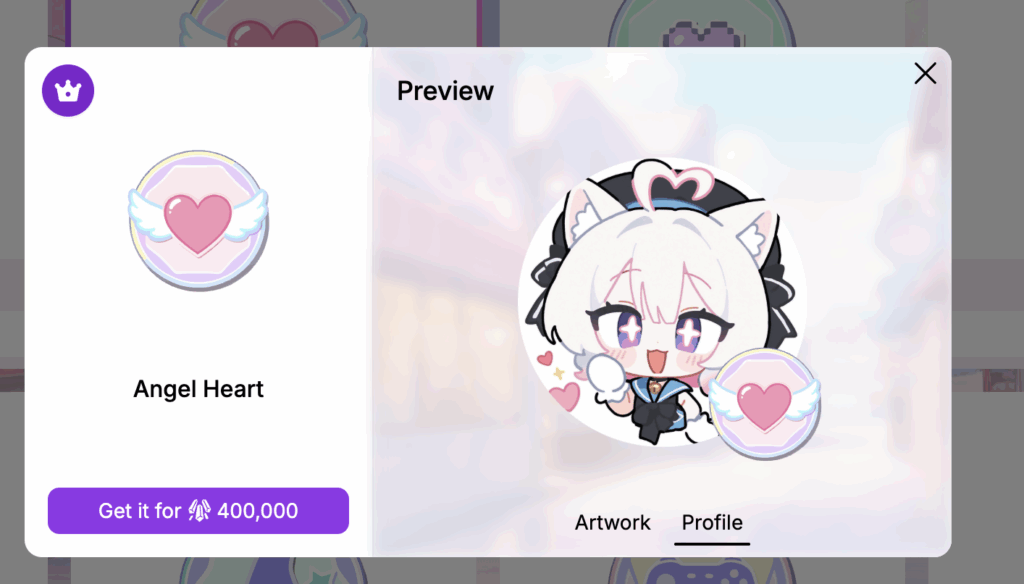
- Member-only items require an active membership to unlock.
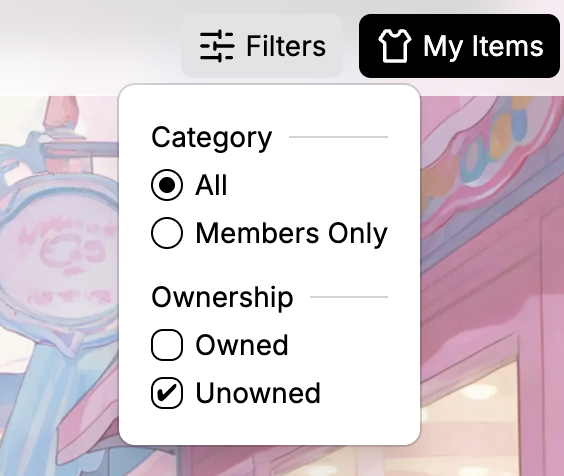
- Use the shop’s filters to sort by member-only, all items, or by owned/unowned status.
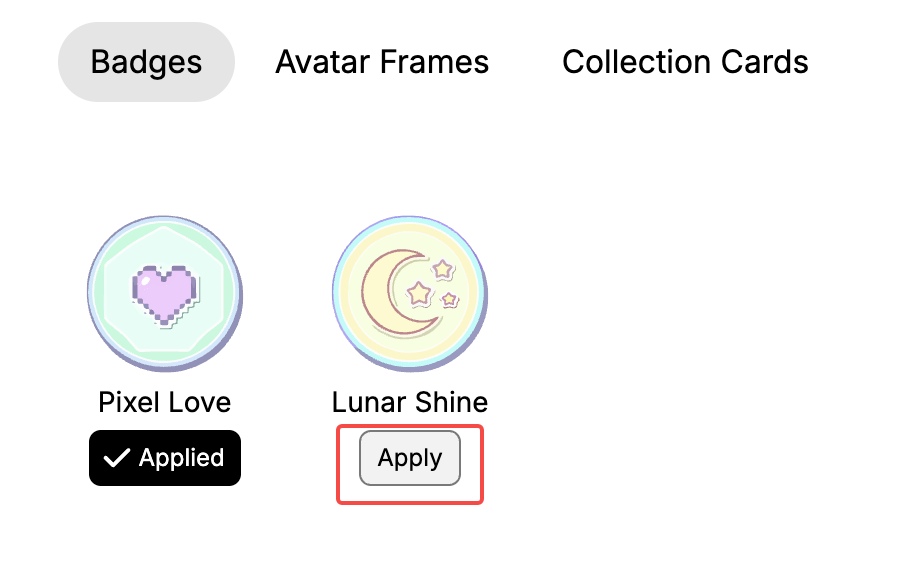
- Once purchased, you can apply your cosmetics in your Profile → Decoration tab, where you can instantly switch between your looks.
Quick Q&A
Q: Do I need to be a member to use the Style Center?
A: No. Everyone can buy standard and event decorations. But some exclusive decorations are member-only.
Q: Can I preview decorations before buying them?
A: Yes. The shop lets you see exactly how each item looks on your profile before purchase.
Q: Can I trade decorations with other users?
A: No. Cosmetics are bound to the account that purchases or earns them.
Q: Will there be new decorations in the future?
A: Yes! The shop will be refreshed with new designs for upcoming events and updates—keep an eye out for the next drops.