
Welcome to our comprehensive tutorial on creating stunning backgrounds with PixAI! While we usually just add “simple background” or “white background” to our character generation prompts, what if you want to create stunning backgrounds as standalone pieces?
Whether you need desktop wallpapers, VTuber streaming setups, or game environments, this guide will show you exactly how to master AI background generation.
Simple Background Patterns – The Foundation
Essential Basics
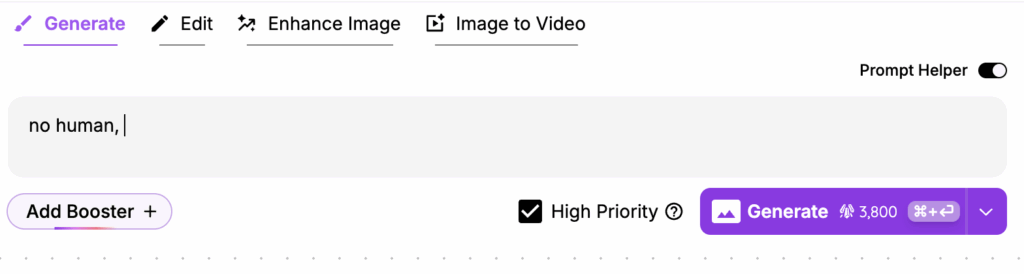
The most important rule when creating backgrounds is to include “no human” or “no people” in your prompt.
This ensures the AI doesn’t try to add any characters to your scene.
For flat, graphic-style backgrounds, add “flat” to your prompt, or even better, use a “flat color” LoRA for more consistent results.
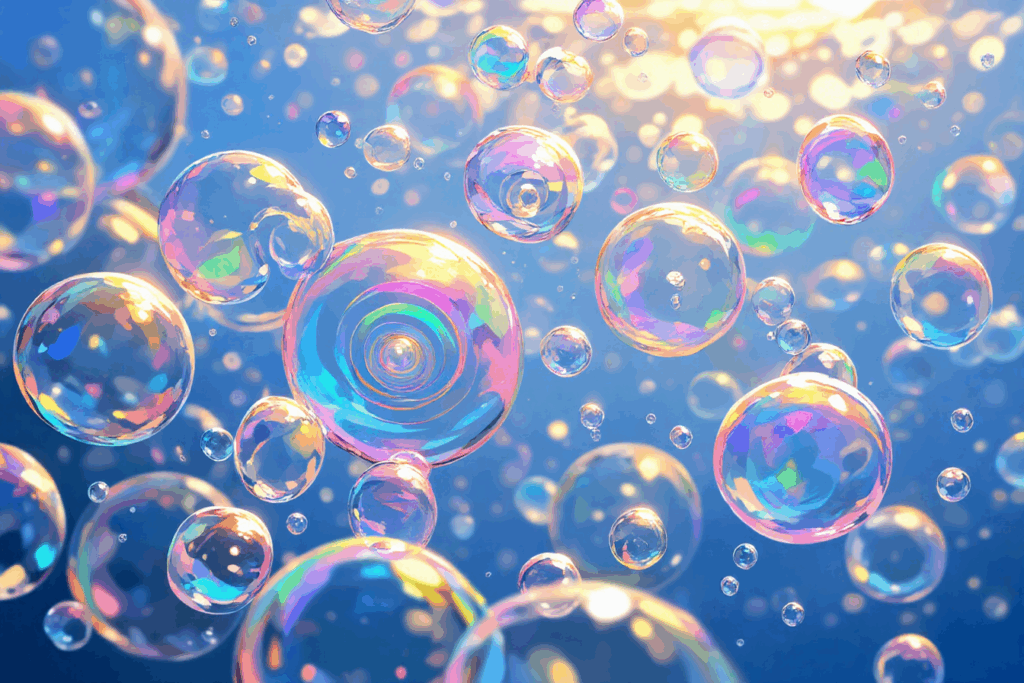
Without ‘flat’
Prompt: no human, bubble background, colorful soap bubbles floating, iridescent spheres, dreamy atmosphere
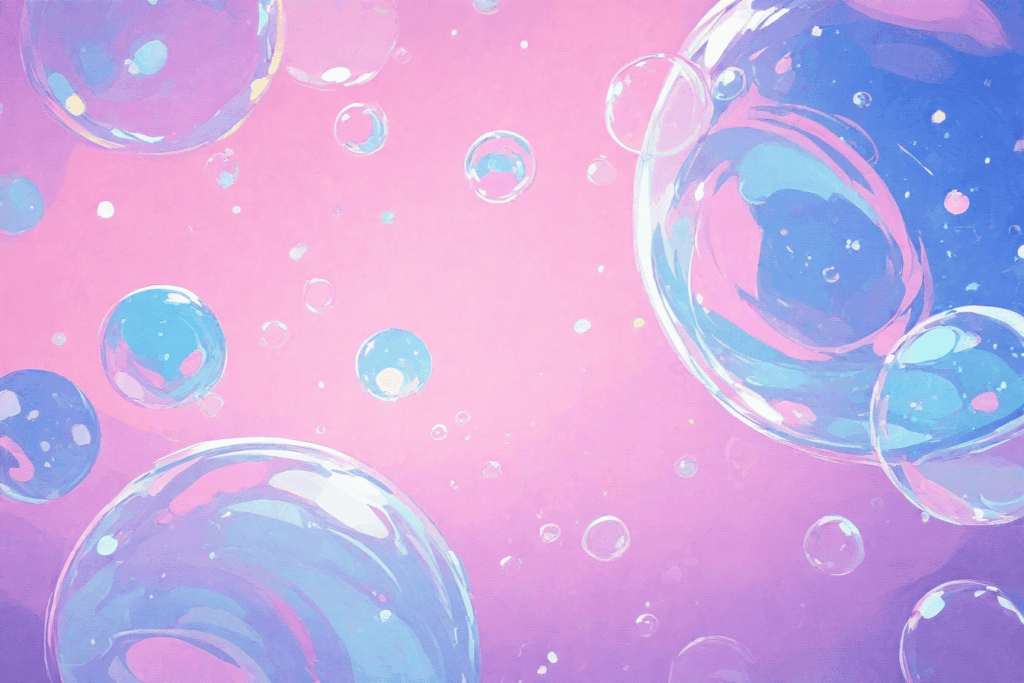
With ‘flat’
Prompt: no human, bubble background, colorful soap bubbles floating, iridescent spheres, dreamy atmosphere, flat,flat color, no lineart
Mastering Negative Prompts
Negative prompts are crucial for eliminating unwanted elements from your backgrounds. Here are the most effective ones:
Common Negative Prompts:
1girl, 1boy, people, human, crowdblurry, low quality, text, watermarkoverexposed, underexposed, distorted
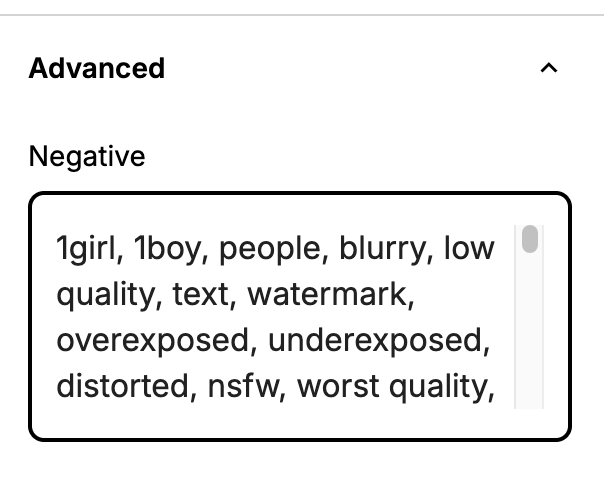
Example Negative Prompt:
1girl, 1boy, people, blurry, low quality, text, watermark, overexposed, underexposed, distorted
Once you’ve mastered these fundamentals, you can experiment with various simple but effective background types that work great for wallpapers and general use.
Simple Background Examples:
Dot

Prompt: no humans, dotted background, flat color, no lineart
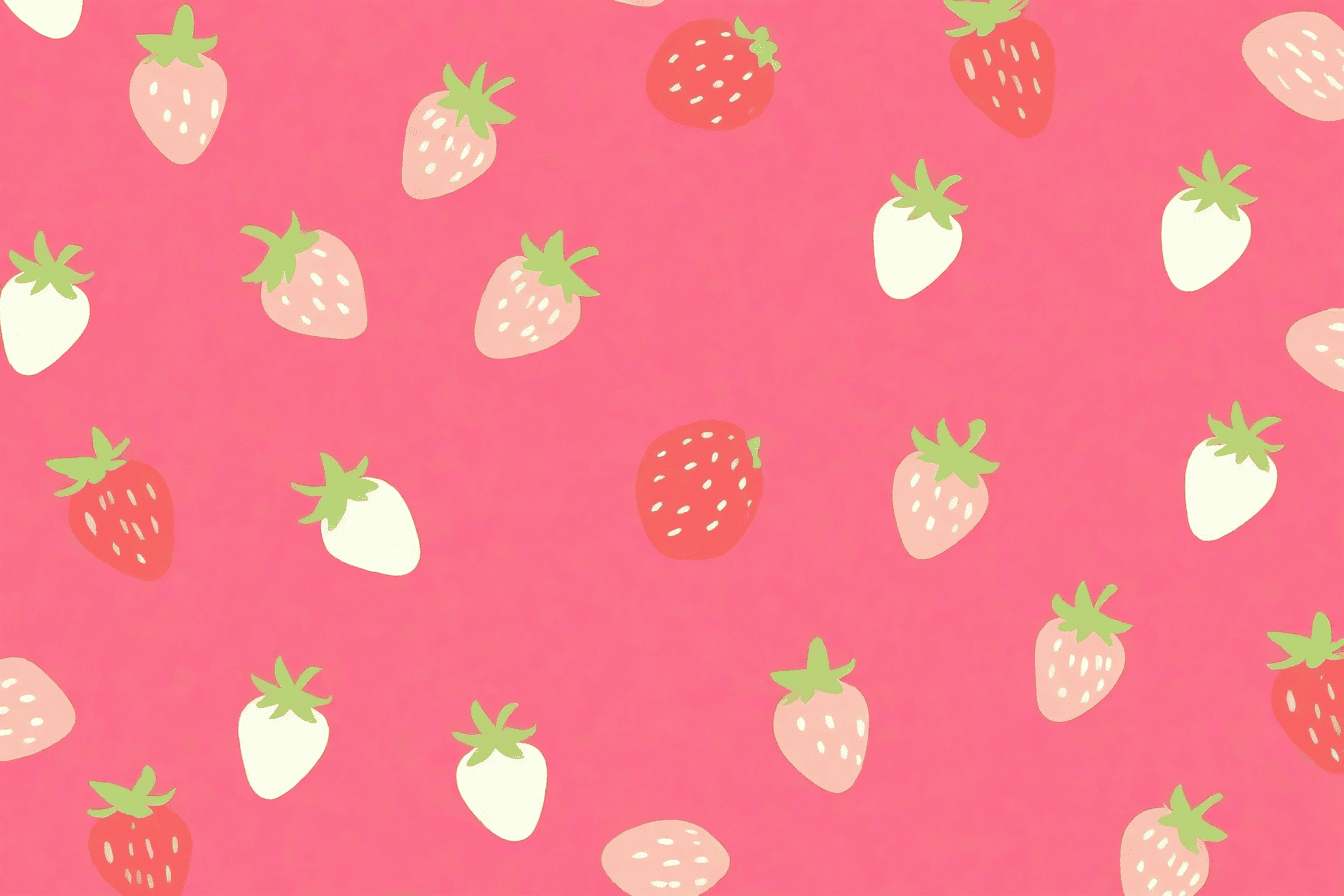
Fruit
Prompt:no humans, strawberry background , anime style, print, flat,
Heart

Prompt: no humans, heart pattern background, many small hearts scattered, repeating heart motif, pink and red hearts floating, print, flat color, no lineart
Complex Application-Specific Backgrounds
Now let’s explore more sophisticated backgrounds tailored for specific applications.
VTuber Streaming Backgrounds
Creating the perfect VTuber background requires attention to several key details:
Tip #1: Specify Your Viewing Angle
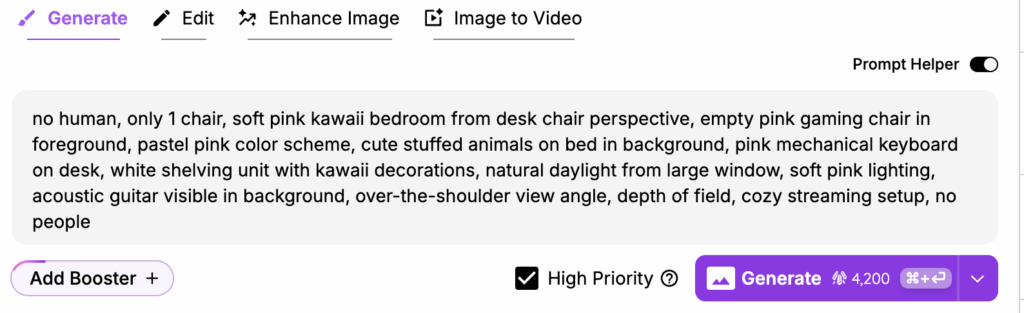
The perspective must make sense for where your VTuber character will be positioned. Instead of just saying “kawaii bedroom,” write something like:
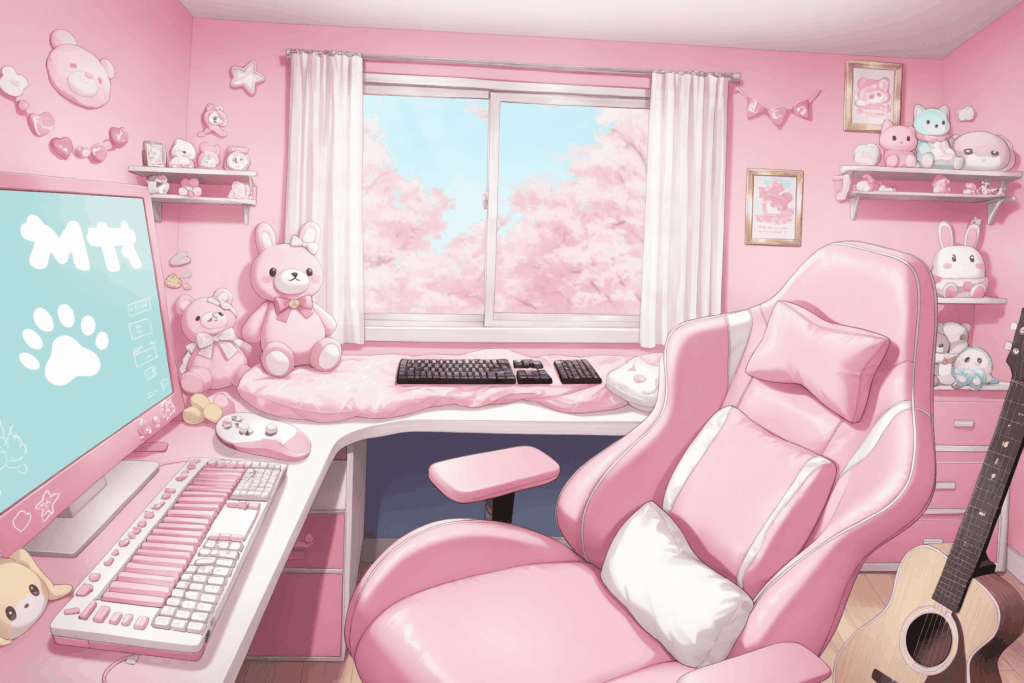
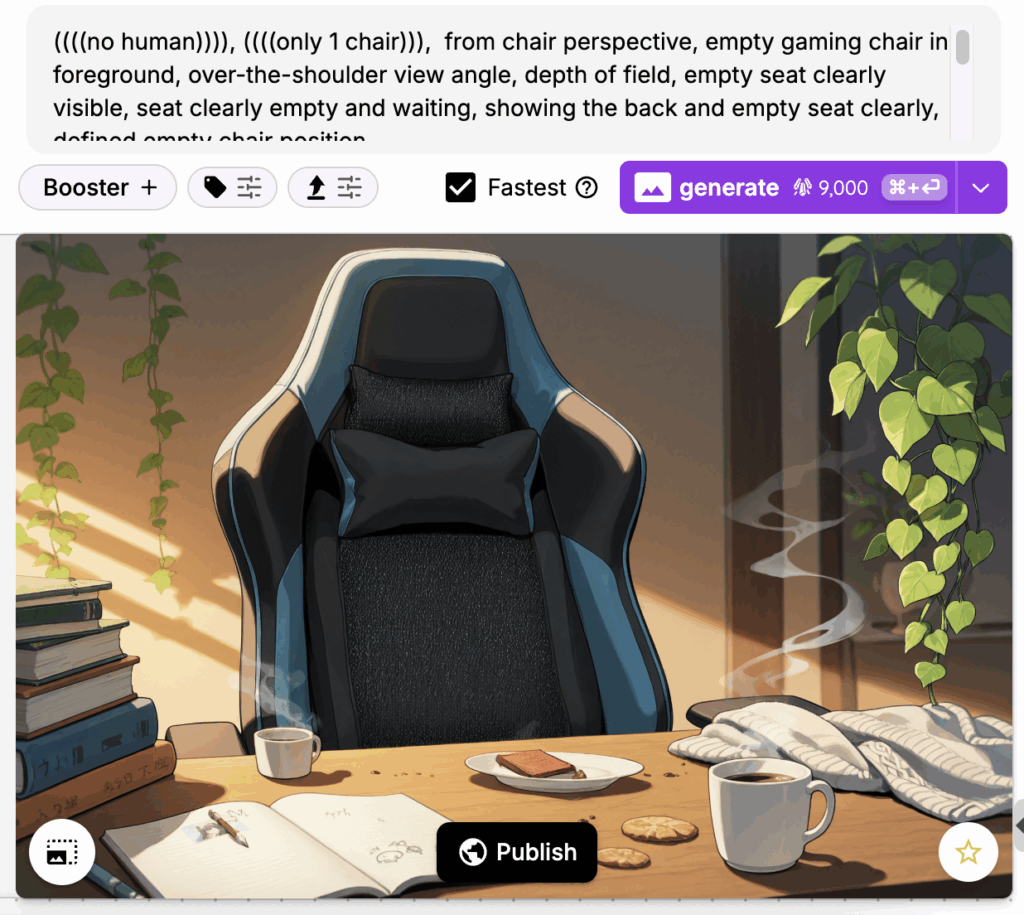
soft pink kawaii bedroom from desk chair perspective, over-the-shoulder view angle, empty pink gaming chair in foreground
Tip #2: Always Specify Chair Count
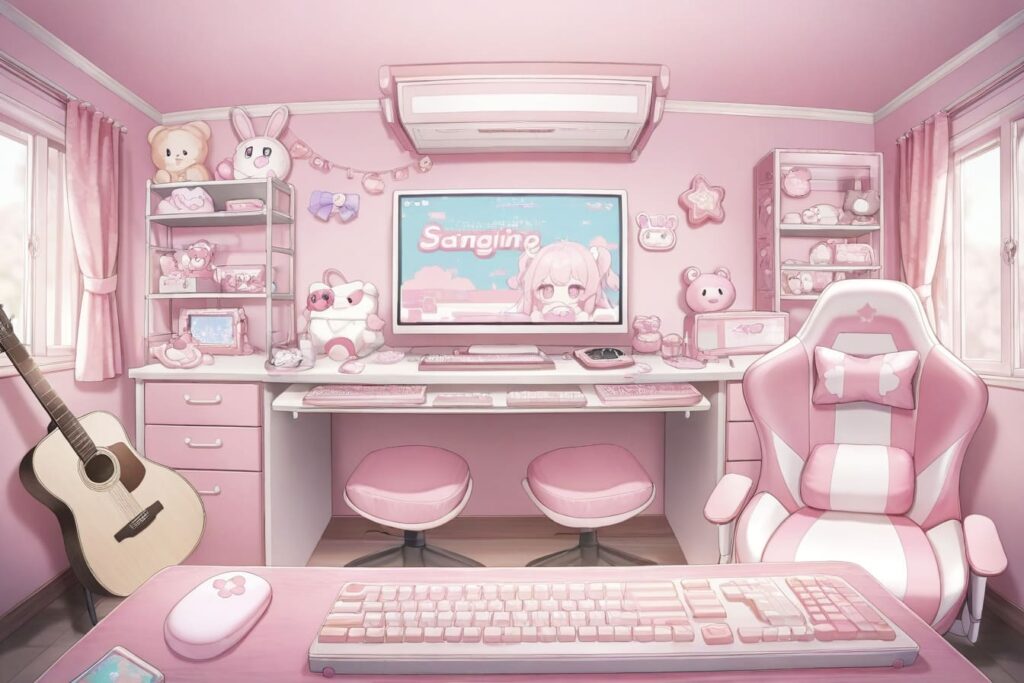
A common issue is generating multiple chairs scattered around the room.
Always add “only 1 chair” to your prompt to avoid this problem.
Pro Tip: Use Specialized LoRAs
Search for “VTuber background” in the LoRA marketplace to find models specifically trained for streaming setups. These add professional polish to your backgrounds.
Recommended LoRAs:
Model Recommendation: Otome v2 is particularly effective for generating high-quality backgrounds.
Game Backgrounds
For game development and interactive media, consider these two main approaches:
Visual Novel & Dress-Up Game Backgrounds
These games need clean, simple backgrounds that won’t distract from characters or UI elements. The key is creating atmospheric scenes without excessive detail.
Prompt Writing Strategy: Keep it simple and descriptive. For a living room scene, include elements like:
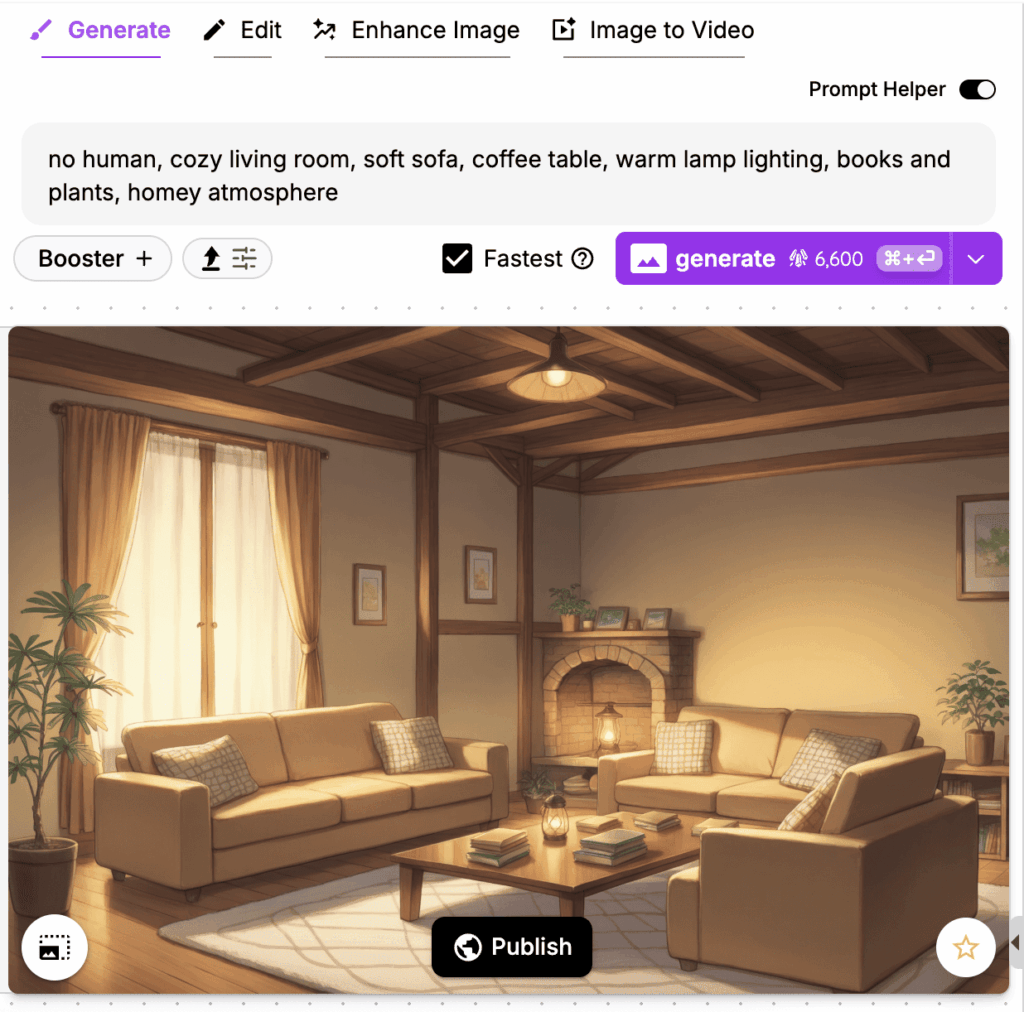
Sofa, coffee table, books, plants
You can create various indoor scenes (bedroom, kitchen, classroom) and outdoor environments with the same approach.
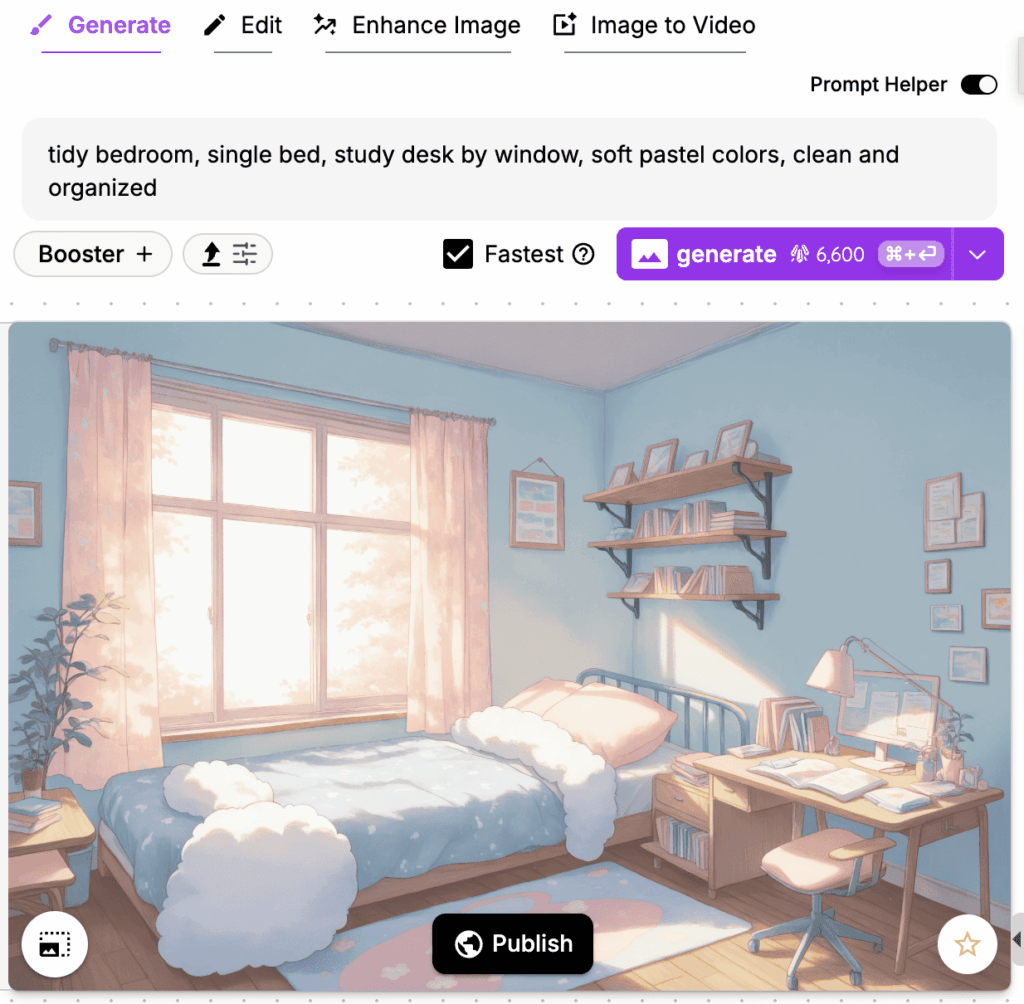
Recommended LoRA: Anime Game BG for more anime-styled results.
Essential Addition: Always add “no people” or “empty scene” to create space for your characters without competing visual elements.
Outdoor Scene Examples
Don’t limit yourself to indoor environments. Outdoor scenes are equally achievable with proper prompting techniques.

Prompt: seaside pier, wooden boardwalk, distant lighthouse, seagulls in sky, peaceful coastal scene
Prompt: no human, peaceful school courtyard, cherry blossom trees, stone pathway, blue sky with soft clouds, serene atmosphere

Cinematic Story Backgrounds with Tsubaki
Creating cinematic story backgrounds is where our new in-house model Tsubaki truly shines. What makes Tsubaki special is its ability to layer depth and understand sophisticated composition.
Tsubaki’s Advantages
Superior Composition Understanding:
- Excels at foreground, middle ground, and background layering
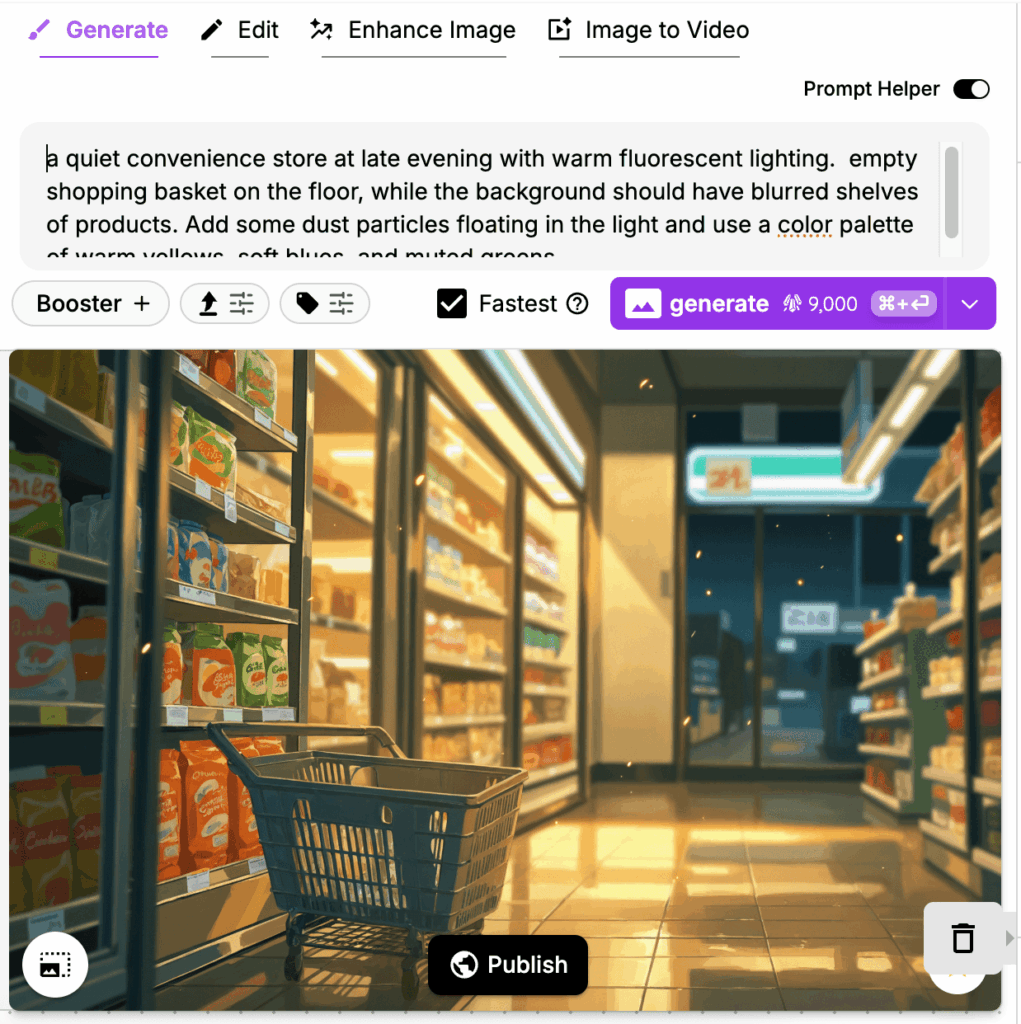
- Creates sophisticated lighting effects
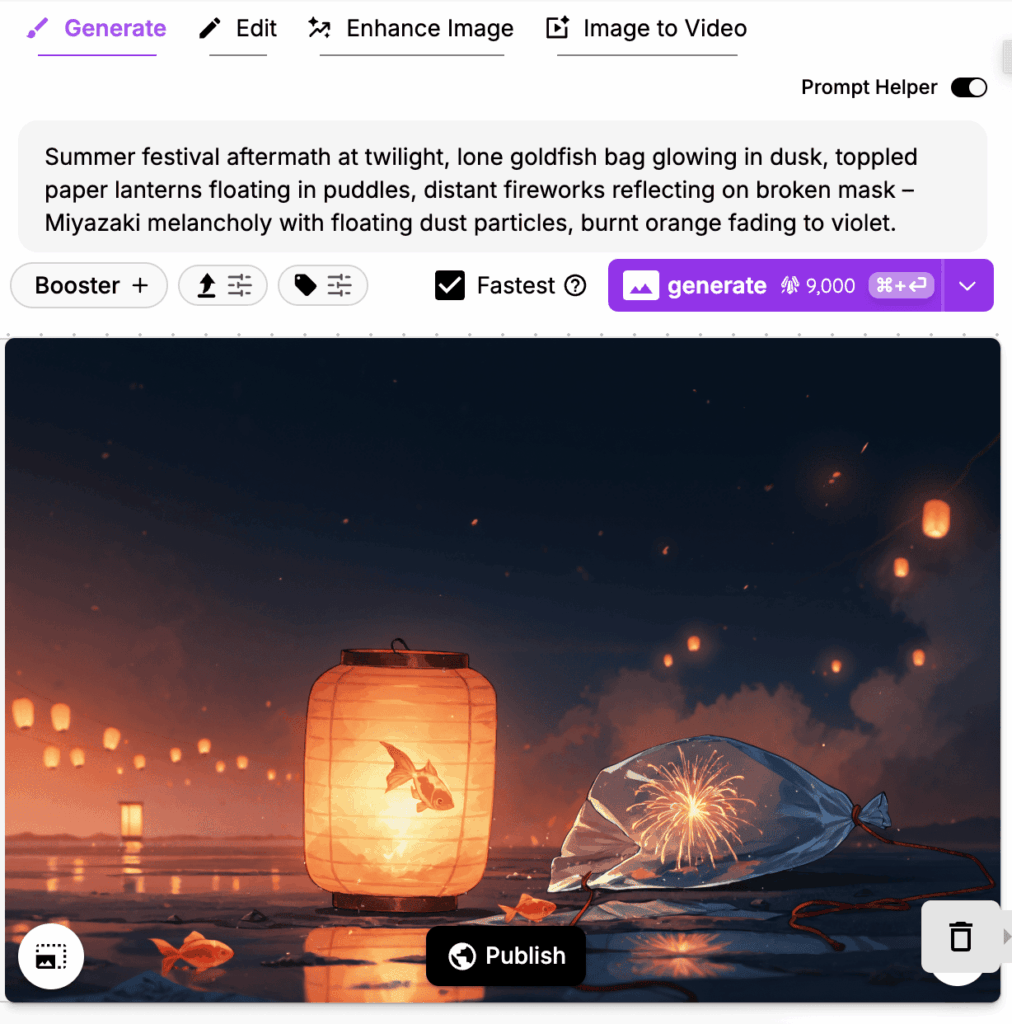
- Processes both tag prompts and natural language seamlessly
Comparison: Otome V2 vs Tsubaki
Using identical prompts, here’s how both models perform:
Prompt 1:
no human, bright Japanese high school classroom, afternoon sunlight through windows, empty desks arranged in rows, clean minimalist style, soft lighting
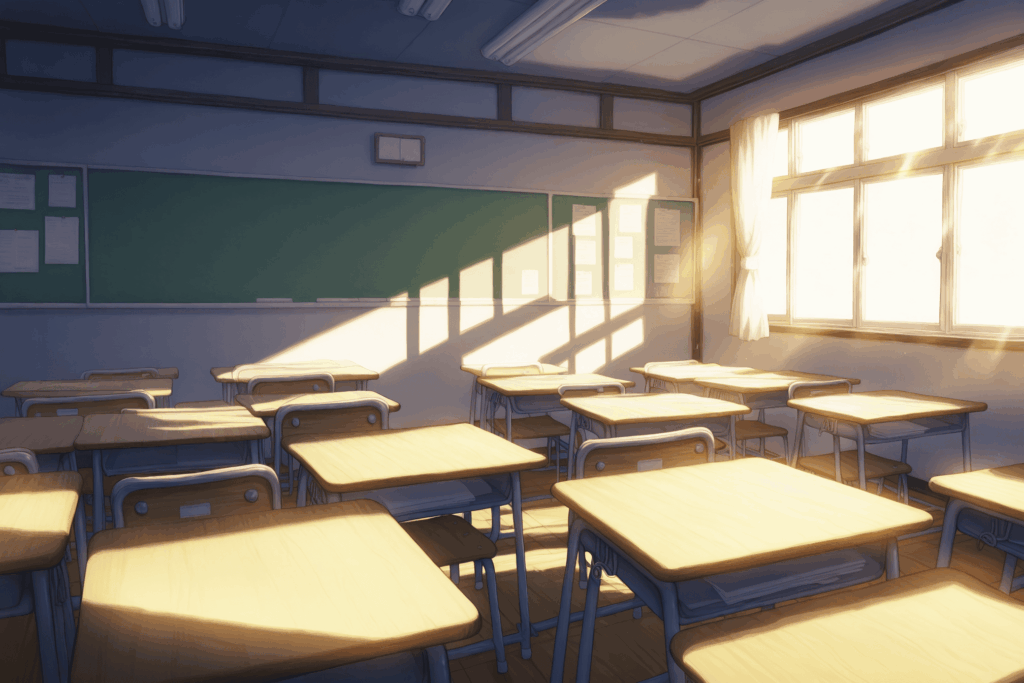
Otome V2
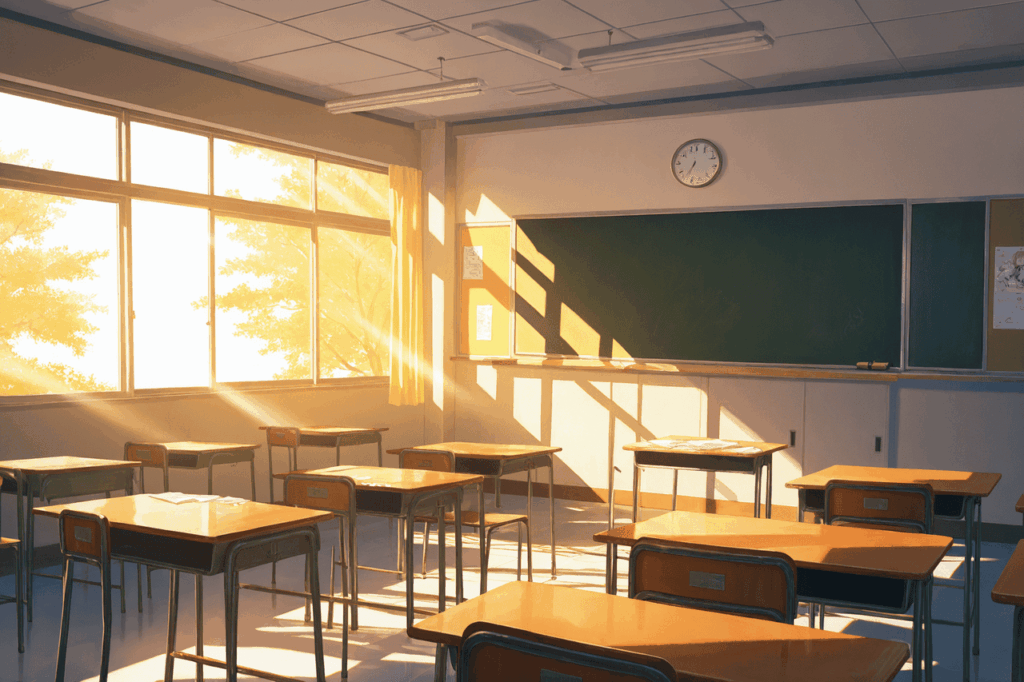
Tsubaki
Prompt 2:
no human, Anime station platform low-angle, [Foreground: empty bench with newspaper] [Back: blurred city lights], peeling timetable posters, volumetric dust in sunset light, palette: rust orange/teal/cream
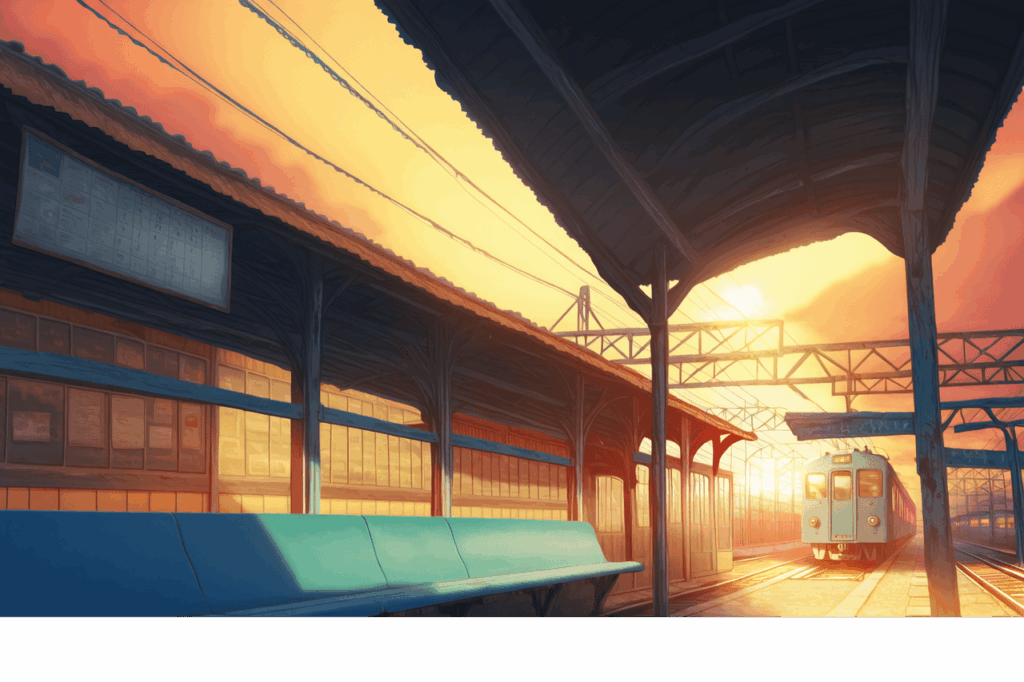
Otome V2
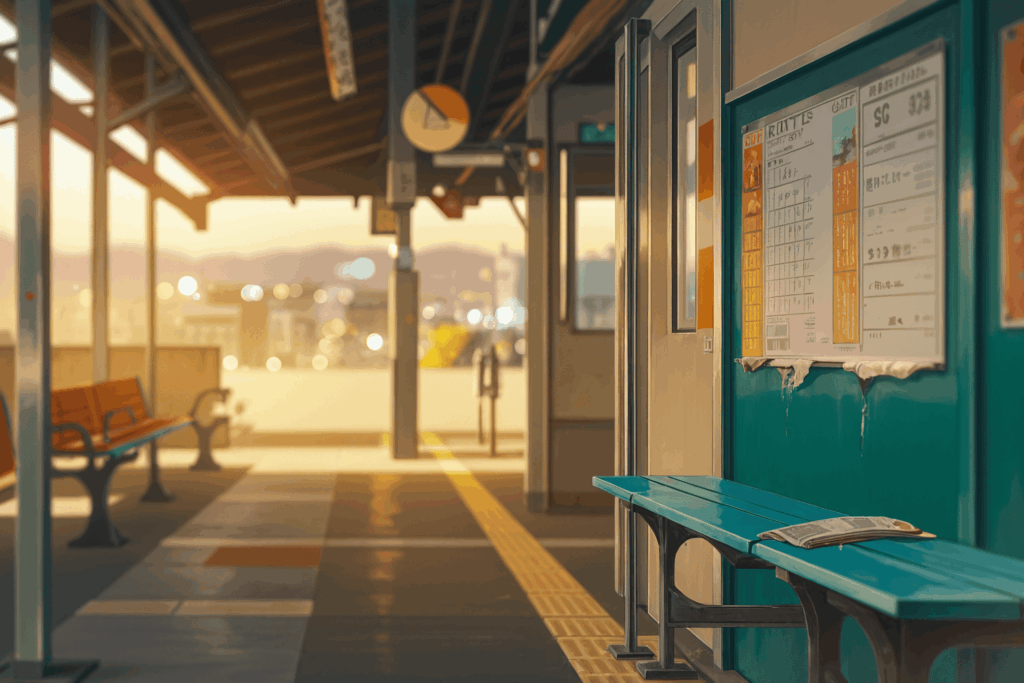
Tsubaki
Natural Language Prompting with Tsubaki
One of Tsubaki’s most powerful features is its ability to understand natural language descriptions. You don’t need to add ‘no humans’ tags or use specific LoRAs – Tsubaki automatically understands you want a background.
Natural Language Example:
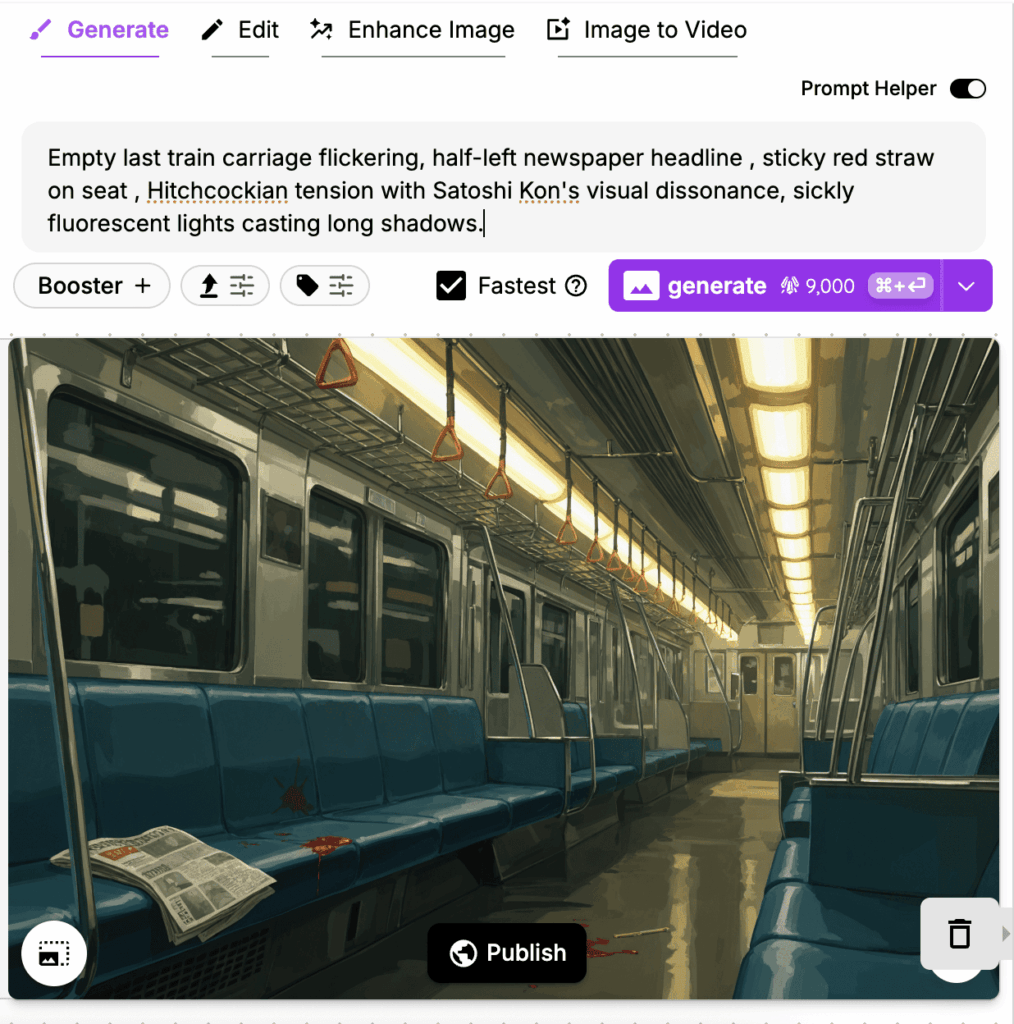
The beauty of natural language prompts is that you can describe exactly the mood and story you want to tell, and Tsubaki understands the narrative context to create backgrounds that enhance your storytelling.
Conclusion
You now have the complete toolkit for creating professional-quality AI backgrounds! Remember these key principles:
- Simple backgrounds work best when you need clean, unobtrusive elements
- Application-specific backgrounds require careful consideration of their intended use
- Cinematic backgrounds excel when you want to create mood and atmosphere
The key to great backgrounds is understanding your intended use case and choosing the right approach accordingly.
If you’re ready to take your background generation to the next level, definitely give Tsubaki a try. Its advanced understanding of composition and lighting can elevate your work to professional standards.
Happy creating!