
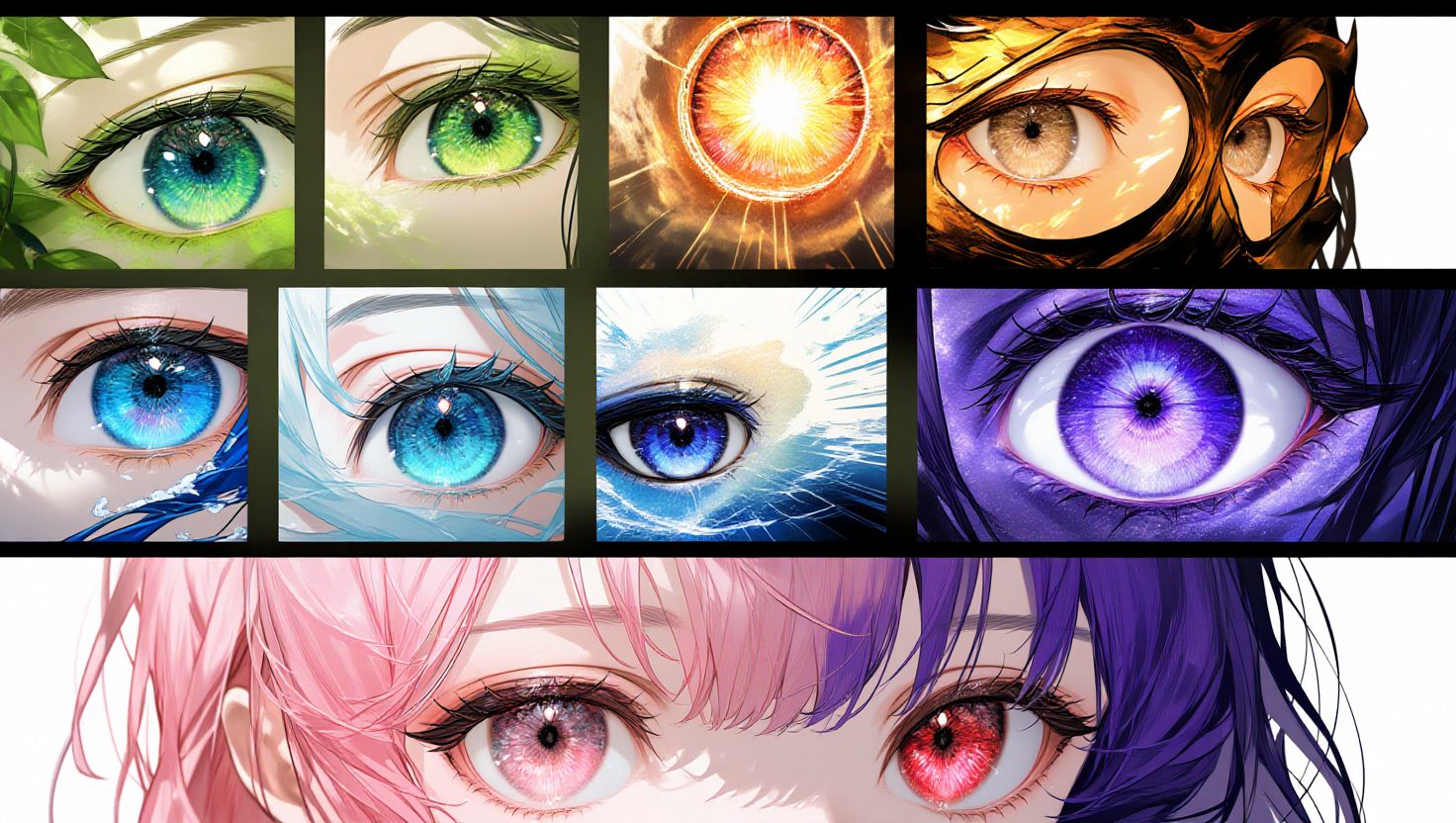
In character design, the eyes are often what make a character truly memorable — and this holds true even when generating images with AI. Great eye design can dramatically influence the overall impression and appeal of your character.
This guide will walk you through essential techniques for generating attractive and expressive eyes using PixAI, complete with six real prompt examples you can use directly. Try them out in PixAI and see the difference eye design makes!
The 5 Fundamental Elements of Attractive AI‑Generated Eyes
Before diving into prompts, it’s important to understand the key components that shape eye expression and aesthetic quality:
- Eye Shape and Size
- large eyes — cute and expressive
- round eyes — innocent and soft
- sharp eyes — cool or intense
- droopy eyes — gentle and soothing
- Iris Color(Eye Color)
- Basic colors: blue eyes, green eyes, red eyes, purple eyes, pink eyes, golden eyes
- Color intensity: bright blue eyes, vivid red eyes, pale pink eyes
- Highlights and Shine:
- sparkling eyes
- glowing eyes
- star‑shaped highlights
- detailed eye highlights
- Detail in the Iris and Pupil:
- detailed pupils
- detailed iris
- intricate iris pattern
- Eyelashes and Surrounding Features Well‑defined eyelashes help emphasize eye shape and expression:
- long eyelashes
- thick eyelashes
- detailed eyelashes
Six Eye Prompt Examples You Can Use in PixAI
Below are ready‑to‑use prompts designed specifically to generate expressive and visually appealing eyes. Each prompt focuses on a different style or emotional vibe.
Example 1 — Sparkling Large Anime Eyes (Highly Recommended)
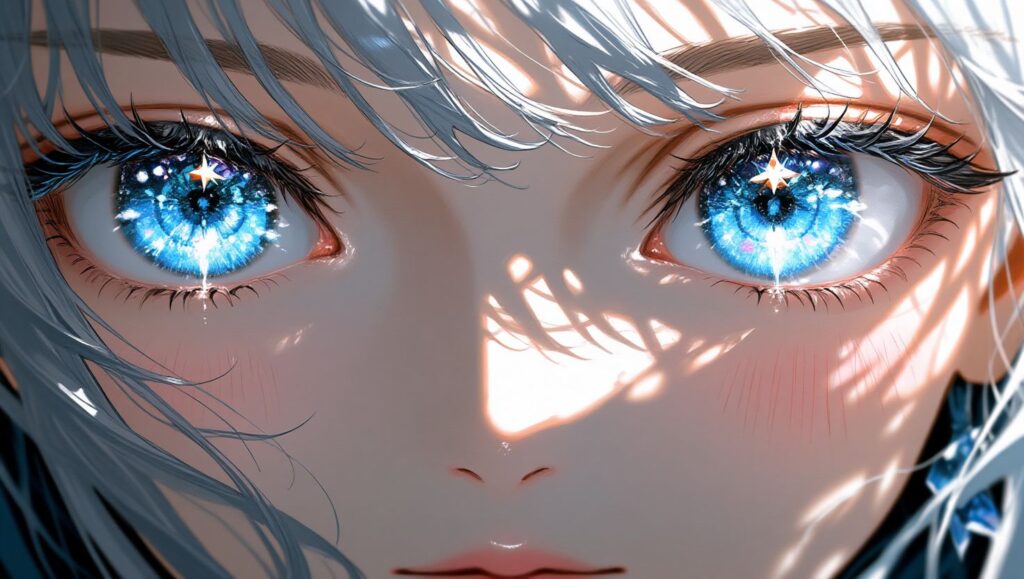
<masterpiece, best quality, ultra detailed, 1girl, solo, beautiful detailed eyes, large eyes, sparkling eyes, blue eyes, bright blue eyes, detailed pupils, star-shaped highlights, multiple highlights, long eyelashes, looking at viewer, close-up face, soft lighting>
Focus: Classic bright anime eyes with layered highlights and rich blue tones for a cheerful, engaging look.
Example 2 — Mystically Glowing Fantasy Eyes
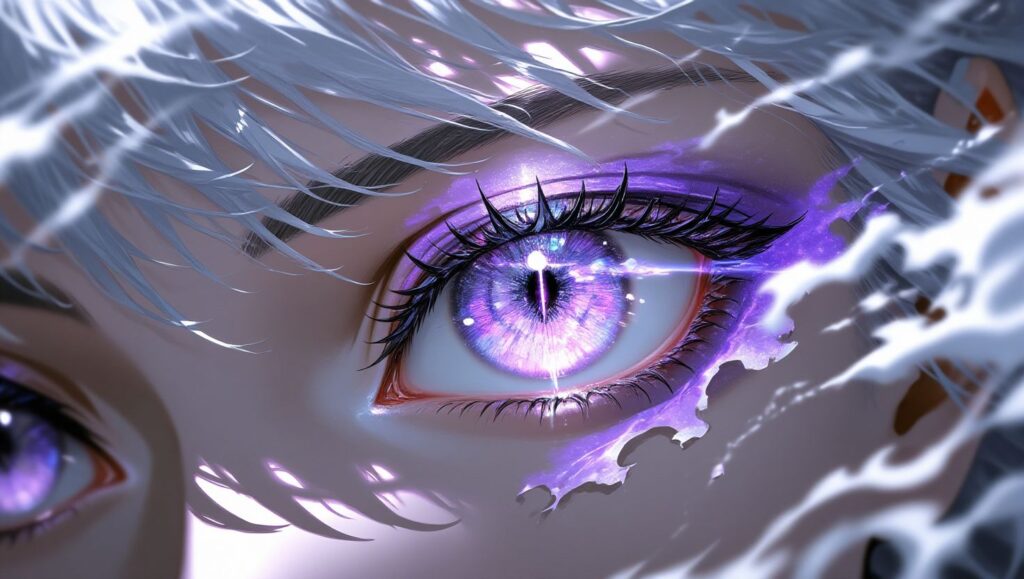
<masterpiece, best quality, ultra detailed, 1girl, solo, glowing eyes, luminous eyes, purple eyes, mystical eyes, detailed iris, intricate iris pattern, shimmering eyes, long eyelashes, magical atmosphere, soft glow, looking at viewer, close-up>
Focus: Fantasy‑style luminous eyes with complex iris patterns and a magical aura.
Example 3 — Sharp, Intense Eyes (Cool Style)
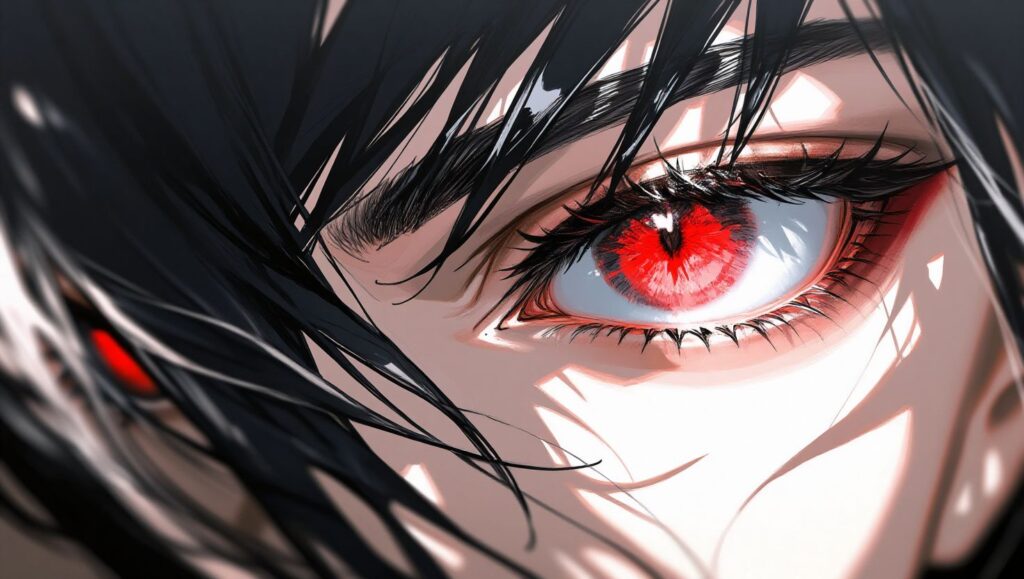
<masterpiece, best quality, highly detailed, 1girl, solo, sharp eyes, narrow eyes, piercing gaze, intense eyes, red eyes, vivid red eyes, detailed eyes, strong expression, serious look, long eyelashes, dramatic lighting, looking at viewer, close-up>
Focus: Sharp eyes with intense red hues and dramatic lighting for a bold, striking expression.
Example 4 — Gentle, Calm Eyes (Healing Style)
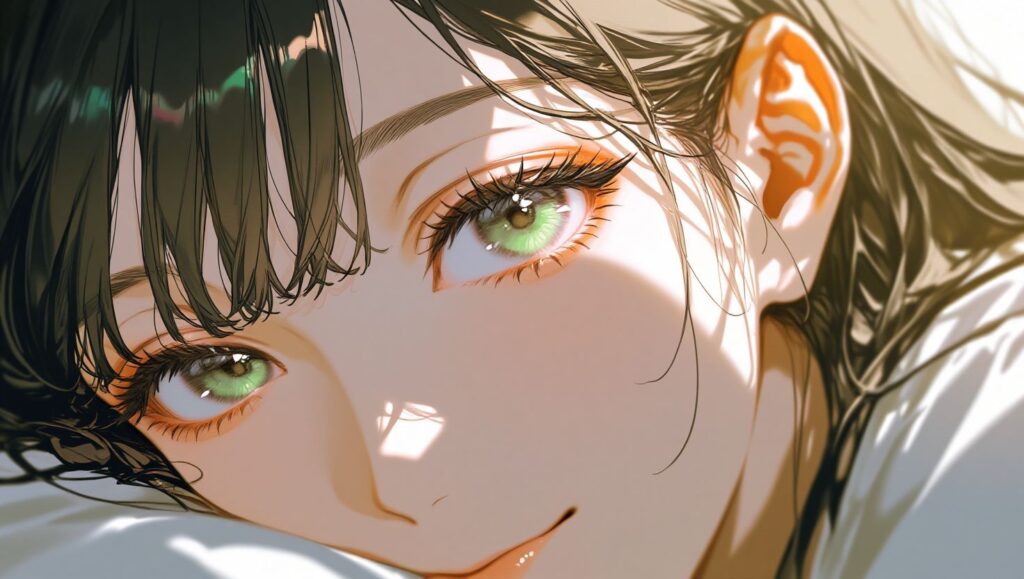
<masterpiece, best quality, ultra detailed, 1girl, solo, gentle eyes, soft eyes, droopy eyes, warm eyes, green eyes, soft green eyes, kind expression, detailed eyes, long eyelashes, soft lighting, peaceful expression, looking at viewer, close-up>
Focus: Softer shapes and warm green tones create a calm, soothing look.
Example 5 — Crystal‑Clear Jewel‑Like Eyes
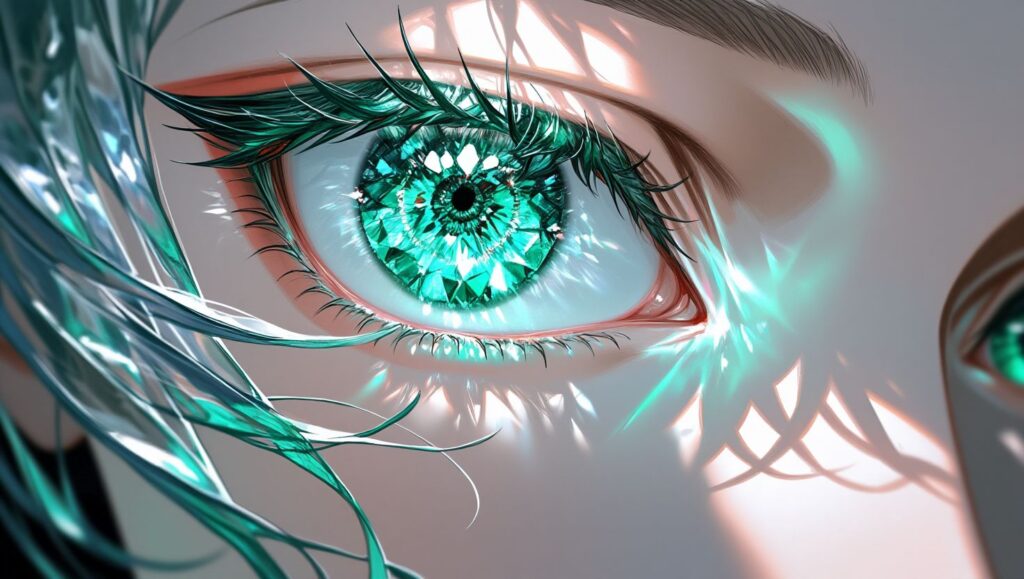
<masterpiece, best quality, ultra detailed, 1girl, solo, crystal clear eyes, jewel-like eyes, emerald eyes, bright emerald eyes, detailed iris, visible iris texture, glass-like eyes, sparkling eyes, reflective eyes, long eyelashes, soft lighting, looking at viewer, close-up>
Focus: Transparent, gem‑like expressions with visible iris texture for a striking visual appearance.
Example 6 — Gradient Color Eyes
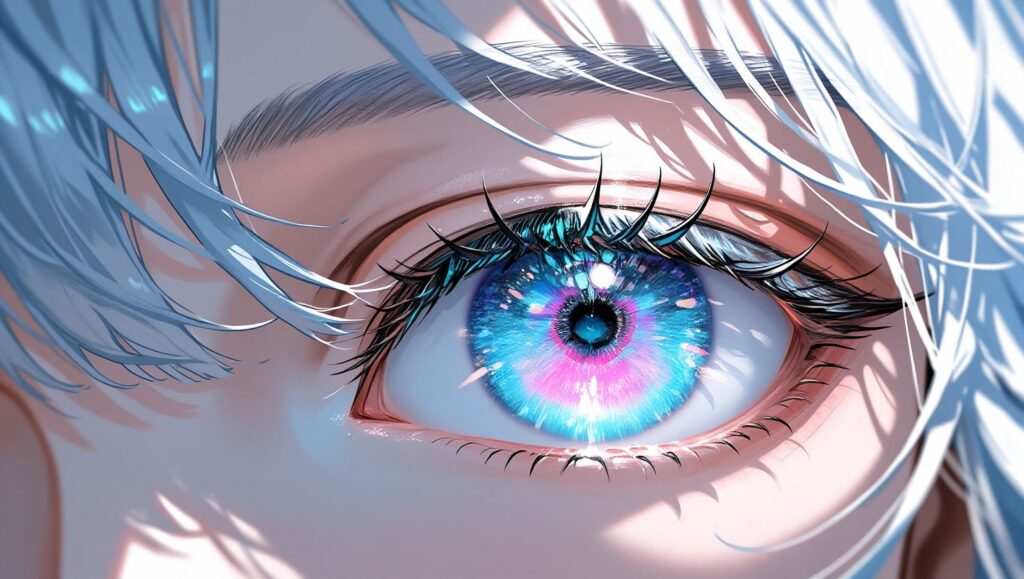
<masterpiece, best quality, ultra detailed, 1girl, solo, gradient eyes, color gradient eyes, blue to pink gradient, multicolored eyes, beautiful detailed eyes, detailed iris, sparkling eyes, unique eyes, long eyelashes, soft lighting, looking at viewer, close-up>
Focus: Color gradients inside the iris add variety and flair to eye design.
Advanced Techniques to Enhance Eye Expression
Beyond prompts, you can further refine eye appearance using the following techniques:
- Changing the Impression of Lighting
Soft impression:
- soft lighting, gentle lighting, warm lighting
Dramatic impression:
- dramatic lighting, rim lighting, cinematic lighting
- Gaze Direction to Convey Story
- Looking at viewer — confident and direct
- Looking up — cute or shy
- Looking down — thoughtful or introspective
- Looking away — distant or contemplative
- Express Emotion Through the Eyes
- happy eyes, smiling eyes — joy
- sad eyes, teary eyes — sorrow
- angry eyes, fierce eyes — rage or determination
- surprised eyes, wide eyes — surprise or shock
Common Eye Generation Issues & How to Fix Them
Even with the best prompts, you might encounter some common problems. Here’s how to fix them:
Problem: Eyes not matching the specified color Solution:
- Use stronger descriptors like bright blue eyes or vivid blue eyes
- Place color details at the beginning of the prompt
- Add negative terms (e.g., brown eyes, green eyes) to exclude unwanted colors
Problem: Highlights are missing Solution:
- Add terms like sparkling eyes or star‑shaped highlights
- Increase overall lighting keywords like bright lighting or soft lighting
Problem: Asymmetrical or uneven eyes Solution:
- Emphasize symmetric eyes or symmetrical face
- Use negative prompt terms like asymmetric eyes or different sized eyes
Optimal PixAI Settings for Eye Generation
Here’s a recommended configuration to improve eye quality in PixAI:
- Sampling Steps: 30–35
- CFG Scale: 5.0–7.0
- Sampling Method: Euler
- Negative Prompt Examples: bad eyes, poorly drawn eyes, asymmetric eyes, different sized eyes, ugly eyes, blurry eyes, dull eyes, no highlights
Summary: 3 Keys to Better AI‑Generated Eyes
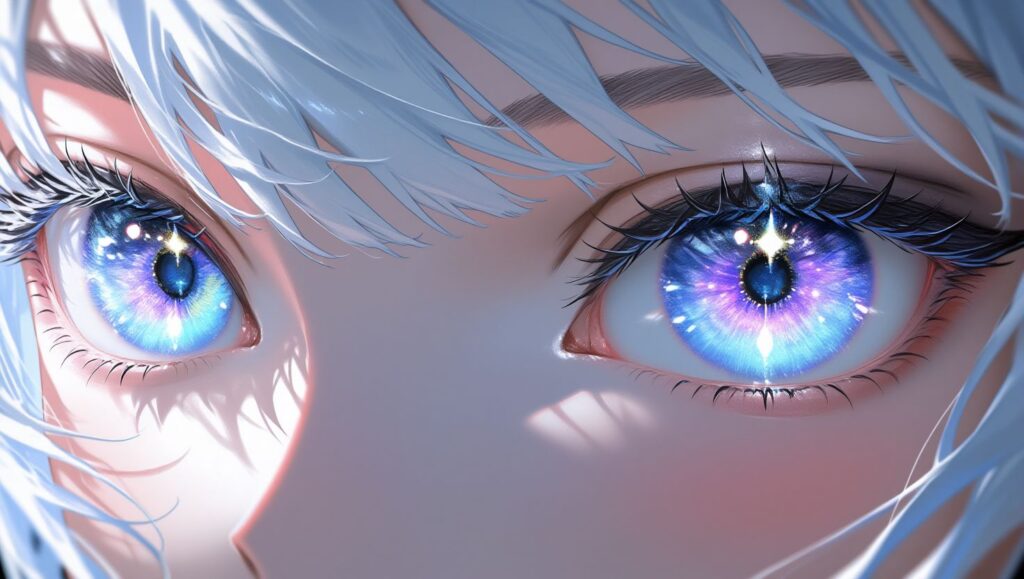
- Specify core eye features: size, color, highlights, pupil detail, eyelashes.
- Use lighting and gaze direction to enhance emotion and mood.
- Apply negative prompts to avoid common generation flaws.
Eyes are often called the soul of a character. By focusing on detail and using expressive prompts, you can dramatically elevate the visual impact of your AI‑generated characters.
📌 Tip: Try copying the example prompts directly into PixAI’s prompt box and adjusting lighting or gaze keywords to explore different expressive effects.