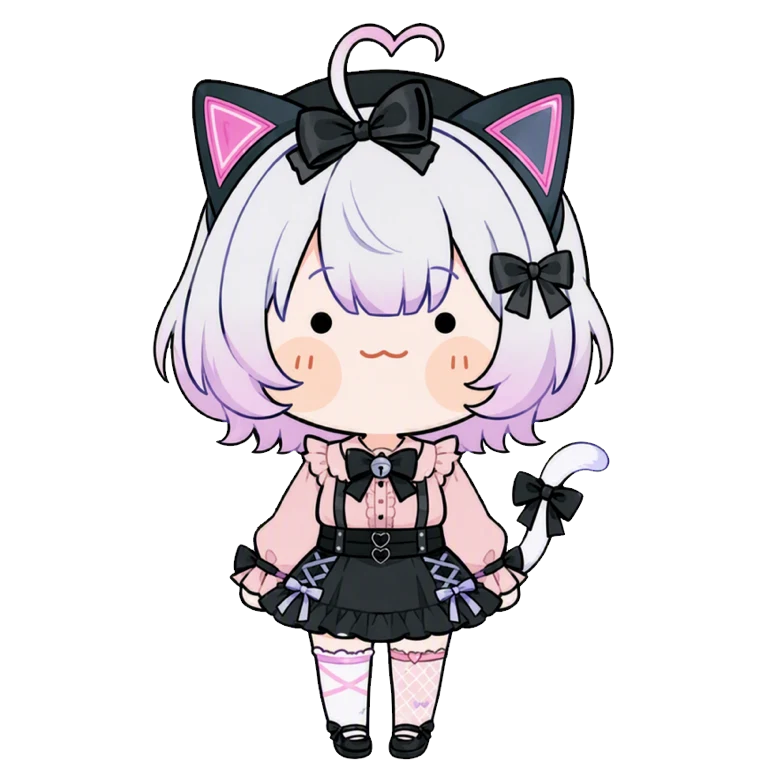
Download here: https://civitai.com/models/530820
---Generation Setting---
Sampling Steps: 20~30
Sampling Method: DPM++ 2M Karras
CFG scale: 7
Clip skip: 1~2
SD VAE: kl-f8-anime2
What does it do?
[COLOR+STYLE] It generates images with the SECONDARY color hue. It also ends up with a less obvious style if left unprompted. I've attempted to control the skin hue(or shadow) but the result is unstable and highly model dependent.
What are the triggers?
The main color triggers are: Orange, Green, Purple, Black, White.
The colors can be customized by playing around with the combination, the position of the prompt affects the priority of the color, the color in front will be prioritized. Check my prompts for examples. If you use other colors, their hue may shift closer to SECONDARY.
Optional add-on prompts: ,1girl, solo, portrait, (color) background, (color) skin
*There is also a SECONDARY prompt BUT I still don't know what it does...😢 If anyone know, lmk.
Recommended Weight
Depending on the models used, the weight is good from 0.3 to 1.2.
On average, 0.7 to 1.1 have a more stable result.
Recommended model:
RE-LIVE_VIVIDPAST makes the colors POP if you want a burst of colors.
All models will have different brightness results. Base on tests:
- Most realistic model have duller colors.
- Most semi-realistic model have darker colors.
- Most chibi model have brighter colors.