Keanggotaan PixAI
PixAI
PixAI
Generate
Sign in
Beranda
Buat
Model
Studio
NEW
Kontes
Buat dengan Mio.2
Toolbox
NEW
Dokumen PixAI

LoRA Pengguna

XL
Gaya

Crayon ✏️ by HuggyE07

Alat AI
  • Generator Anime AI
  • Generator Figur Anime
  • Generator Lembar Karakter
  • Generator Sampul Majalah
  • Generator Boneka
  • Generator Patung Raksasa

Temukan

  • Tag Populer
  • Peringkat
  • Model Market
  • Kontes
  • Berita

Tentang

  • Dokumen PixAI
  • Cara Menggunakan PixAI
  • Tsubaki.2
  • Kenalan dengan Mio
  • Aturan Konten

Harga & Bantuan

  • Keanggotaan
  • Paket Kredit
  • Kontak

Aplikasi Seluler

  • Dapatkan aplikasi PixAI
  • App Store
  • Google Play
© 2026 PixAI
  • Ketentuan Layanan
  • Kebijakan Privasi
  • Kebijakan Hak Cipta
  • Attributions
  • Undang-Undang Transaksi Komersial Tertentu
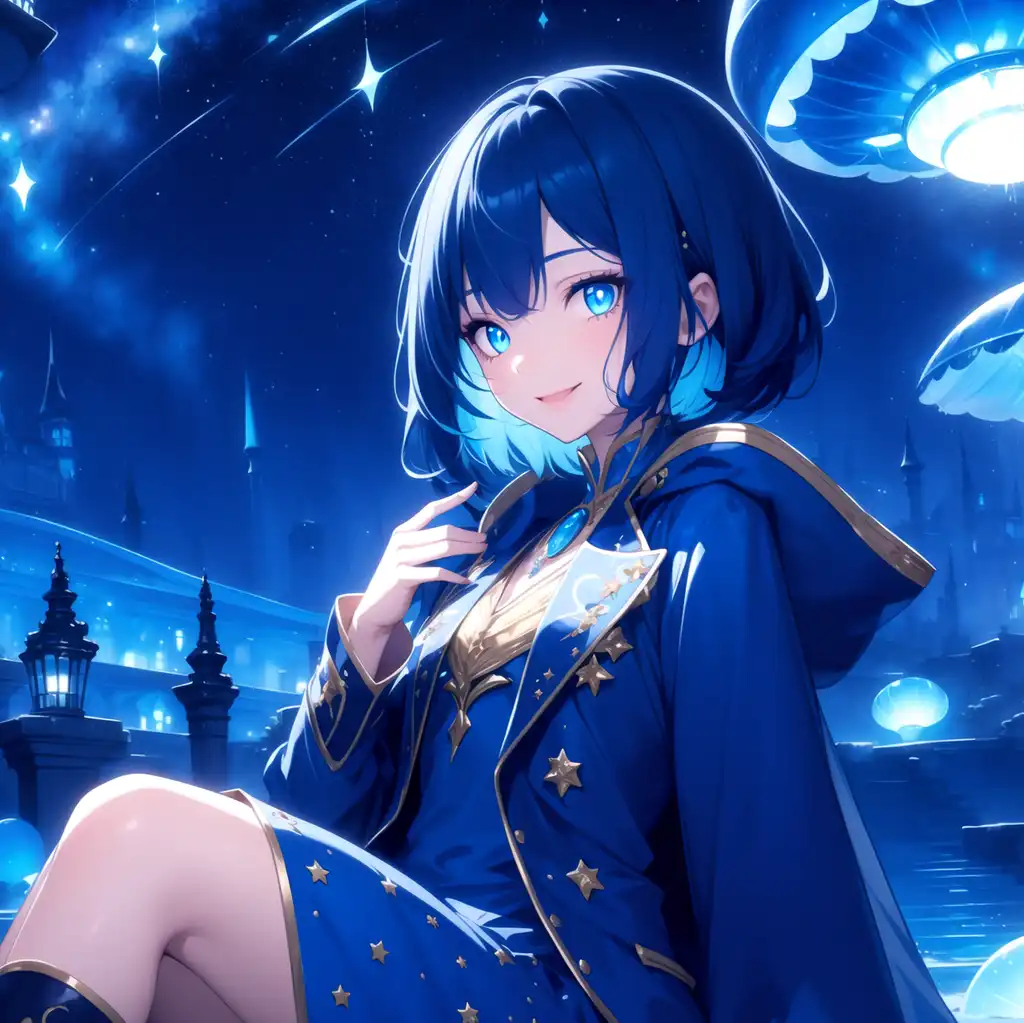
Crayon ✏️ by HuggyE07 - AI Model cover image
Diunggah pada
3 Apr 2025, 05.55
Penggunaan
5.1k
Ulasan
Belum ada ulasan
Kata Pemicu

hu99y

Izin
  • Izinkan pembuatan & berbagi gambar
  • Izinkan pengguna mengunduh model Anda
  • Penggunaan komersial

LoRA yang Direkomendasikan

Honeypie Girl - AI Model cover image

LoRA Pengguna

Honeypie Girl
5
Fantasy Glowing Effects - AI Model cover image

LoRA Pengguna

Fantasy Glowing Effects
1.47k
金髪白ギャル - AI Model cover image

LoRA Pengguna

金髪白ギャル
3
[IllustriousXL v0.1] Nonomi (Blue Archive) - AI Model cover image

LoRA Pengguna

[IllustriousXL v0.1] Nonomi (Blue Archive)
2

Deskripsi

📒 Current issuesA crayon-style LoRA for SDXL Pony was trained using 168 images with Epochs 10, Num Repeats 10, UNet LR 0.0005, Text Encoder LR 0.00005, Network Dim 32, Alpha 16, and Noise Offset 0.1. Although the training preserved the character’s likeness, the generated images were excessively refined, causing the crayon texture to be smoothed out. Attempts to restore texture by lowering the CFG scale to 1.5 and adjusting the step value to 19 resulted in faded colors and deformations. An extra “SDXL Lighting 8 Step” LoRA improved overall quality, yet a more optimal training setup was needed.📒 Alternative training settings for next versionUNet Learning Rate: Reduce from 0.0005 to 0.0003–0.00025. Prevents excessive refinement and helps maintain rough textures.Noise Offset: Lower from 0.1 to 0.05–0.02.High noise offset can make textures too clean, so lowering it should keep the crayon strokes more visible.Min SNR Gamma: Set to ~3 to minimize over-smoothing. Civitai defaults to 5, lowering it to 3 reduces the model's tendency to over-polish details.Parameter Reduction: Lower Network Dim to 16–24 and Alpha to 8–16 for a smaller file size.📒 Important instructions for V1.1The key to generate images with rich crayon strokes is to set a low CFG value.If your scene is very simple (solo and close-up portrait), turn draft mode on, as in draft mode the CFG value is 1 and the step value is 8. However 8 is a very low step value for any image, you might see missing limb and deformed hand, plus use low CFG scale setting will make your work monochrome.Use SDXL lightning 8step lora, starting with CFG value 1.5 and step value 19.Depend on complexity of the scene, if you see object missing, increase the step value; if there are extra objects like fingers, lower the step value.Any quality related tags in both positive and negative prompt will neutralize crayon textures.🎉 This lora is part of my goal to create 100 lora.

Komentar