PixAI iOS 앱 App Store 일시 다운로드 중단 안내 — PixAI 이용자 여러분께 현재 PixAI iOS 앱을 App Store에서 검색하거나 다운로드할 수 없는 상황입니다. 빠른 시일 내에 다시 다운로드하실 수 있도록 Apple 측과 적극적으로 협의하고 있으며 서비스…
https://civitai.com/models/159507
Author notes, Talboc:
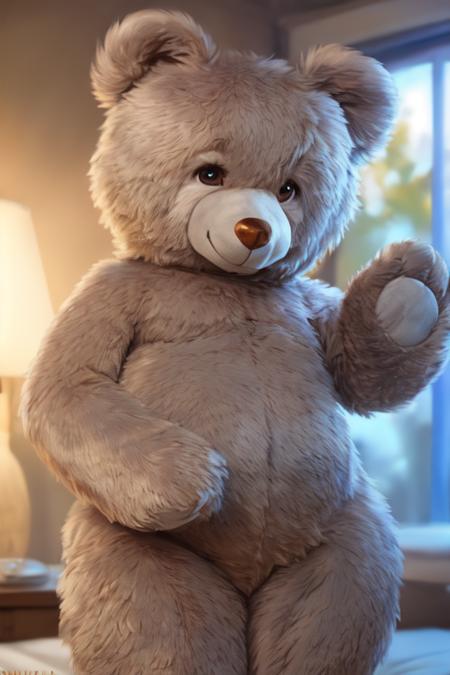
originally ran this to teach myself a bit more about LoRA training settings. But it turned out good enough that I decided to upload it. It's trained on twelve images of a giant 50-inch tall teddy bear plush toy manufactured by a company called Sugar Tubs. But it can also be used to plushify characters by balancing the strength of their own LoRA against the weight of this one.
I've found that dialing down the strength of a character LoRA, but then using ((brackets)) or (emphasis:1.5) to crank up specific keywords for character details can help with getting a likeness nailed down.
It can also be used to generate non-bears, by just using plushie as a keyword, and leaving bear and teddy_bear out of your prompt.
Base Model is YiffyMix_V34
댓글
Teddy Bear Toy/Plushify, Character/Concept LoRA by Talboc으로 만든 작품