23
Euler a
7
Fresh dataset everyone!
The dataset have been updated and the improvements is very nice.
https://civitai.com/models/34553/aingdiffusion?modelVersionId=249329
Read "About this version" to see what changes made to the model. I might make changes you don't like and you maybe wanna stay on the older version.
The model also available at HuggingFace: https://huggingface.co/kayfahaarukku/AingDiffusion. Please do mind that I'm not very active on HuggingFace.
Maintaining a stable diffusion model is very resource-burning. Please consider to support me via Ko-fi.
AingDiffusion will ALWAYS BE FREE.
EXP models will be updated here to reduce confusion: https://civitai.com/models/52780.
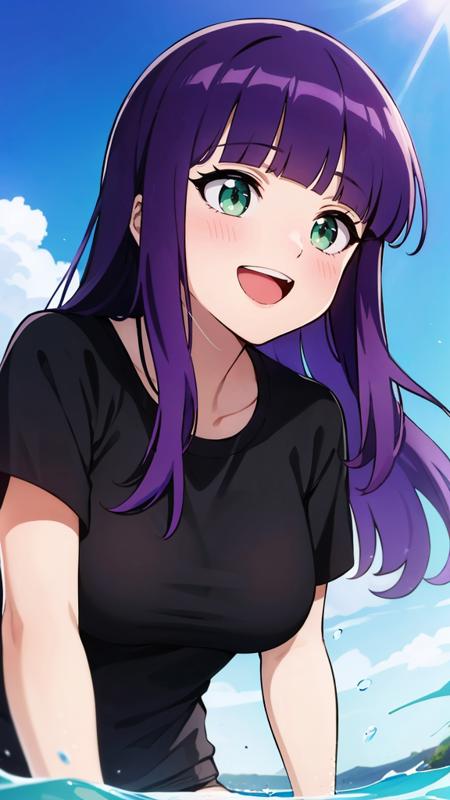
=== AingDiffusion (read: Ah-eeng Diffusion) is a merge of a bunch of anime models. This model is capable of generating high-quality anime images.
The word "aing" came from informal Sundanese; it means "I" or "My". The name represents that this model basically produces images that are relevant to my taste.
Guide to generate good images with this model (NOT REQUIRED SINCE v7.7. FOR AINGDIFFUSION v7.7 AND UP, SET THE VAE TO NONE) Use the VAE I included with the model. To setup VAE, you can refer to this guide.
Use any negative textual inversion (e.g. EasyNegative), they will help you a lot.
Recommended samplers are "Euler a and DPM++ 2M Karras" for AingDiffusion v7.1 and up.
Hi-res fix is a must if you want to generate high-quality and high-resolution images. For the upscaler, I highly recommend 4x-UltraMix Balanced or 4x-AnimeSharp.
Set Clip skip to 2 [optional, if you need more creativity to the output and not following the prompt 100%], ENSD (eta noise seed delta) to 31337 [to replicate image] and eta (noise multiplier) for ancestral samplers to 0.667.
FAQ Q: What's up with the frequent updates?
A: AingDiffusion and KayWaii are models I use daily, not something I merge just for gaining popularity or for the sake of download count. I make constant efforts to improve the model whenever possible and wanted to share the improvements as quickly as possible.
Q: I can't generate good images with your model.
A: The first thing to remember is that every little change matters in the world of Stable Diffusion. Try adjusting your prompt, using different sampling methods, adding or reducing sampling steps, or adjusting the CFG scale.
Q: What's the different between AingDiffusion and KayWaii?
A: The difference between AingDiffusion and KayWaii lies in their goals and styles. AingDiffusion aims to create an anime-style output with a touch of pastel aesthetics, as I appreciate how pastel arts colored. Back then, the art style of the pastel model available didn't suit my preferences. On the other hand, KayWaii was initially intended to generate cute girls, but it has now evolved into an anime model with thick linearts.


![Luceria von Diamante/ルセリア・フォン・ディアマンテ (Kyonyuu Fantasy) SDXL LoRA [Illustrious] - AI Model cover image](https://images-ng.pixai.art/images/thumb/f9dcf144-2e18-4664-a5d0-33657cda9657)