สมาชิก PixAI
PixAI
PixAI
Generate
Sign in
หน้าหลัก
สร้าง
โมเดล
Recipe
NEW
Studio
ประกวด
Mio.2

Conversational creation

กล่องเครื่องมือ
Guide

User LoRA

SD

Rage Unleashed

หน้าหลักโมเดลMio.2โปรไฟล์

เครื่องมือ AI

  • OC Maker
  • AI Anime Generator
  • VTuber Maker
  • Sonic OC Maker
  • Hazbin Hotel OC Maker
  • Anime Character Creator
  • AI Figure Generator
  • Genshin OC Maker
  • All AI Tools

สำรวจ

  • แท็กที่กำลังได้รับความนิยม
  • อันดับ
  • ตลาดโมเดล
  • ประกวด
  • ข่าว

เกี่ยวกับ

  • เกี่ยวกับ PixAI
  • Guide
  • วิธีใช้ PixAI
  • Tsubaki.2
  • รู้จักกับ Mio
  • กฎเนื้อหา

ราคาและความช่วยเหลือ

  • สมาชิก
  • แพ็กเครดิต
  • ติดต่อ

แอปมือถือ

  • ดาวน์โหลดแอป PixAI
  • App Store
  • กูเกิล เพลย์
© 2026 PixAI
  • ข้อกำหนดในการให้บริการ
  • นโยบายความเป็นส่วนตัว
  • นโยบายลิขสิทธิ์
  • Attributions
  • กฎหมายว่าด้วยธุรกรรมทางการค้าเฉพาะ
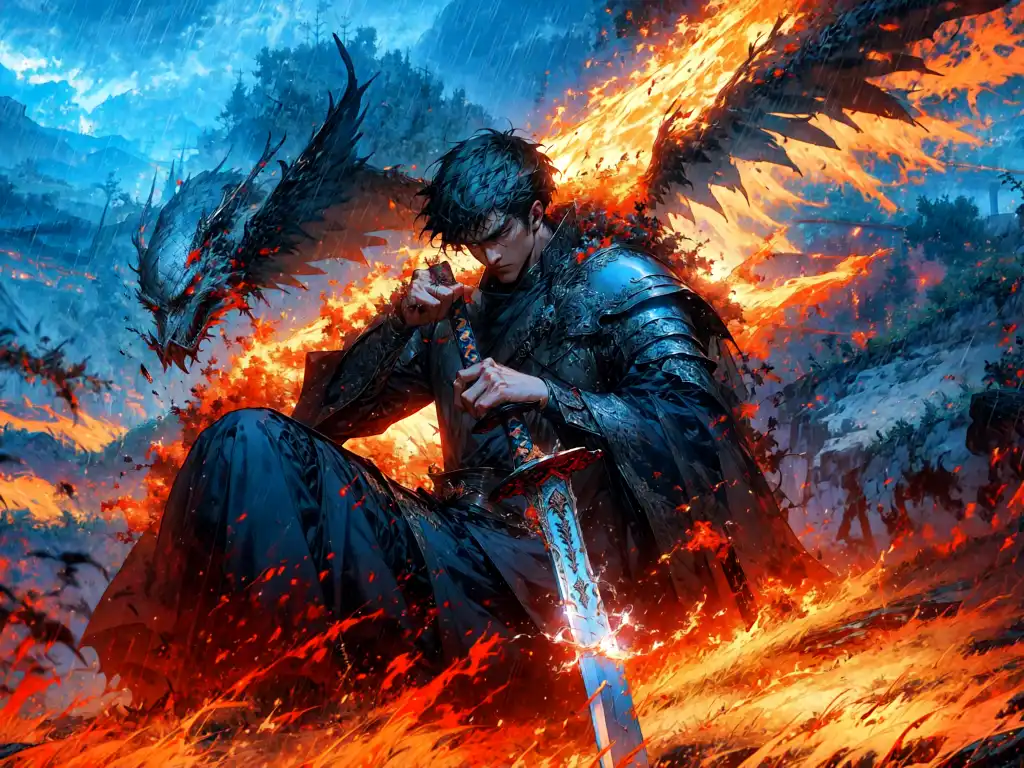
Rage Unleashed - AI Model cover image
อัปโหลดเมื่อ
29 ก.ค. 2566 20:09
การใช้งาน
477k
รีวิว
ยอดเยี่ยม  (66)
คีย์เวิร์ด

r1ge

สิทธิ์
  • Allow image generation & sharing
  • อนุญาตให้ผู้ใช้ดาวน์โหลดโมเดลของคุณ
  • เชิงพาณิชย์

Recommended LoRAs

[LoRA] Glitter/鏡光 Concept (With dropout & noise version) - AI Model cover image

User LoRA

[LoRA] Glitter/鏡光 Concept (With dropout & noise version)
2.75k
MyOC - AI Model cover image

User LoRA

MyOC
0
sarashina_meshiya - AI Model cover image

User LoRA

sarashina_meshiya
5
Monster High Style - AI Model cover image

User LoRA

Monster High Style
16

คำอธิบาย

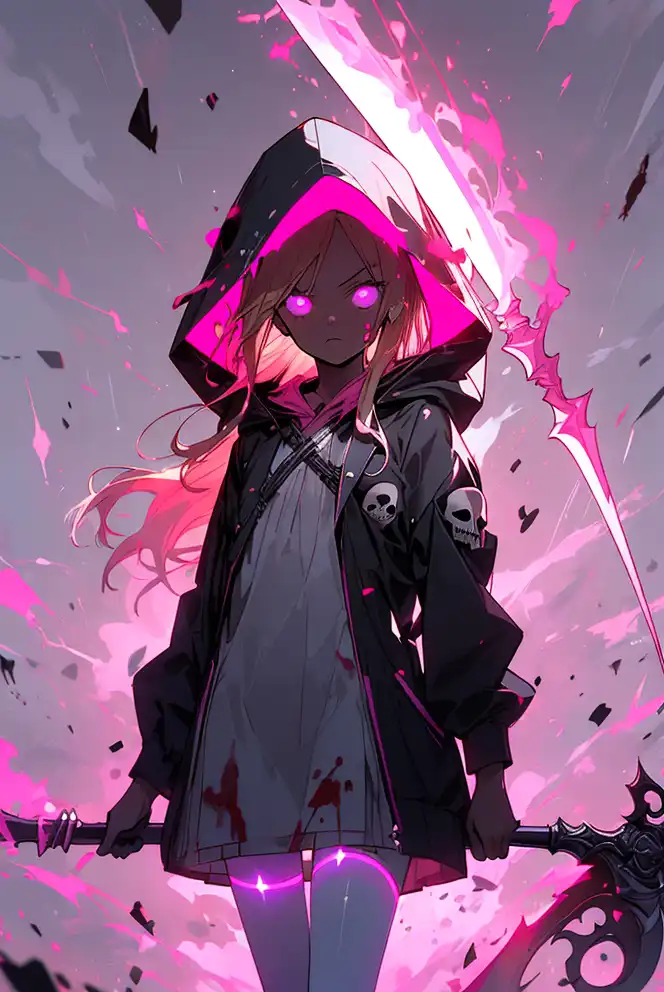
This is a model trained on images of different characters (both from anime and comics) entering their "Super Saiyan" mode. It was a fun concept to train, and i think the results are pretty good :)

The instance token is: r1ge

I recommend using additional prompts like:

glowing, flying debris, magic, aura, energy,

or

glowing, aura, energy, beam, flying debris, [serious|angry], floating hair,

Default color theme seems to be violet, but you can change this up with:

Yellow: (yellow theme:1.2)

Violet: (violet theme:1.2)

Green: (green theme:1.2)

Red: (red theme:1.2)

Blue: (blue theme:1.2)

Adding "dark" will ofc give darker colors which i liked the best. For example:

Yellow: (dark yellow theme:1.2)

คอมเมนต์20