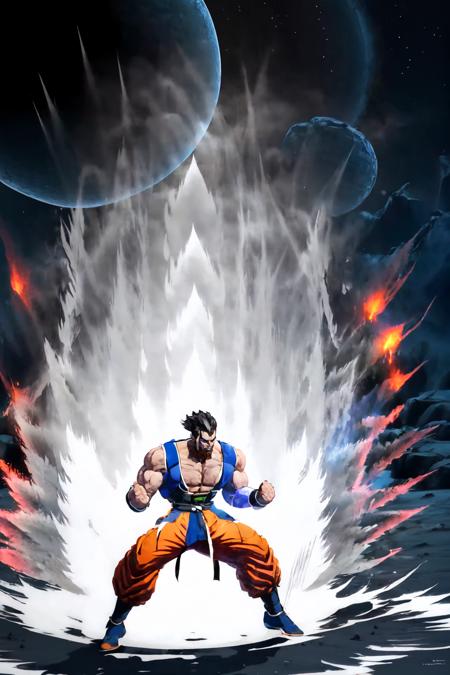
Dragon Ball KI Charge (Aura) | Concept LoRAWeight can go from 0.6 up to 1. I recommend 0.8. Works with almost every Character. Light Version got smaller Aura and Stronger Version does have bigger Aura. Currently no color code. Trying to add that in the near future. Now with only 1 version and Color Support. Adding more weight to dark red recommended.Trigger Word:Ki ChargeHelping Prompt:aura, fighting stanceColor Support:white, red, blue, green, dark red, purple, pink, yellowHow to use LoRA's in auto1111:Download LoRACopy the file to stable-diffusion-webui/models/loraSelect your LoRA and use the triggerwordMake sure to change the weight if needed (by default it's :1)Have Fun!