
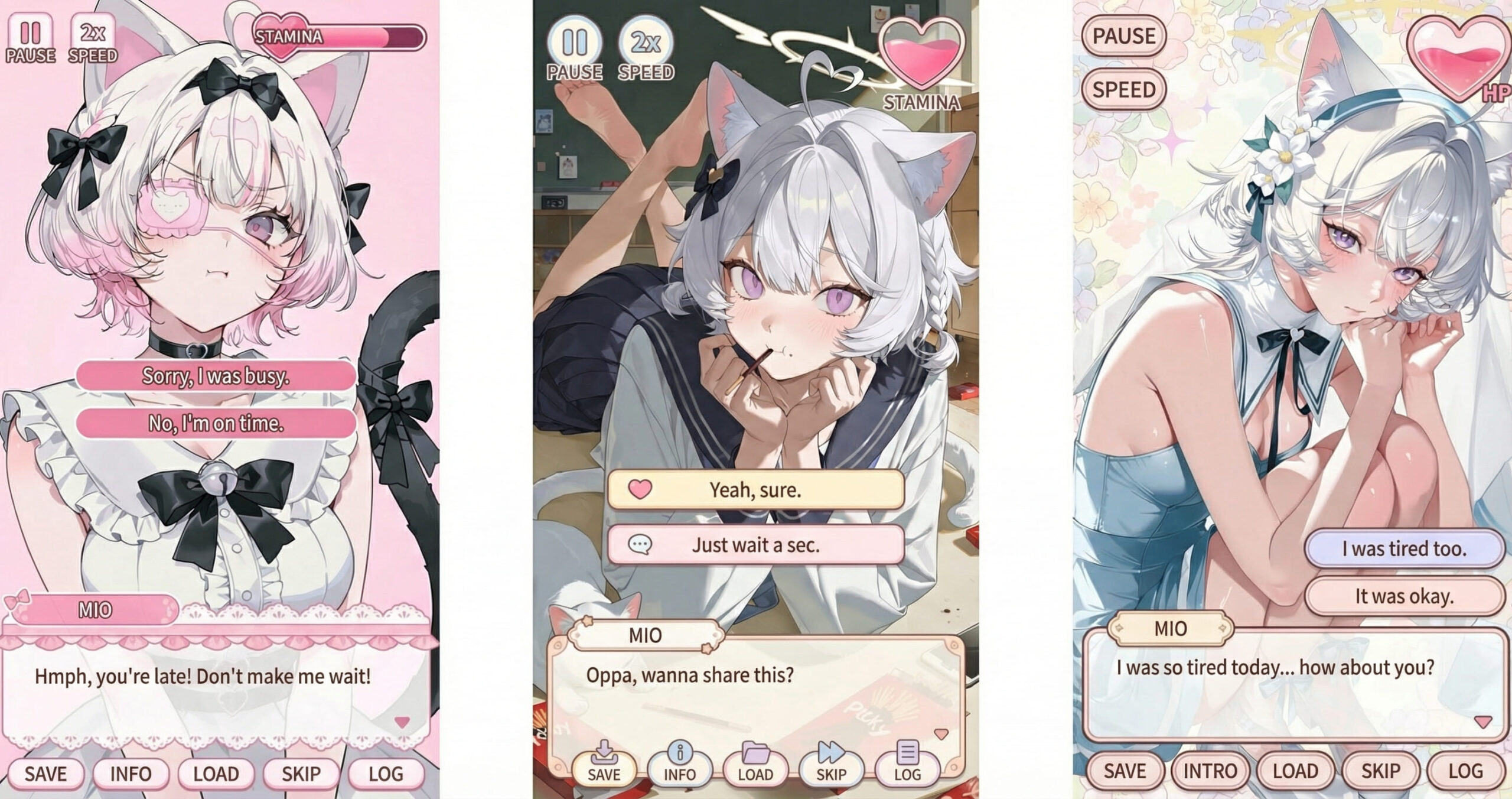
Ever look at your character and wonder:
“What would they say if this were a scene from an actual game?”
The Galgame UI Generator is designed to bridge the gap between a standalone illustration and a fully realized story. As part of the PixAI Creative Toolbox, it doesn’t just “add assets”—it creates a moment.

By intelligently integrating dialogue boxes, branching choices, and game interfaces, this tool lets you visualize your character as the lead of their own story, all while keeping your original art style and pose completely untouched.
What is the PixAI Creative Toolbox?
Think of it as your ultimate creative multiplier. The PixAI Creative Toolbox is a curated suite of AI tools designed to help you take a single spark of inspiration and evolve it into a masterpiece.
Whether you’re looking to create:
- Interactive Game UIs
- Detailed Character Sheets
- Merchandise Concepts
- Social-ready Showcase Visuals
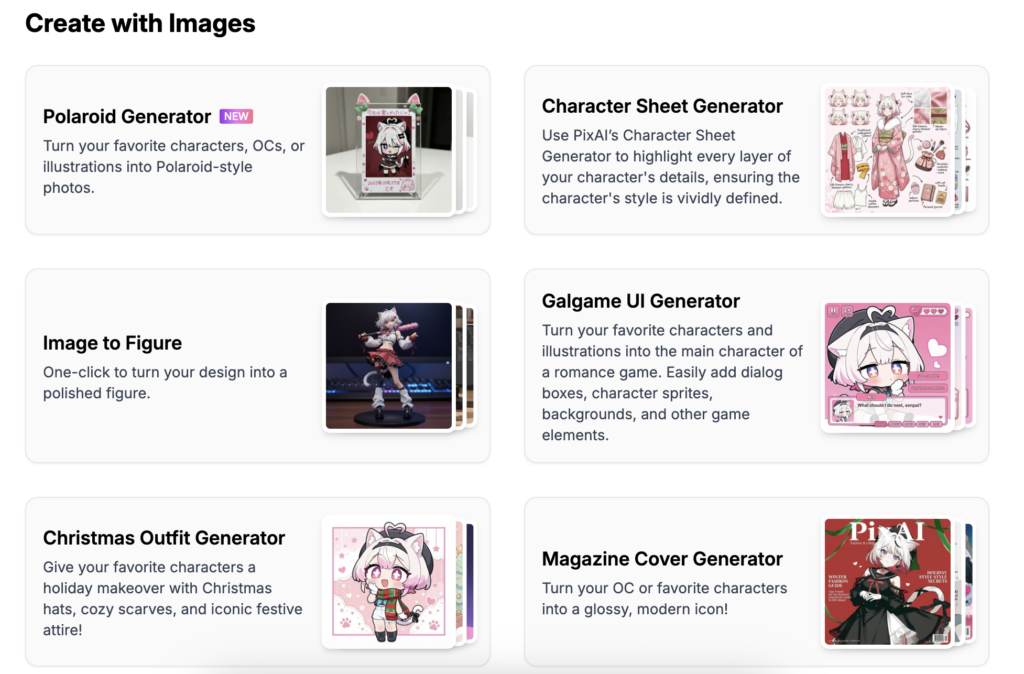
The Toolbox ensures your creative workflow never hits a dead end.
What Makes the Galgame UI Generator Stand Out?
The magic of this tool isn’t about changing who your character is—it’s about reimagining the world they live in.
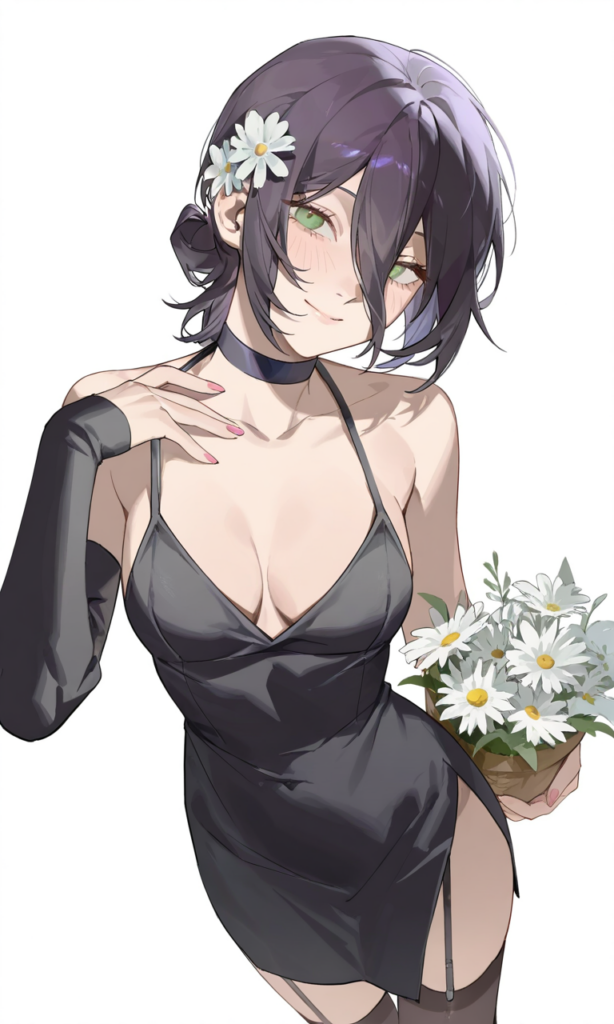
Original Art Style, Fully Preserved
Unlike filters that alter your art, our generator seamlessly overlays UI elements. Your character’s aesthetic, mood, and pose remain 100% consistent.
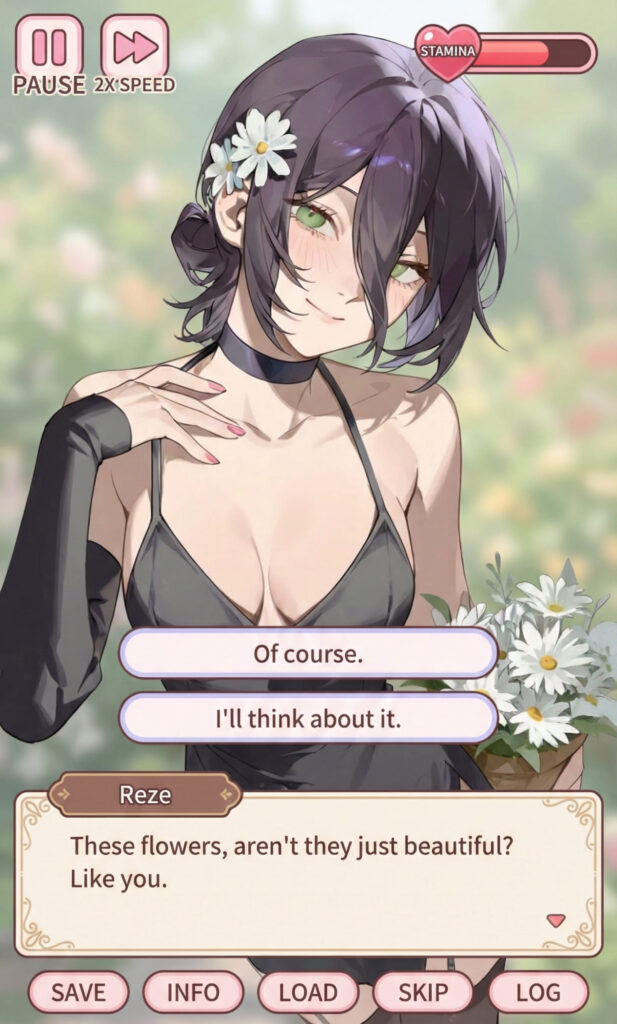
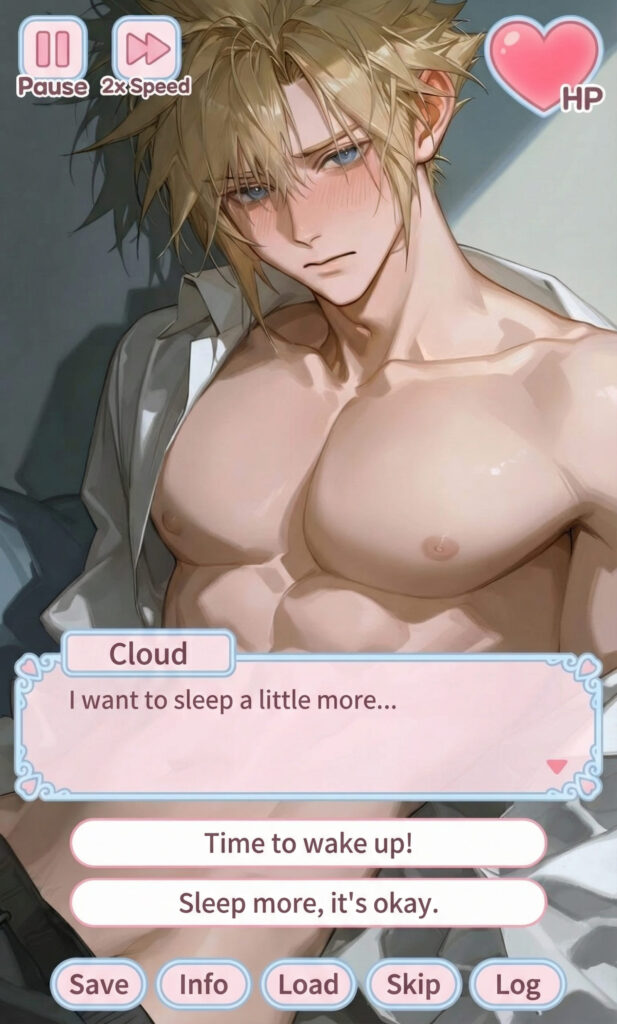
Zero-Effort Layout Composition
Forget fighting with design software. Our AI automatically handles the placement of text windows and interactive buttons for a professional “Day One” game look.
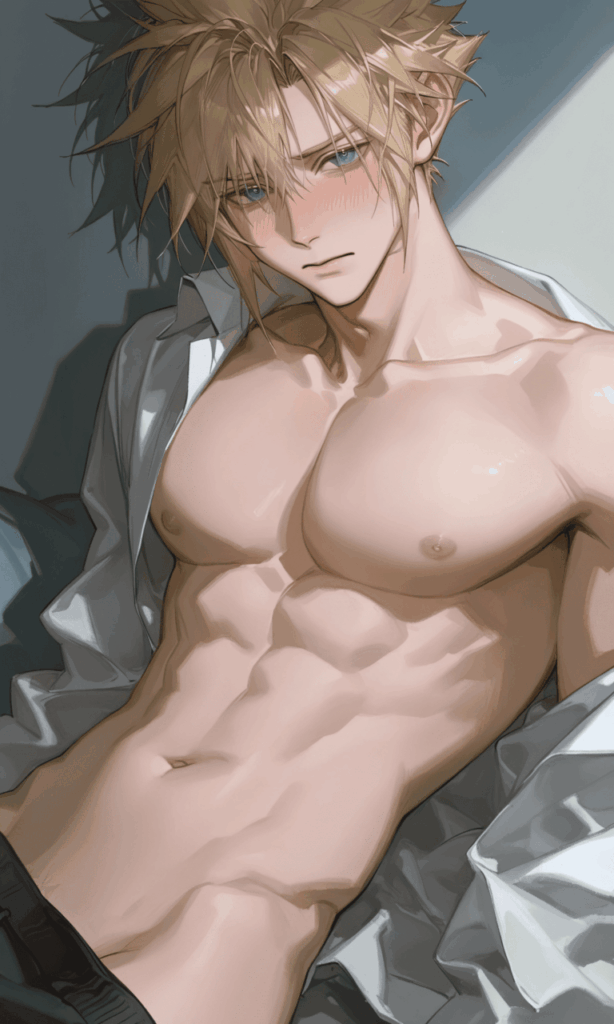
Character Name & Language Settings
Personalize the experience by setting your character’s name and choosing your preferred language. These small touches turn a simple graphic into a deep, immersive narrative.
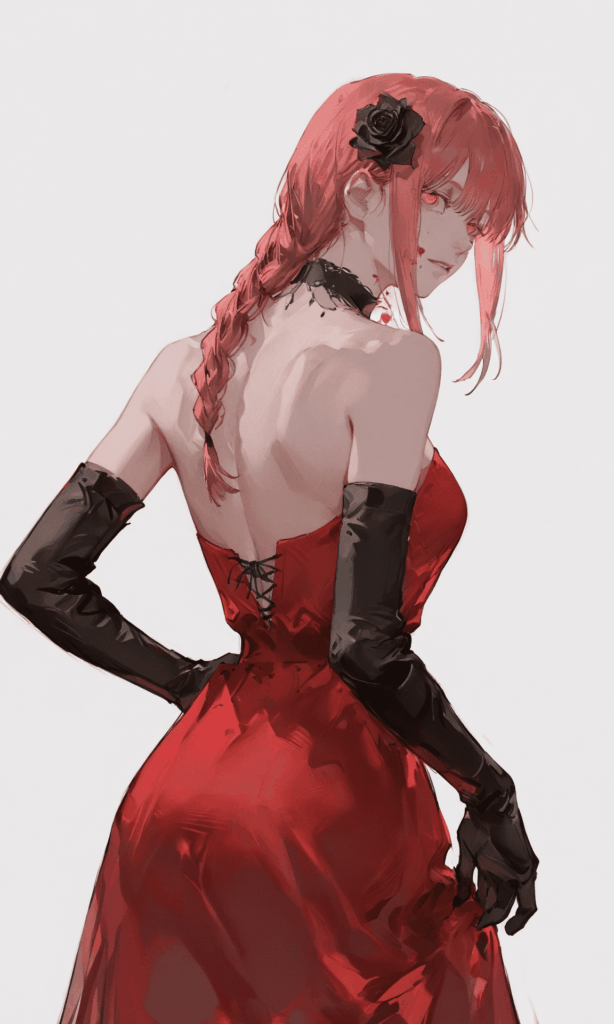
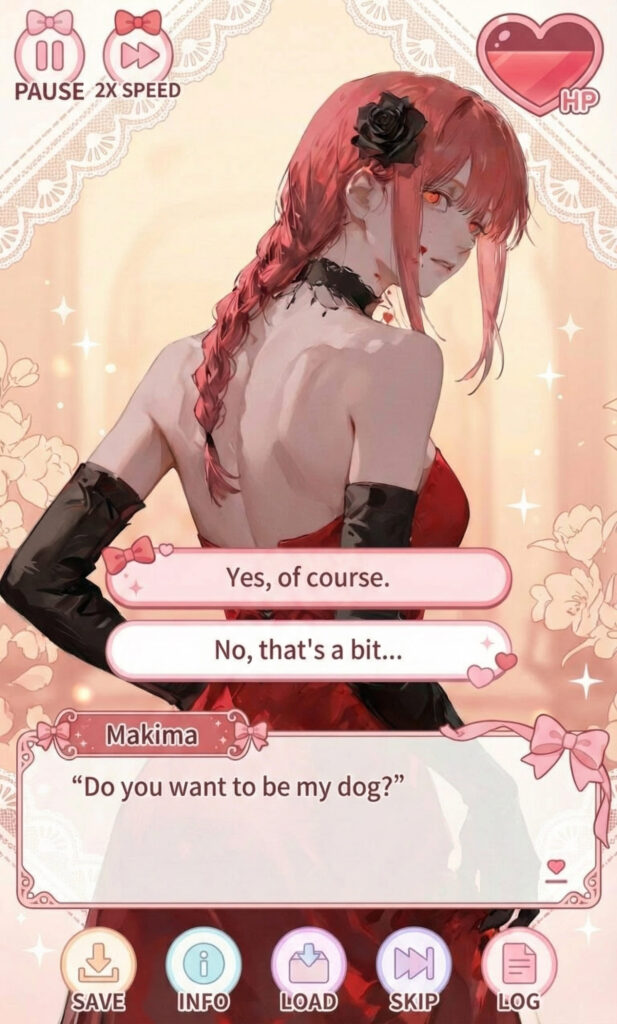
How It Works — Three Simple Steps
The Galgame UI Generator is designed to be instantly approachable, even if you’ve never worked with game UI before.
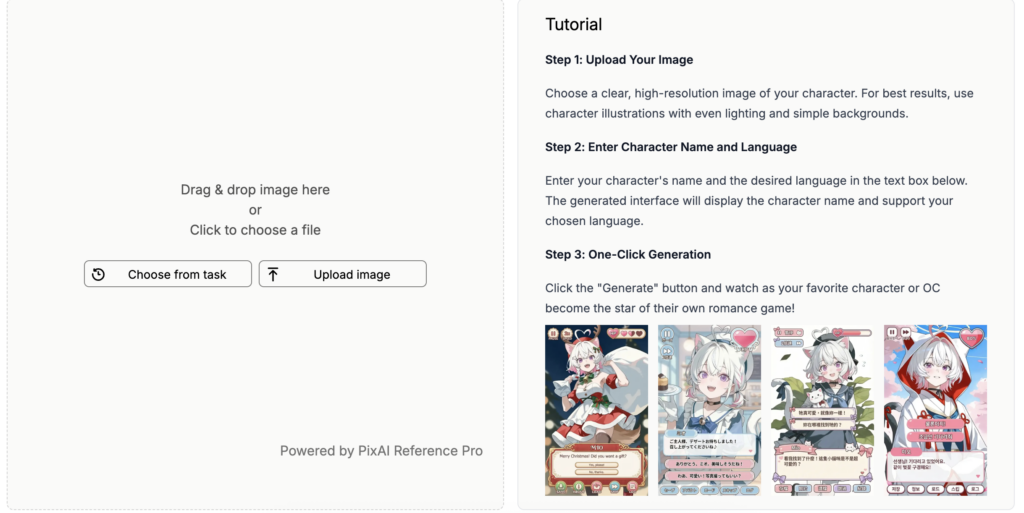
Step 1|Upload Your Image
Upload a clear, high-resolution character image.
Simple backgrounds and even lighting help the character and UI blend more seamlessly.
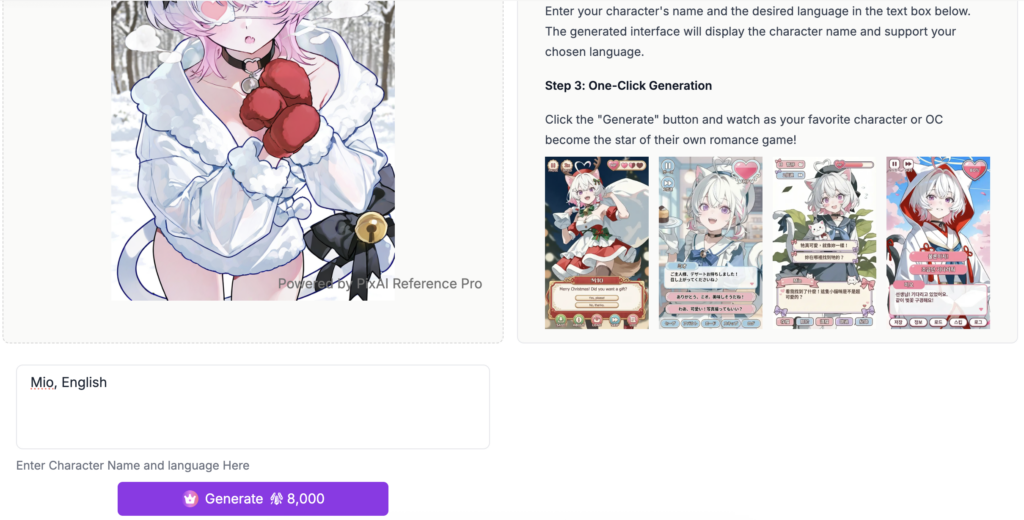
Step 2|Set the Name and Language
Enter the character’s name and select the output language.
The generator will automatically adapt the UI text and presentation.
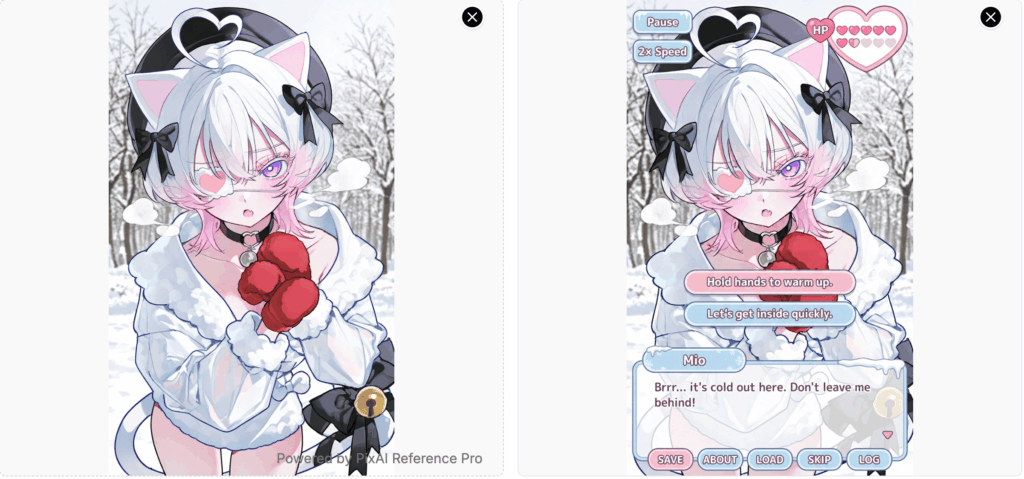
Step 3|Generate with One Click
Click Generate, and within moments,
your illustration becomes a dating sim scene—ready to use, with no extra editing required.
When to Use It
The Galgame UI Generator is for more than just fun—it’s a powerful storytelling aid.


- World-Building: Give your OC (Original Character) lore a visual home.
- Concept Prototyping: Rapidly visualize what your dream visual novel could look like.
- Engagement: Create high-impact posts for SNS, portfolios, or community shares.
- Creative Play: Change names and languages to see how the same character fits into different “story routes.”
Capturing the Moment: Where Your Character Comes to Life
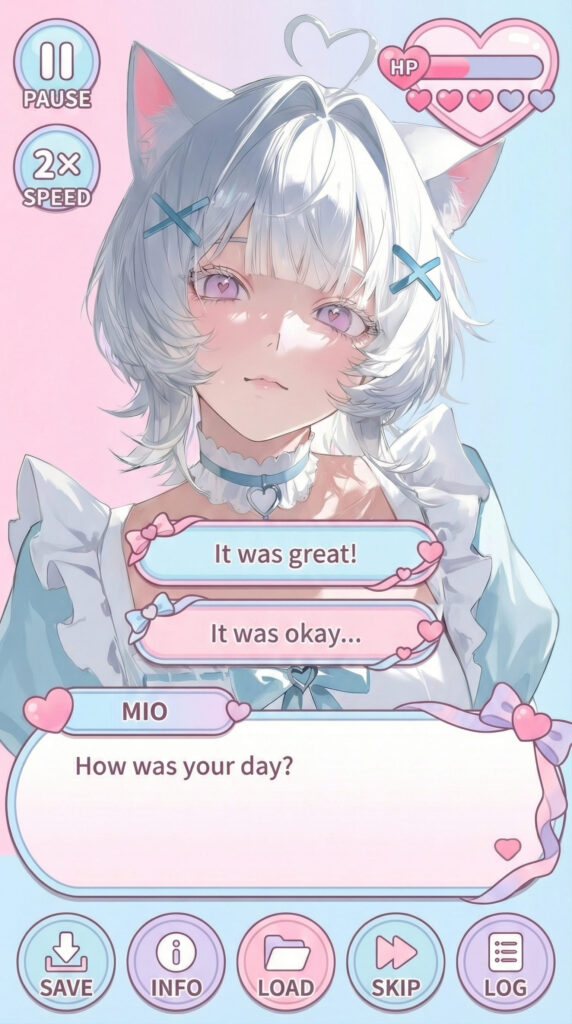
The Galgame UI Generator isn’t about changing your character—it’s about reimagining the moment they’re in.
The second an illustration meets the game interface, it transcends being just a static image. It becomes a story in motion, a presence so vivid you can almost hear the narrative begin.
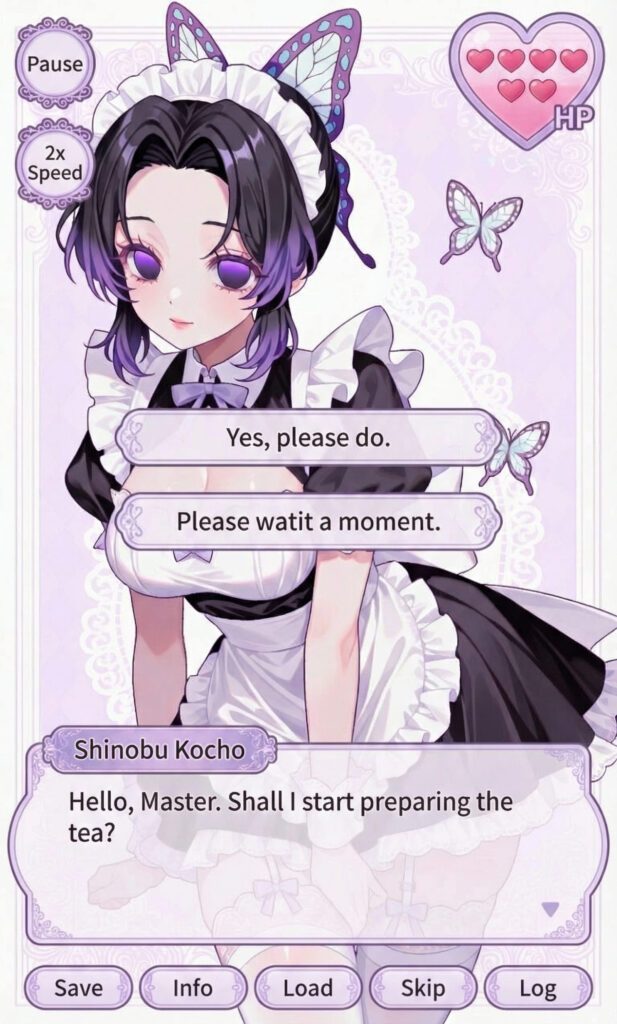
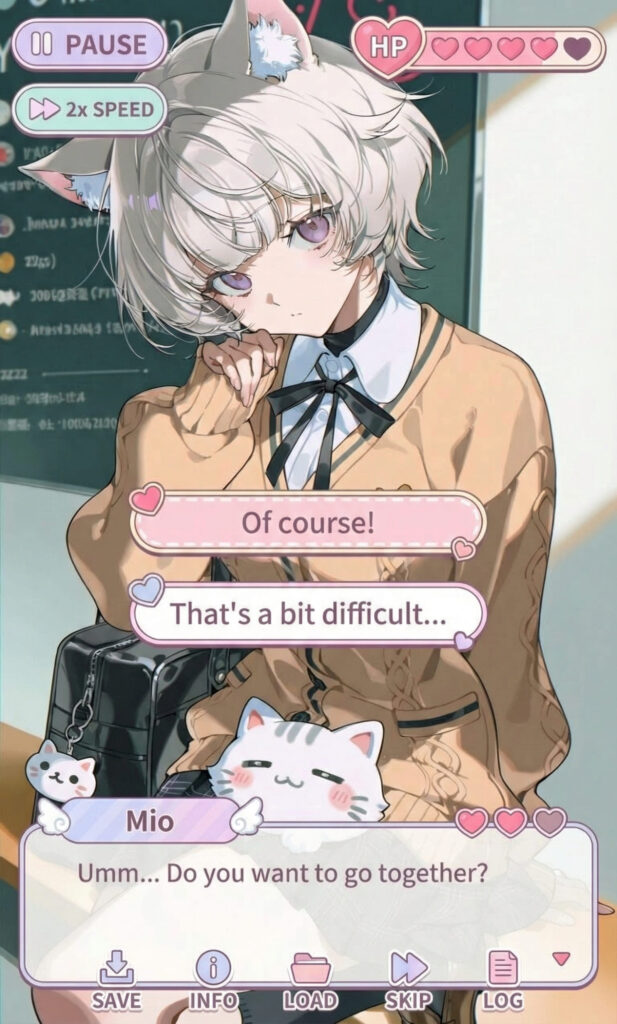
Start your story today with PixAI Creative Toolbox.
More Ways to Create
Don’t stop at the UI. Explore our other generators to see how far your art can go: