-
·
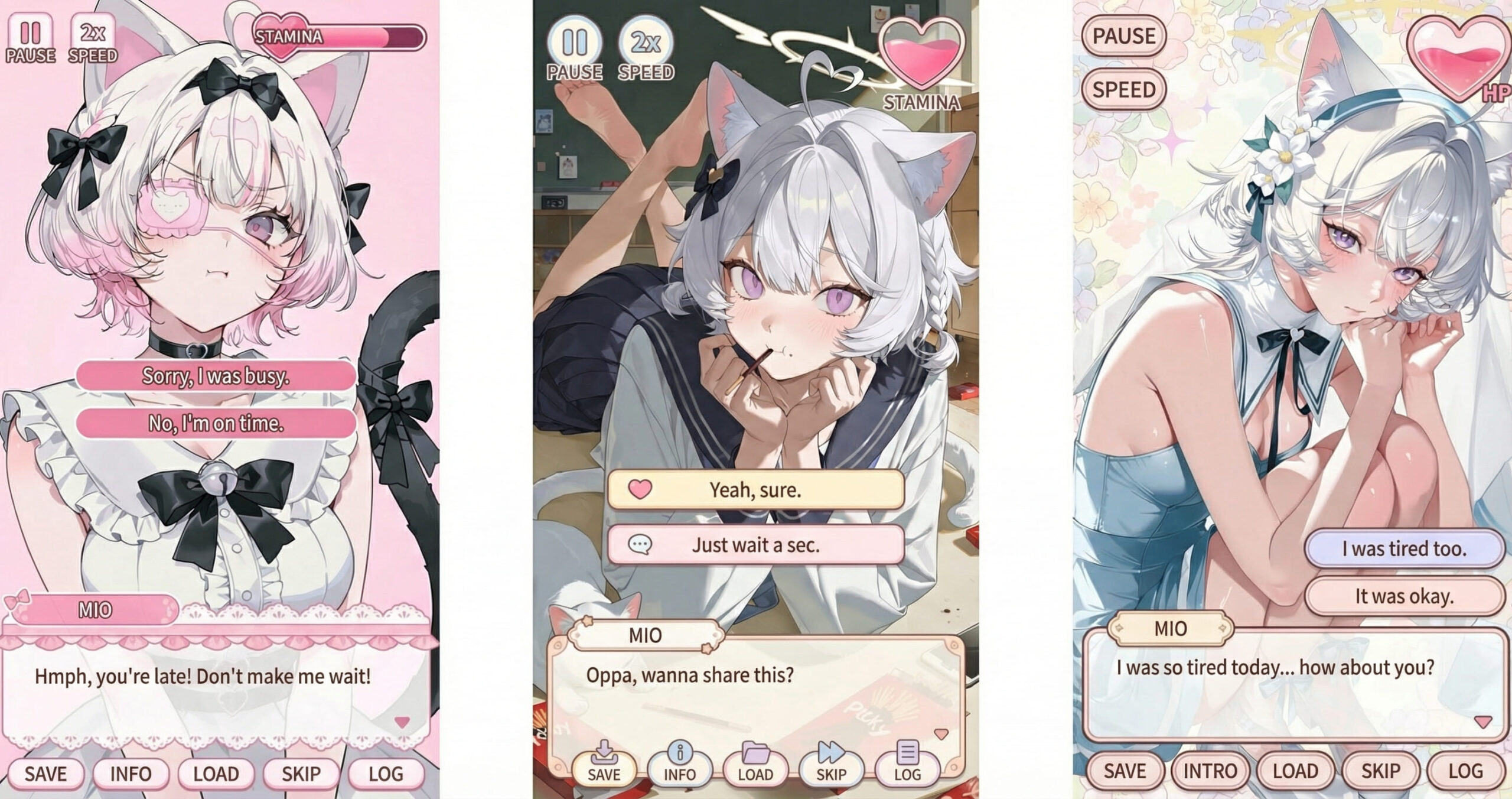
Galgame UI Generator | Transform Your Art into an Immersive Dating Sim Scene
Ever look at your character and wonder: “What would they say if this were a scene from an actual game?” The Galgame UI Generator is designed to bridge the gap between a standalone illustration and a fully realized story. As part of the PixAI Creative Toolbox, it doesn’t just “add assets”—it creates a moment. By…
-
·
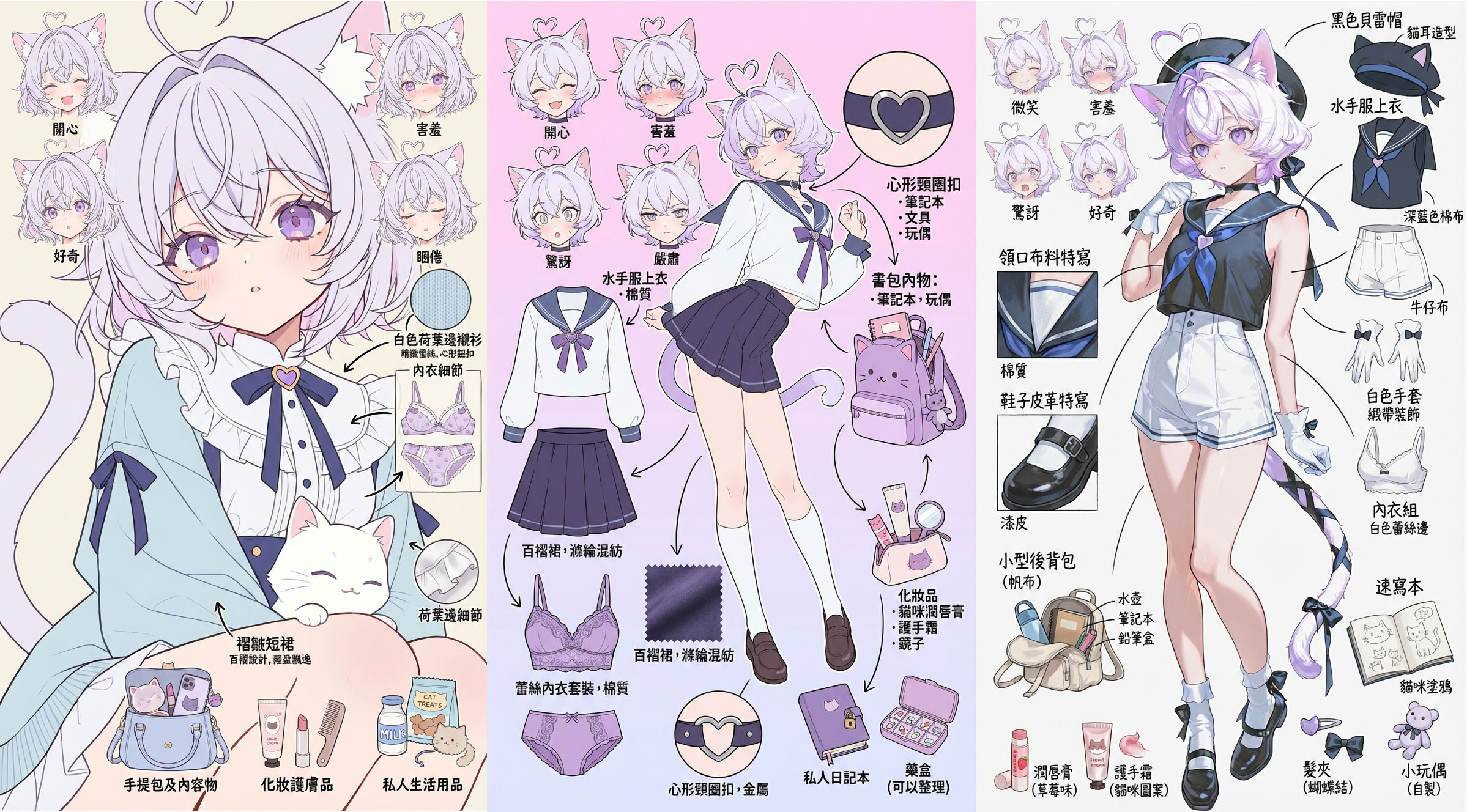
Character Sheet Generator | Deconstruct Your Character into a Setting Guide Page
After you finish creating a character, a quiet thought often follows:““This character… turned out pretty well, didn’t they?”“It feels like a waste just to save it and let it sit.”I wish I could organize this into a proper manga or anime setting sheet.” In moments like these, what you need isn’t more hard labor—it’s a…
-
·
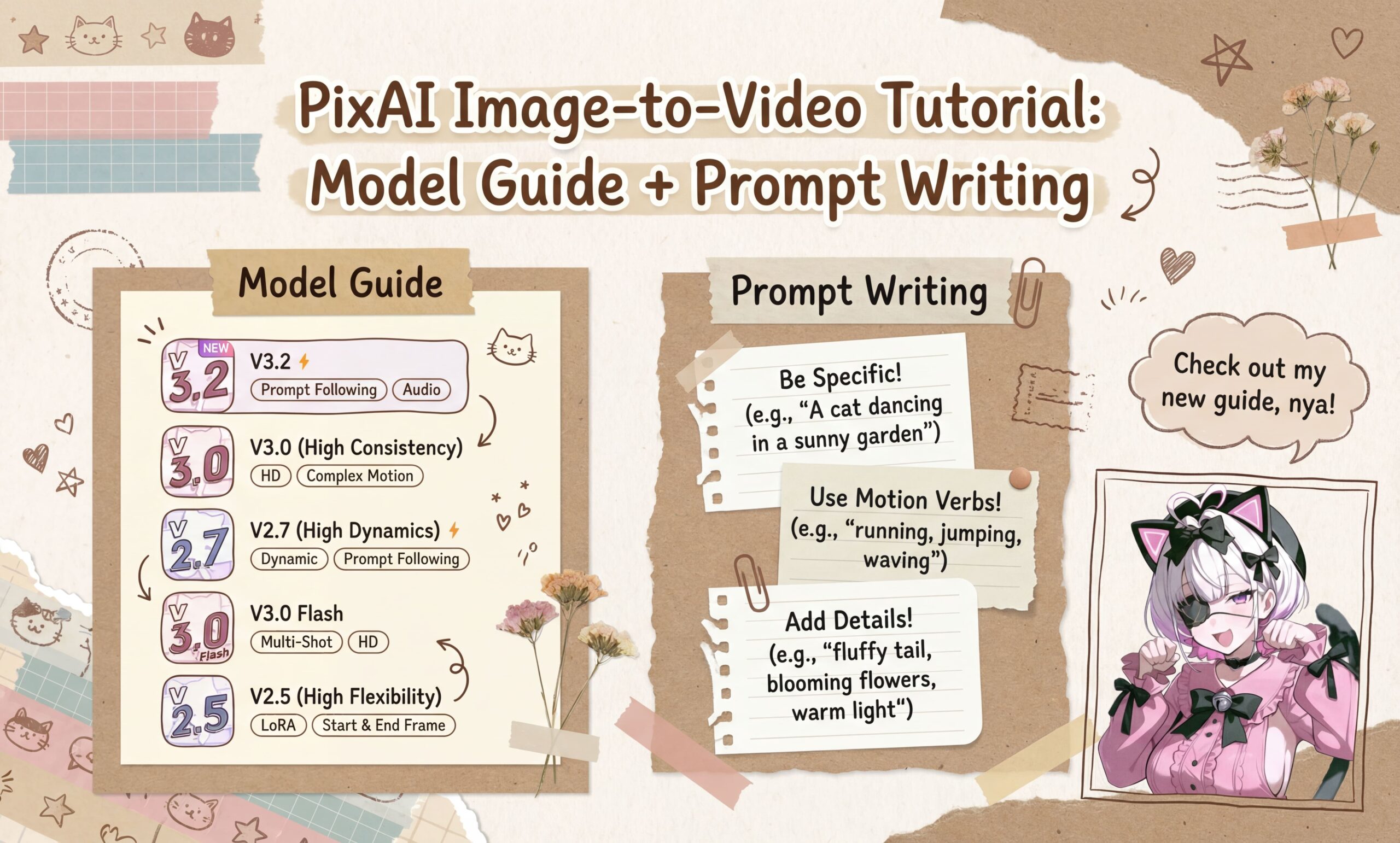
PixAI Image-to-Video Tutorial: Model Guide + Prompt Writing
Image-to-Video (i2v)is easily one of the most popular and rewarding features in the PixAI toolkit. It’s the magic button that breathes life into your static creations. But there’s a big difference between just “using” it and truly mastering it. To get professional-grade results, you need to know which model excels at what, how to dial…
-
·
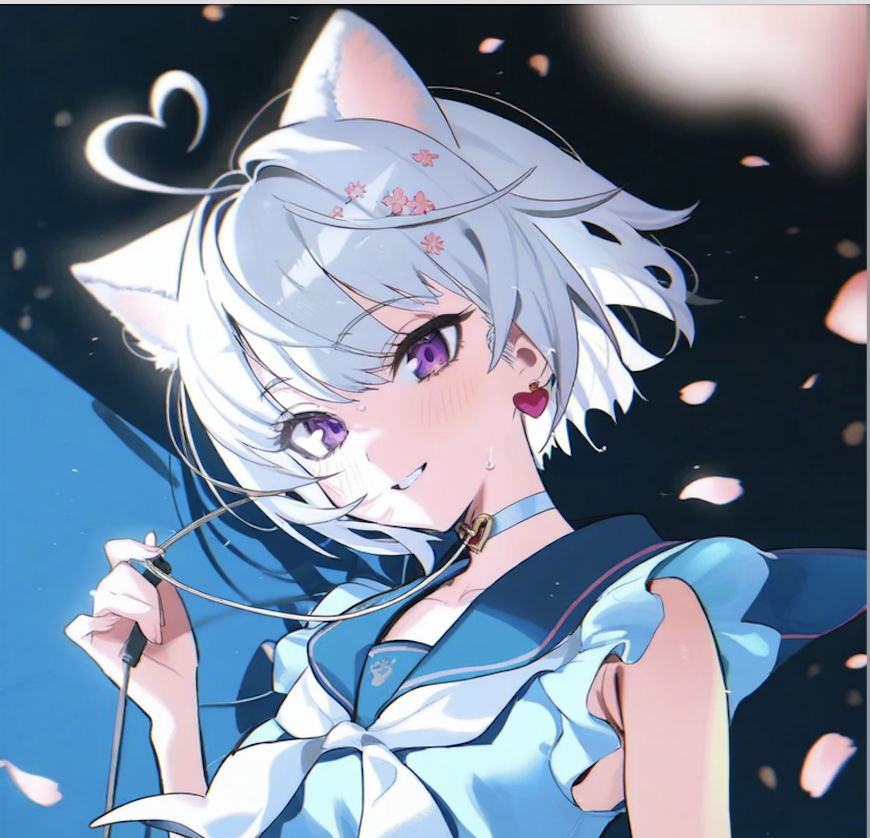
How to Use Enhance Image Tools on PixAI
PixAI offers a powerful suite of enhancement tools designed to transform your generated or uploaded images into professional-quality artwork. Whether you need to fix anatomical details, enhance facial features, or completely transform your image’s style, these six essential tools have you covered: Hand Fix, Face Enhance, Background Remover, Convert to Line Art, Sketch Coloring, and…
-

·
Advanced Settings on PixAI: Controls for Every Creative Goal
Ever got curious about the Advanced Settings on the right hand side of the generation panel? Today, we’ll transform these technical parameters into strategic tools for professional workflows. Whether refining character designs or optimizing scenes, you’ll learn to systematically elevate your creations. Ng prompt Begin with negative prompts. Negative prompts are your quality control system…
-
·
Chat Editing: Image Editing With Natural Language Commands
Forget crafting perfect prompts or manually selecting areas to edit. Our Chat Editing understands natural language just like a conversation with a friend. Simply describe what you want changed, and watch your image transform instantly. It’s that easy! How to Access Chat Editing: From the Homepage From Your Profile Page From the Generation Panel How…
-

·
Image Editing Made Easy: Master Generation & Edit Tools
So you’ve created a cute AI-generated image, but something feels off—maybe the colors aren’t quite right, or there’s an extra finger where there shouldn’t be. Don’t worry! In this guide, I’ll walk you through two powerful tool sets to fix these issues: Here’s a quick overview of what we’ll cover: Tool Function Variations Generate slightly…