
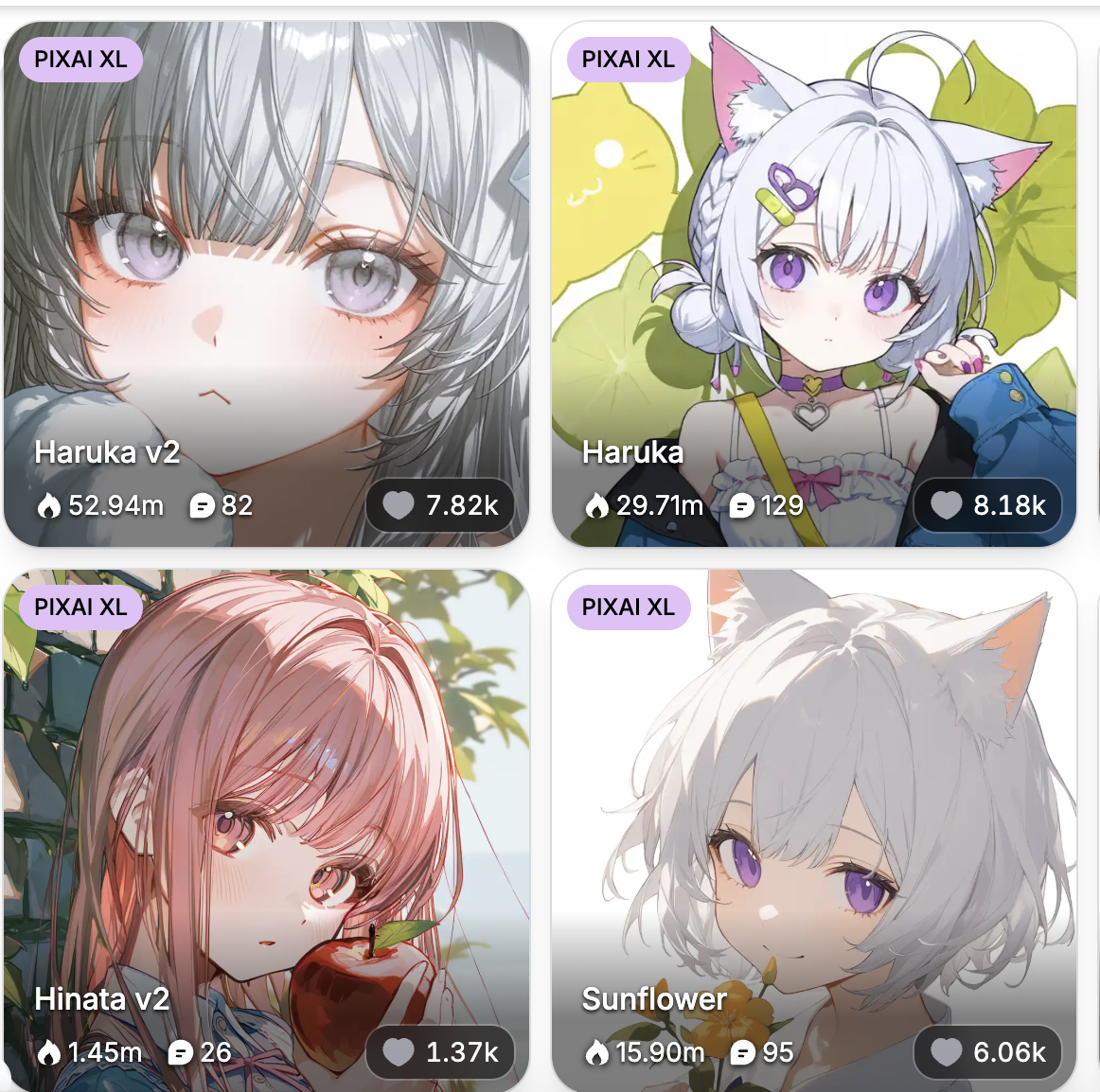
Welcome to our comprehensive guide on AI art models! If you’ve ever wondered how AI creates such stunning artwork, you’ve come to the right place. The magic behind AI-generated art largely comes from something called “models” – and understanding them is key to creating the artwork you envision.
In this guide, we’ll explore what models are, how they work, and most importantly, how to choose the right models to achieve your desired artistic effects.
Part 1: Understanding AI Art Models
What Is a Model?
In AI art, a model is essentially a pre-trained system that understands how to generate images based on the prompts you provide. Think of it as the “brain” behind your artwork. Each model is trained on different datasets, which means they each have their own unique style and capabilities.
For example:
- Some models are trained to create photorealistic images
- Others specialize in anime-style art
- Some focus on specific artistic techniques like watercolor or oil painting
The model you choose will heavily influence the look and feel of your final artwork – it’s one of the most important decisions in your creative process.
PixAI’s Specialty: Anime-Style Art Models
At PixAI, we specialize in anime-style art and offer a fantastic variety of models designed specifically for this genre. Here’s what makes each type special:
Classic Anime Models
Perfect for traditional anime aesthetics, these models excel at creating characters and scenes with the iconic, colorful, and expressive style seen in popular anime series. If you’re looking to recreate that classic anime look, these models are your best bet.
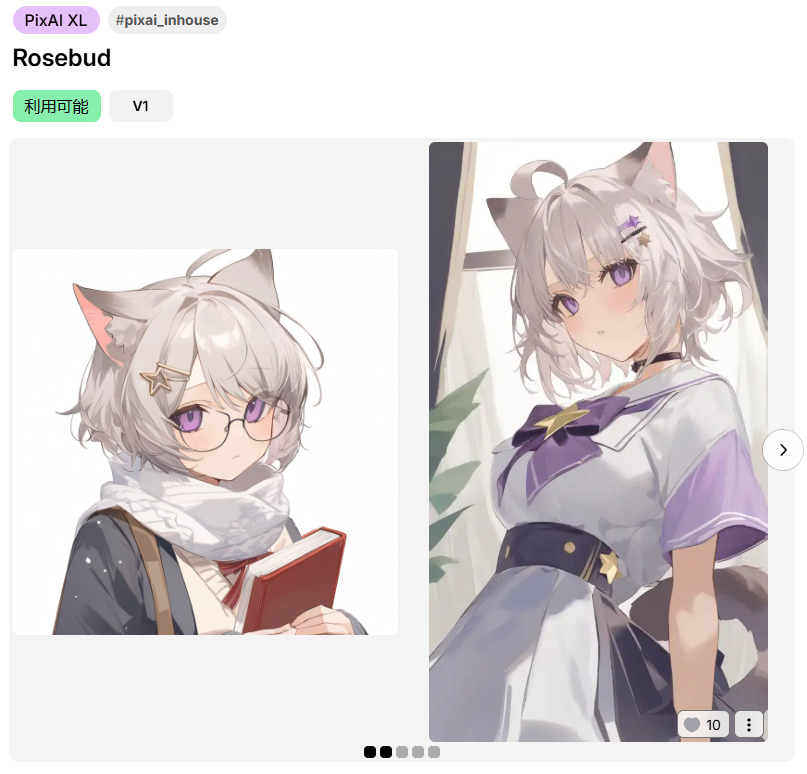
Watercolor Models
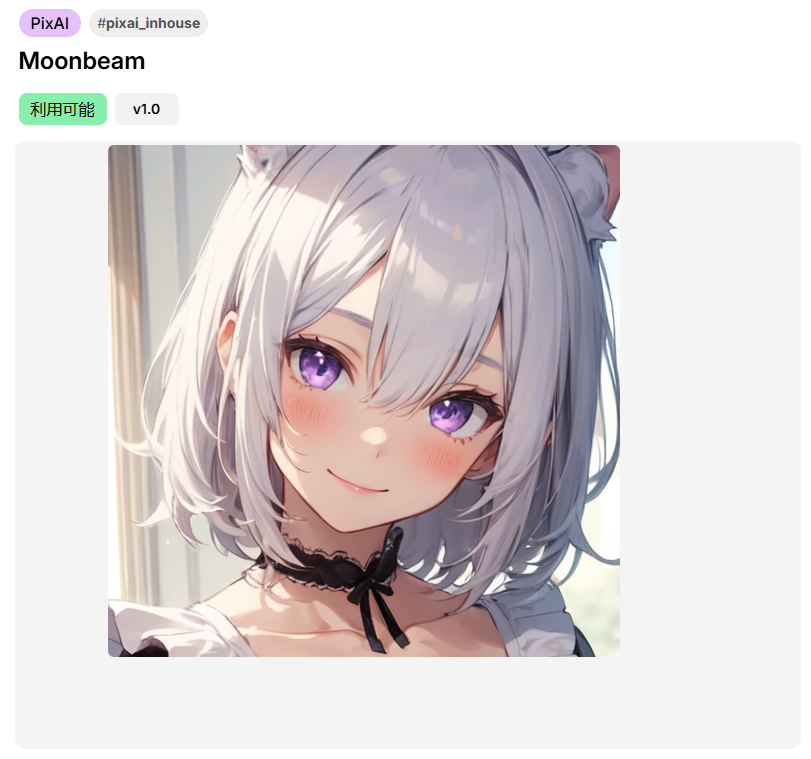
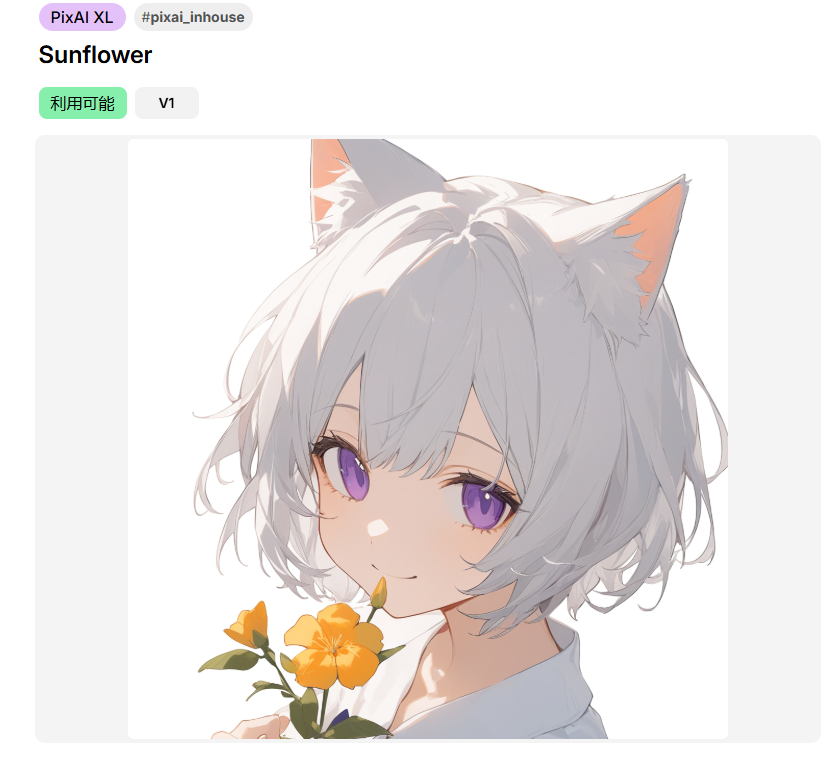
These models emulate the soft, fluid qualities of watercolor paintings, producing artwork with gentle gradients and beautifully blended colors. They’re perfect for creating dreamy, artistic pieces with a traditional painting feel.
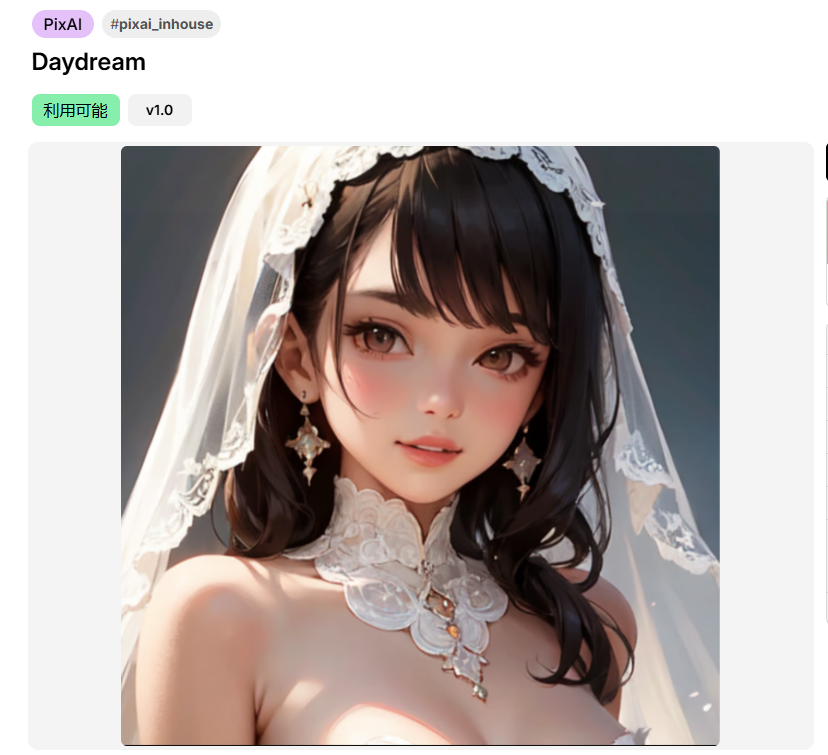
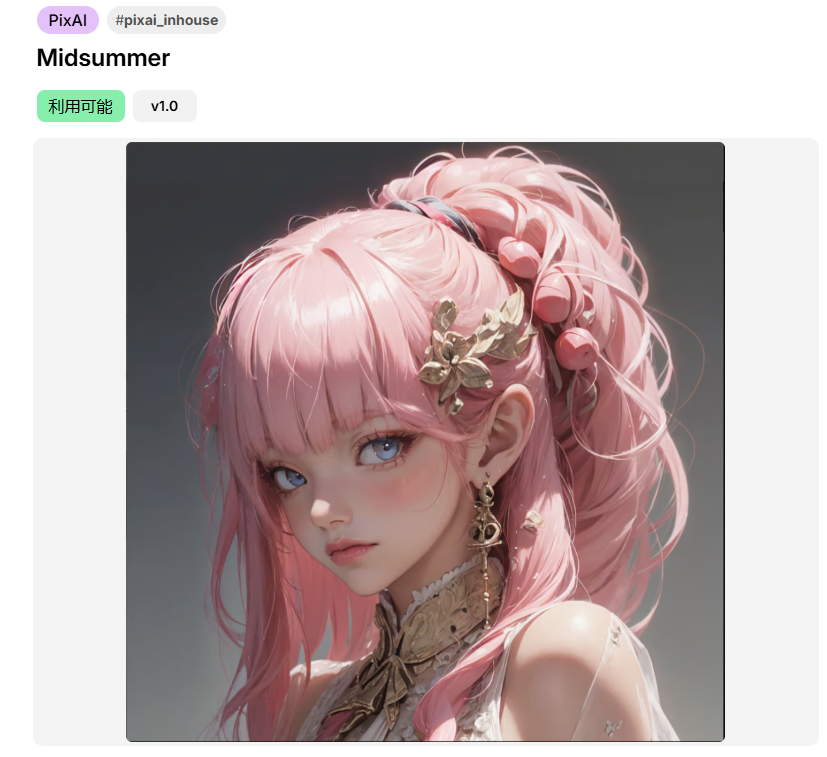
Semi-Realistic Anime Models
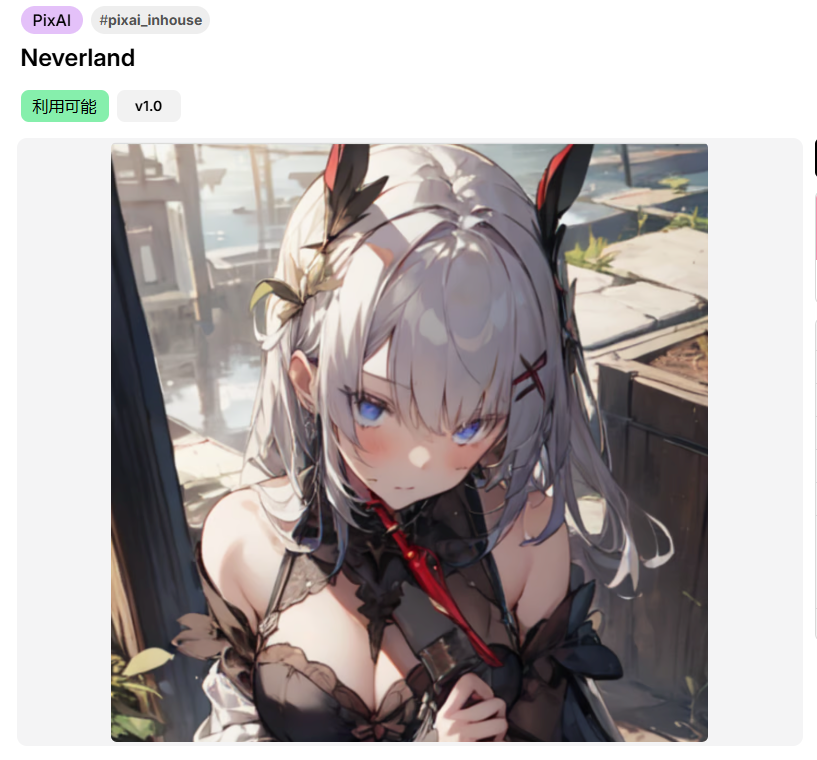
These unique models blend anime-style art with realistic textures and lighting, giving your artwork a polished, sophisticated look that stands out from traditional anime styles. They’re great for creating characters that feel both animated and lifelike.
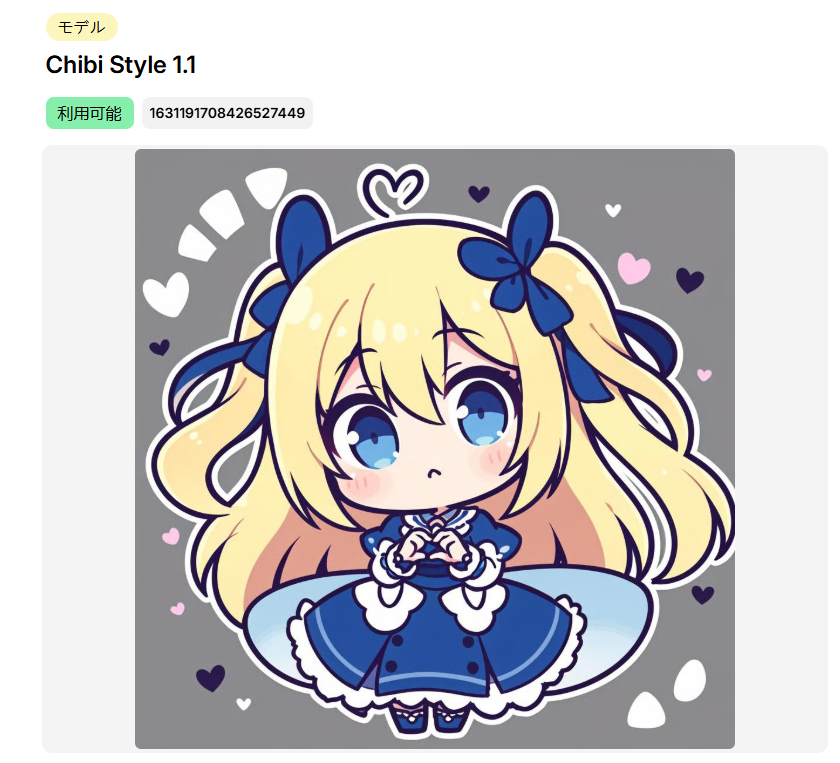
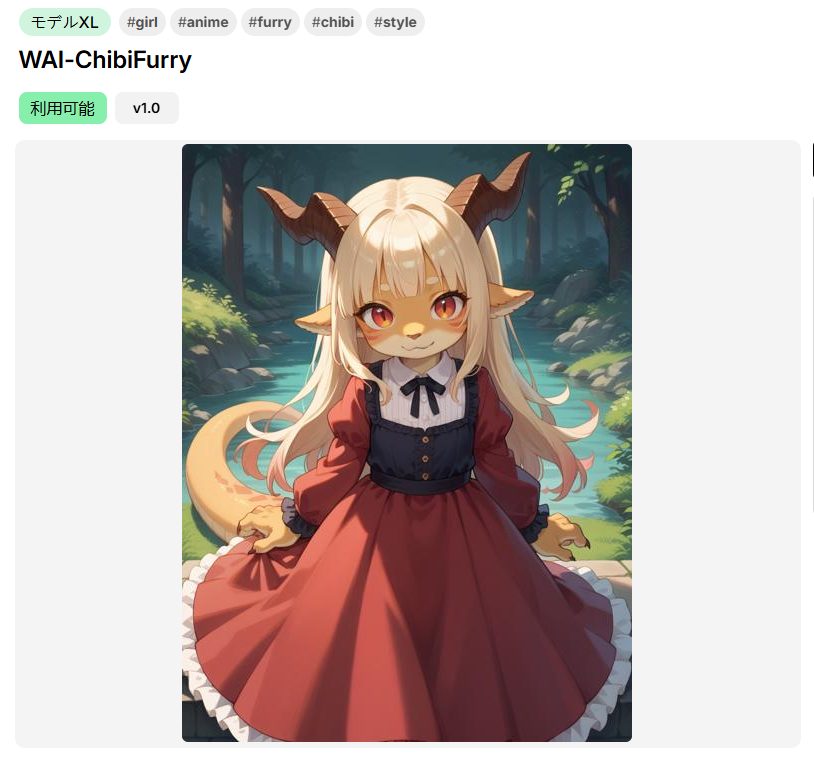
Chibi Models
Designed specifically for creating adorable, exaggerated characters, chibi models excel at capturing the playful and cute aspects of anime. Perfect for kawaii-style artwork and character designs.
👉 Explore Model Market
Part 2: How Do Models Work?
The Generation Process
When you input a prompt, the model uses its extensive training data to interpret your words and generate an image that matches your description. The process works like this:
- Prompt Analysis: The model breaks down your text prompt
- Pattern Recognition: It identifies patterns from its training data
- Image Generation: It creates an image based on learned associations
- Style Application: The model’s specific training influences the final aesthetic
The better and more specialized the model, the more accurately it can understand your prompt and produce high-quality results that match your vision.
To help you understand how different models influence the final artwork, let’s examine examples across three main categories:
1. Creating Backgrounds
The most important thing when creating background images is to use tags like “no humans” and add negative prompts like “1girl”, “1boy” to ensure the focus remains on the background.
Example Prompts:
- cozy living room, warm lighting, fireplace, bookshelves, soft carpet, no humans, highly detailed, 8k
- modern kitchen, morning sunlight, clean countertops, minimalist design, no humans, realistic textures
More about creating backgrounds, check this guide 👉Create Stunning Backgrounds with PixAI
Common Negative Prompts: 1girl, 1boy, people, human, crowd
Pro Tip: Avoid models that are overly focused on character generation, as they may not prioritize background details effectively.
2. Anime Characters
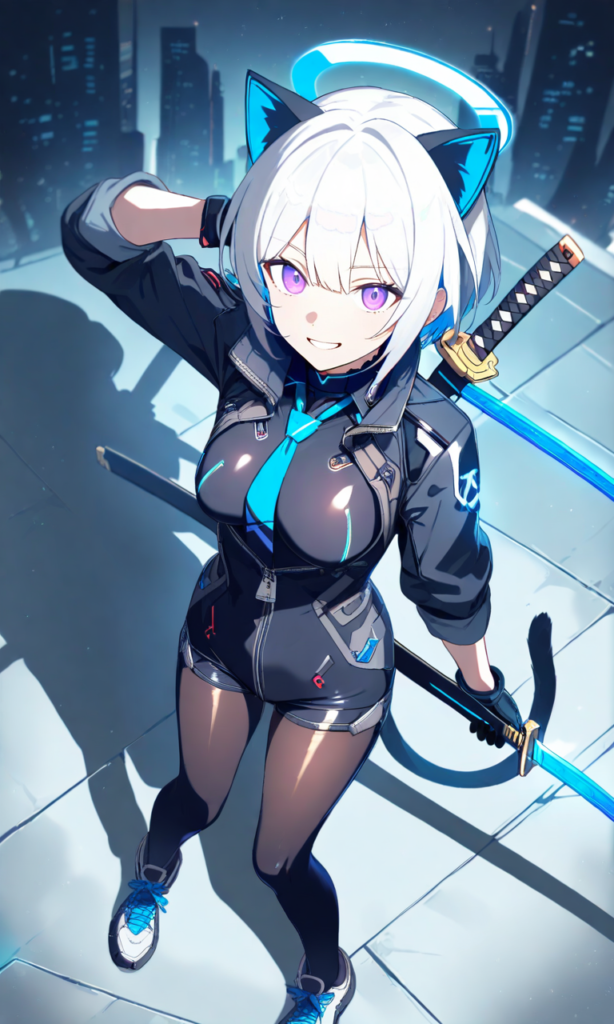
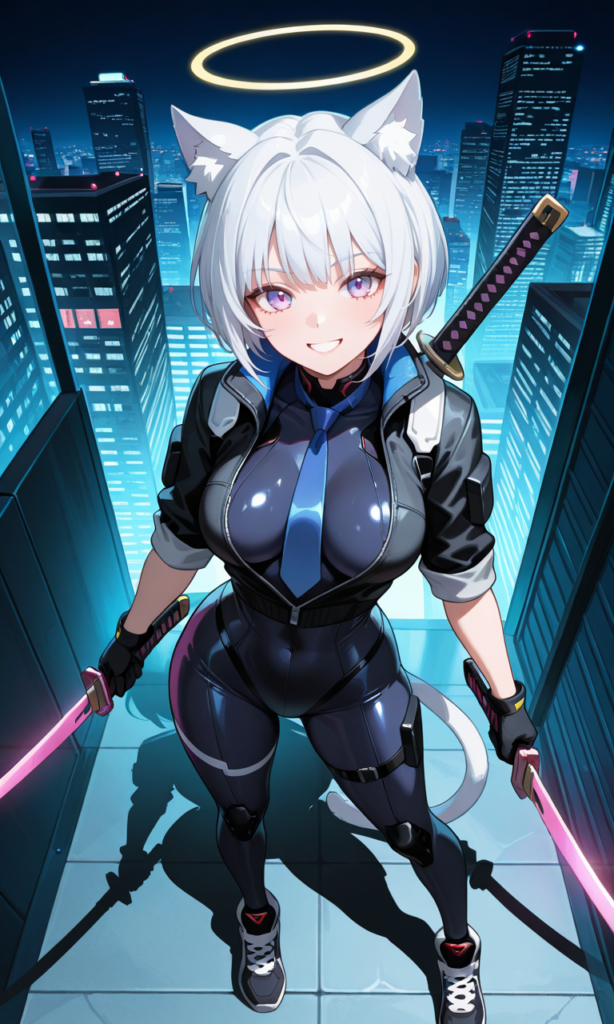
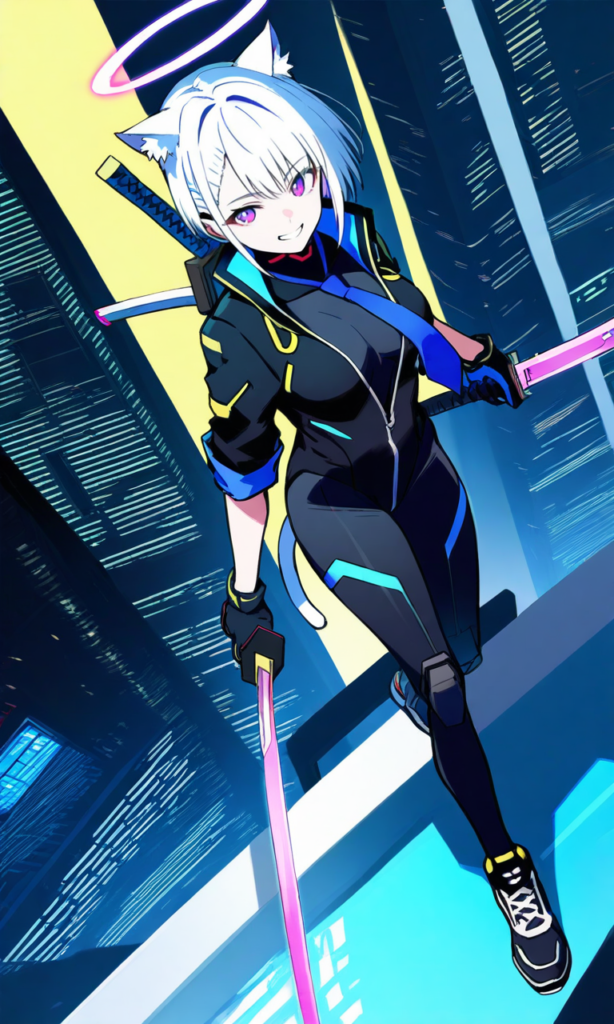
Sample Prompt: 1girl, black gloves, black jacket, white hair, grin hair, purple eyes, blue necktie, bodysuit, building, cyberpunk, dual wielding, from above, gloves, spread out, halo, holding, impossible bodysuit, impossible clothes, jacket, katana, short hair, looking at viewer, mecha pilot suit, official alternate costume, official alternate hairstyle, pantyhose, partially unzipped, science fiction, shoes, skin tight, skyscraper, sleeves rolled up, smile, sneakers, solo, sword, sword on back, weapon, weapon on back, cat ears, cat tail, beautiful light, best shadow, color blink, beautiful eyes, focus face, cat girl
Popular Model Comparisons:
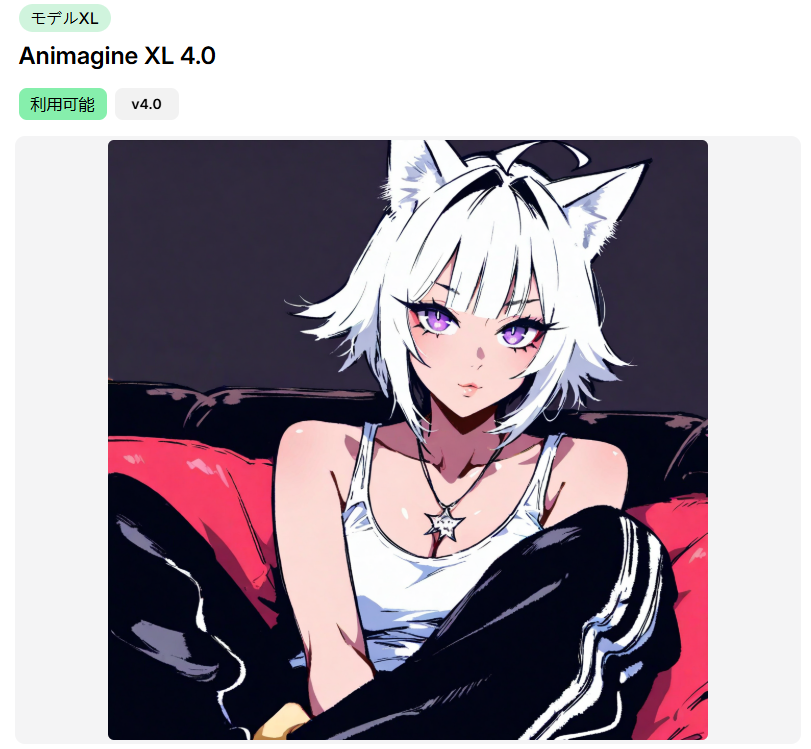
Animagine XL 4.0: Dynamic character creation
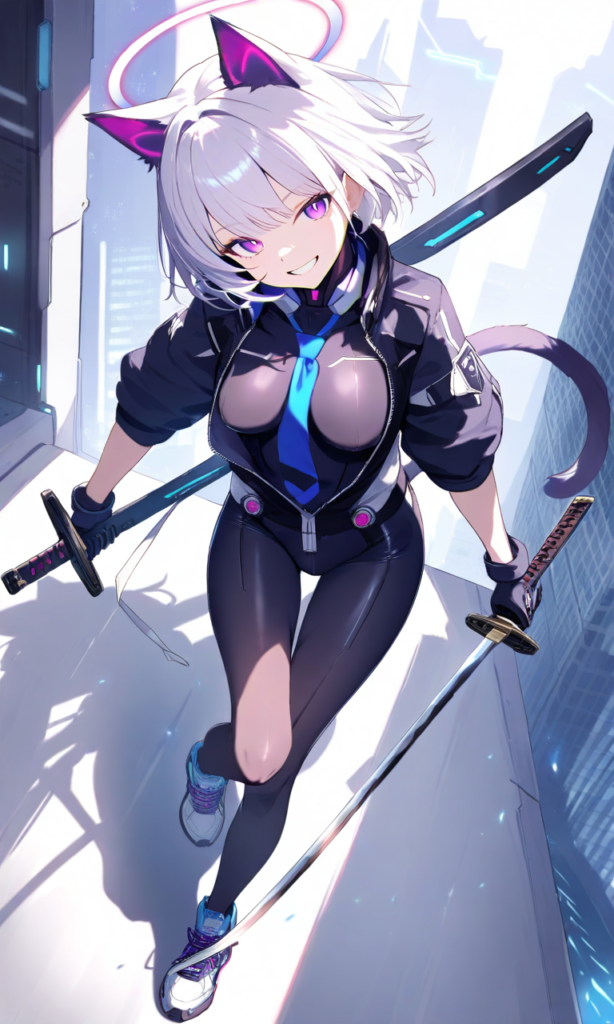
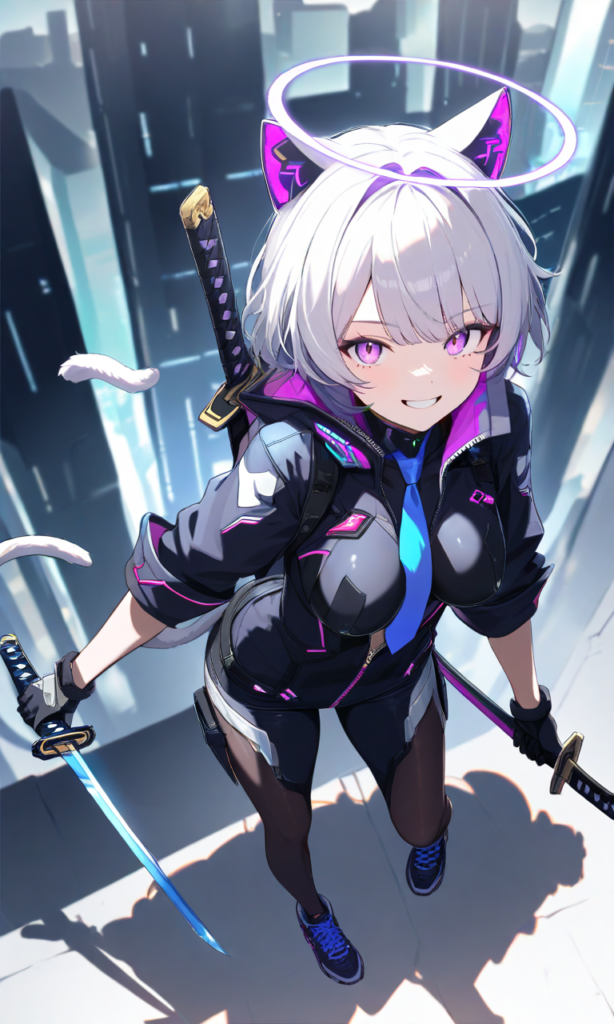
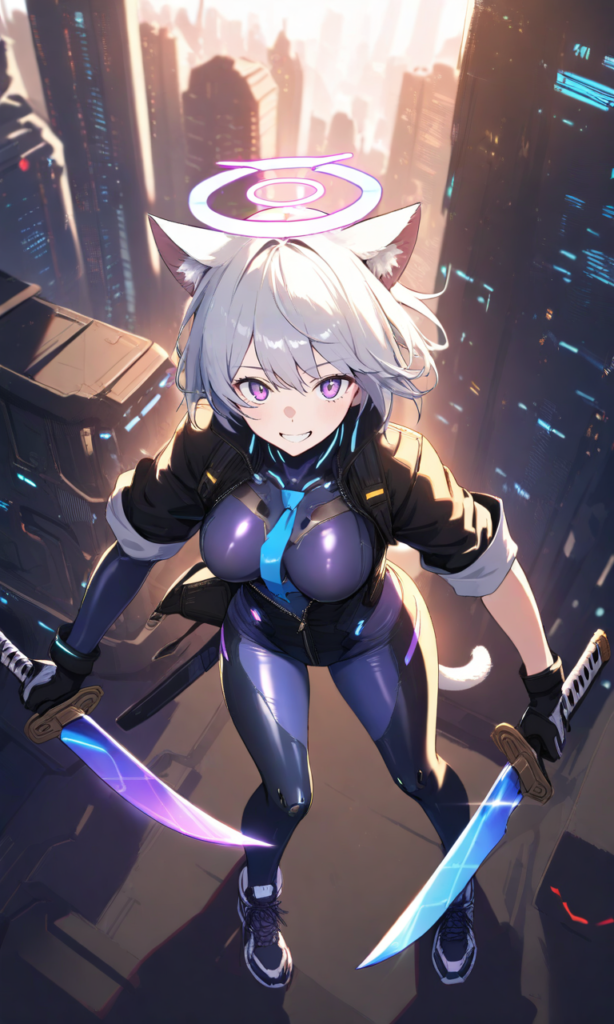
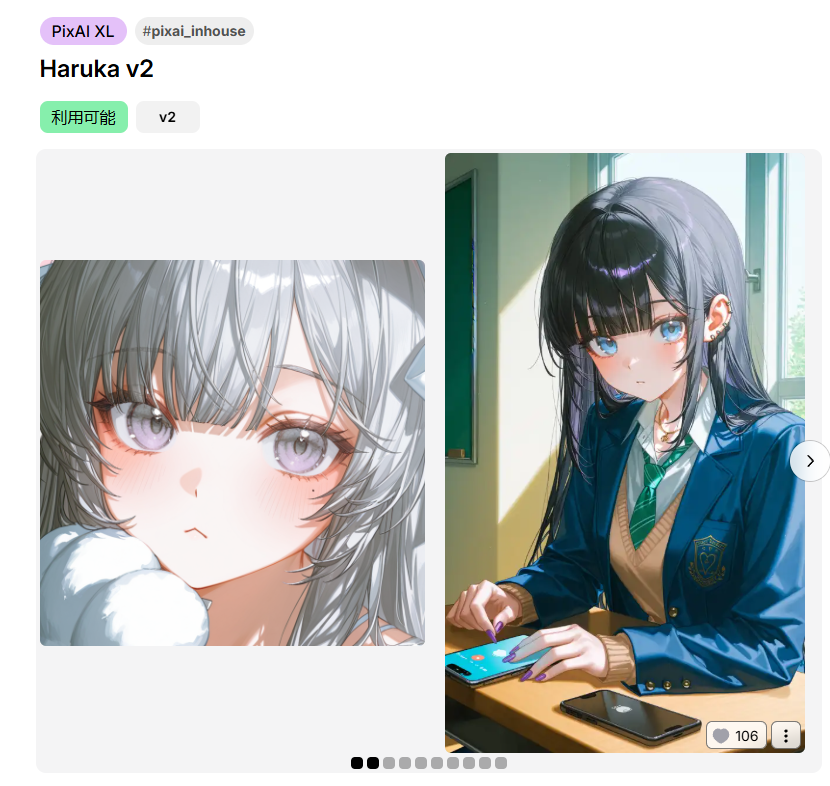
PixAI’s Haruka V2: Excellent for soft, detailed character work
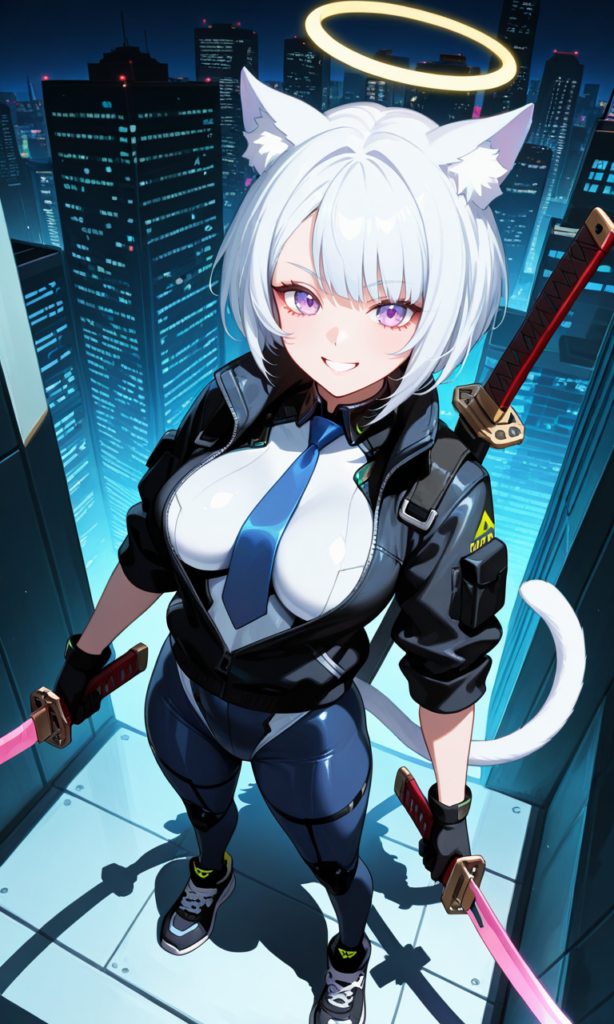
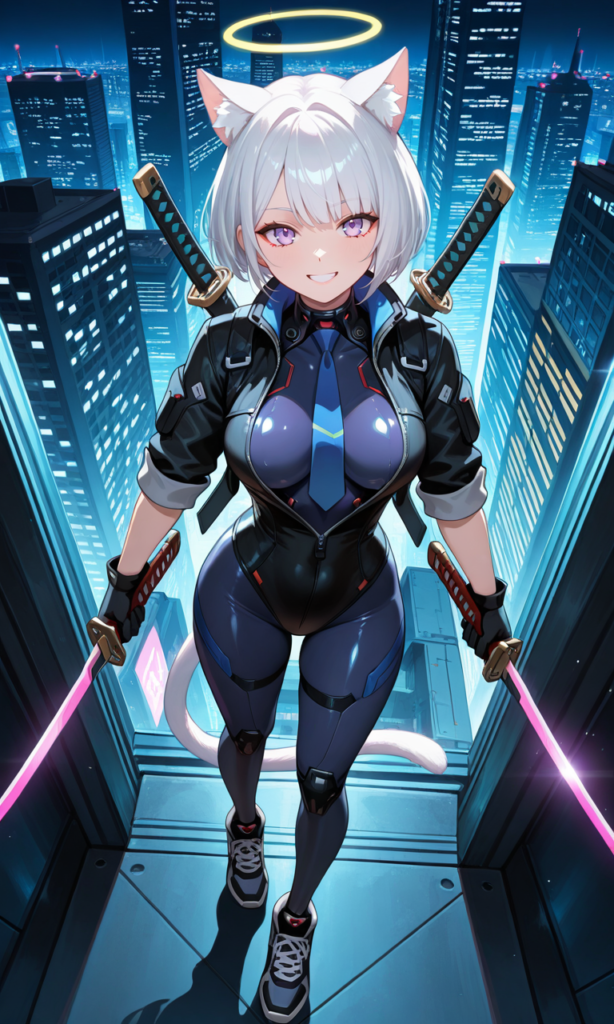
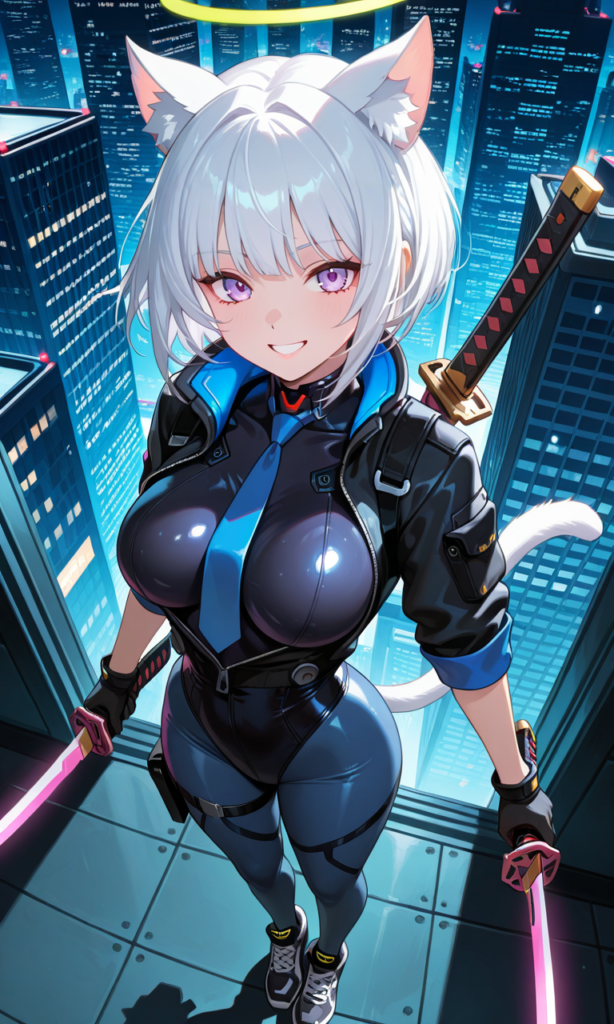
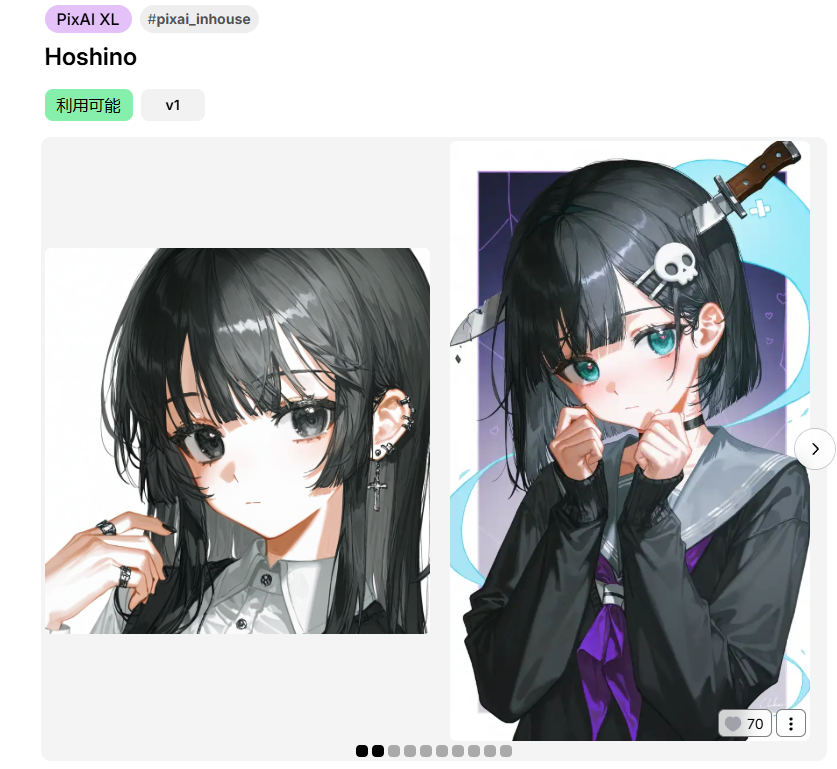
PixAI’s Hoshino: Great for mature character designs
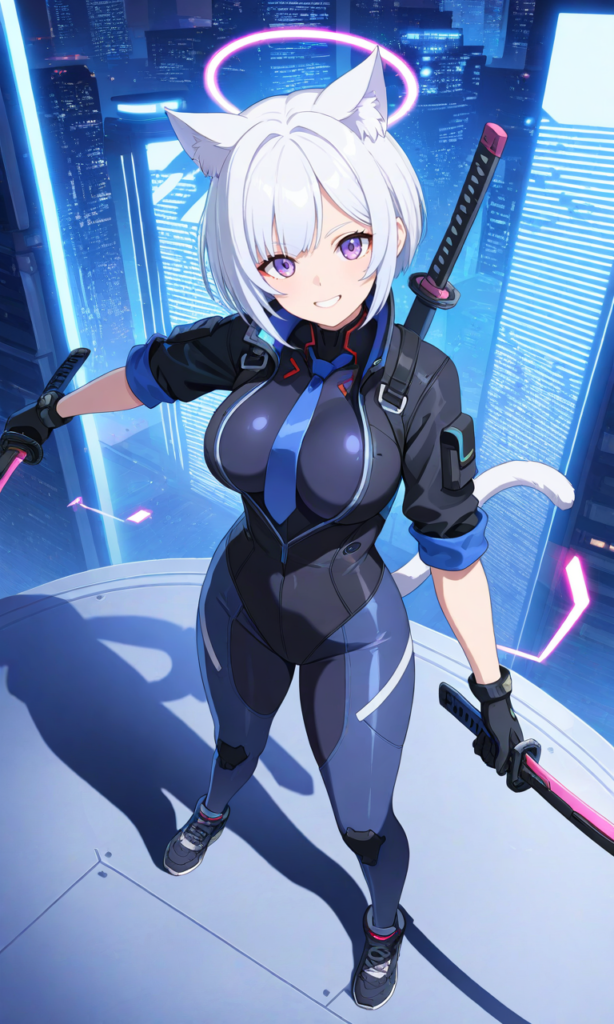
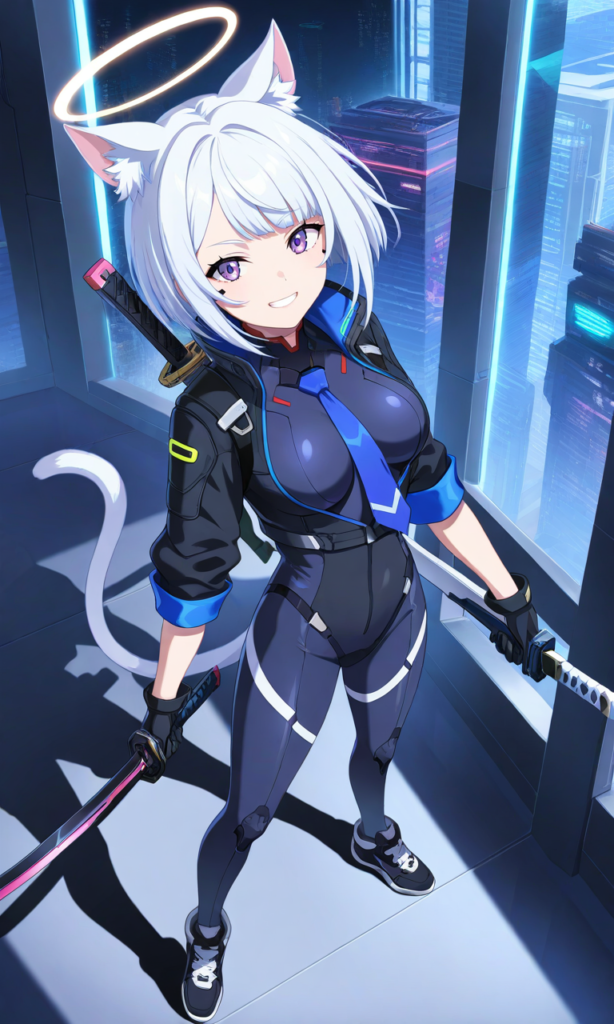
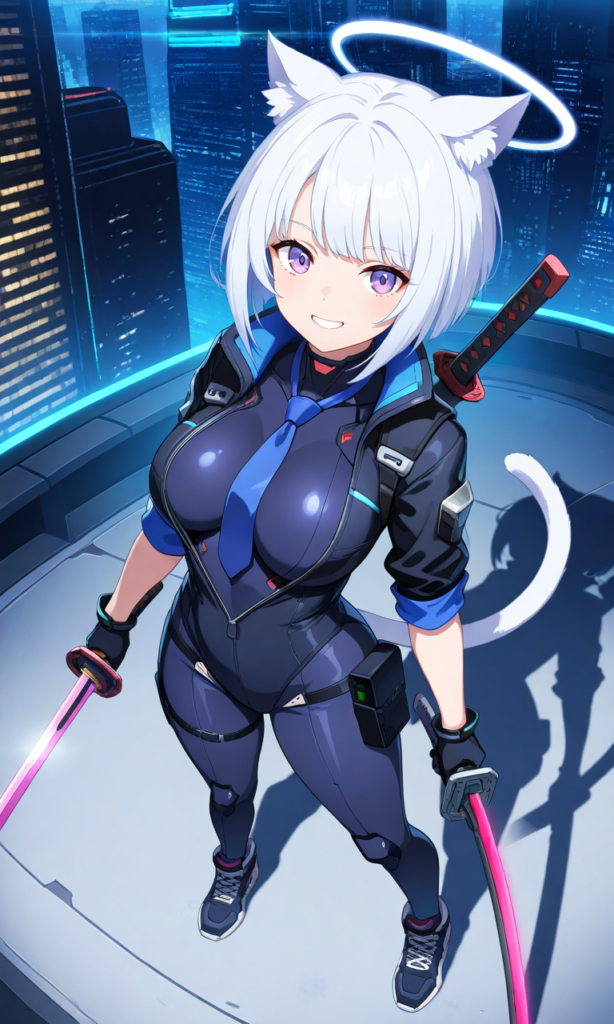
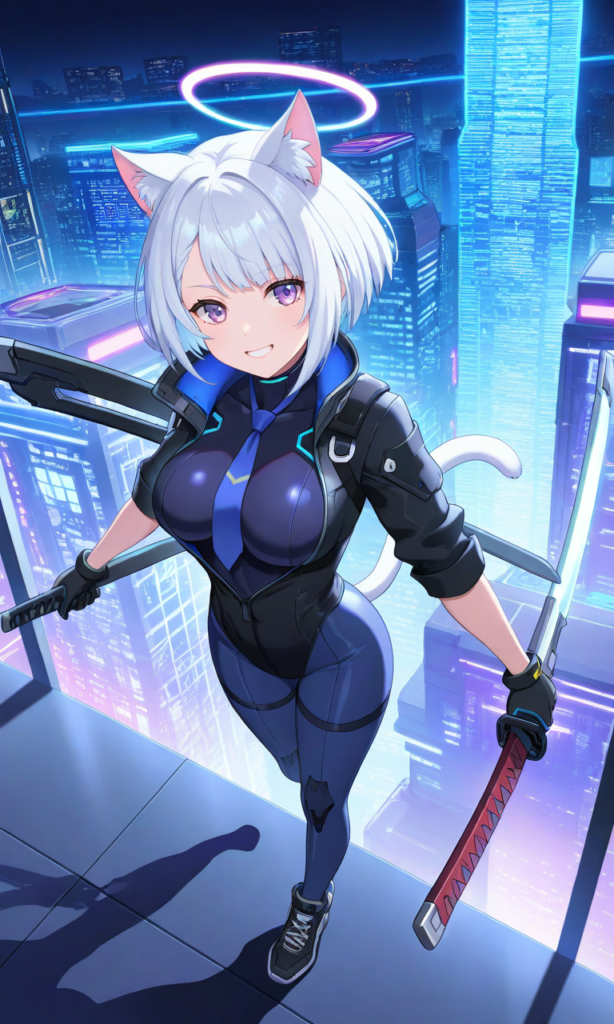
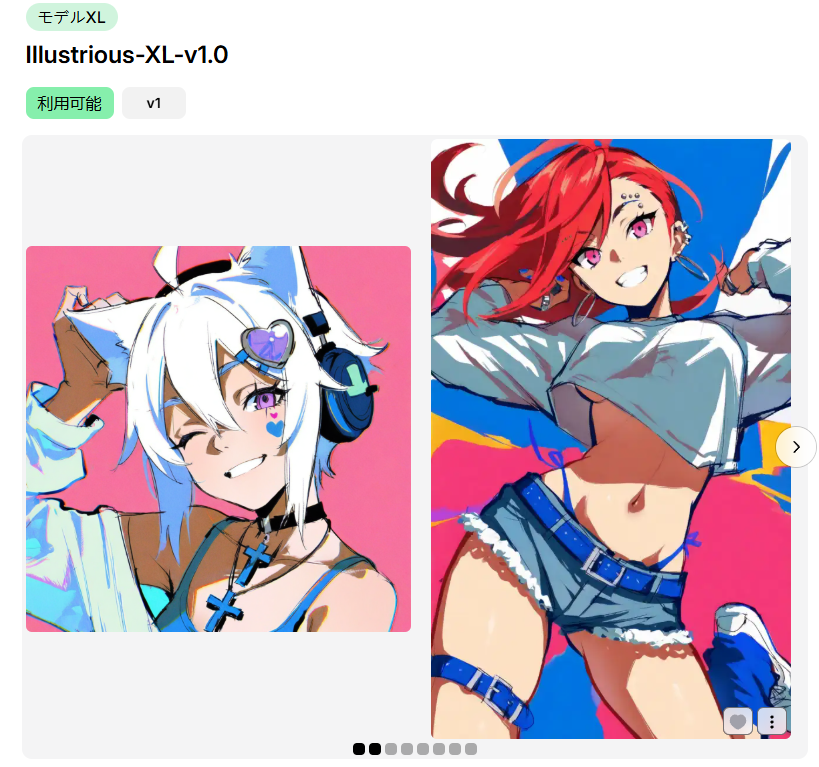
Illustrious XL v1.1: Versatile for various anime styles
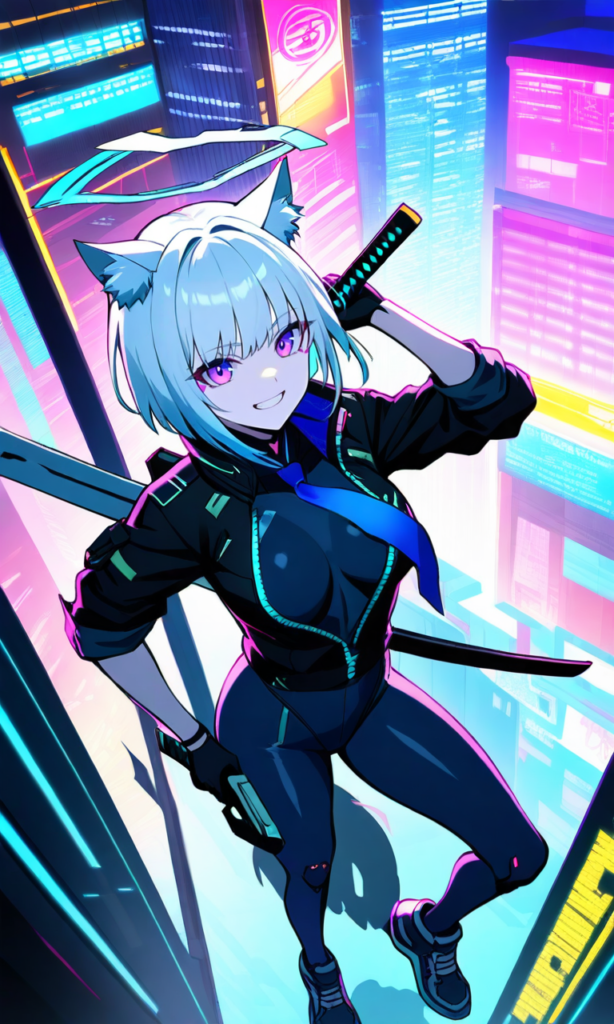
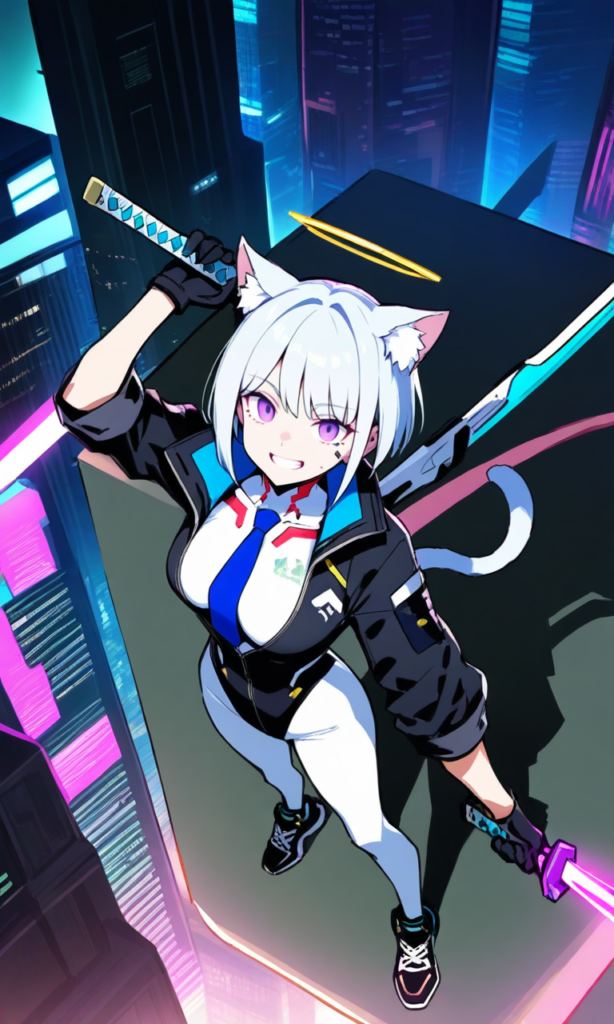
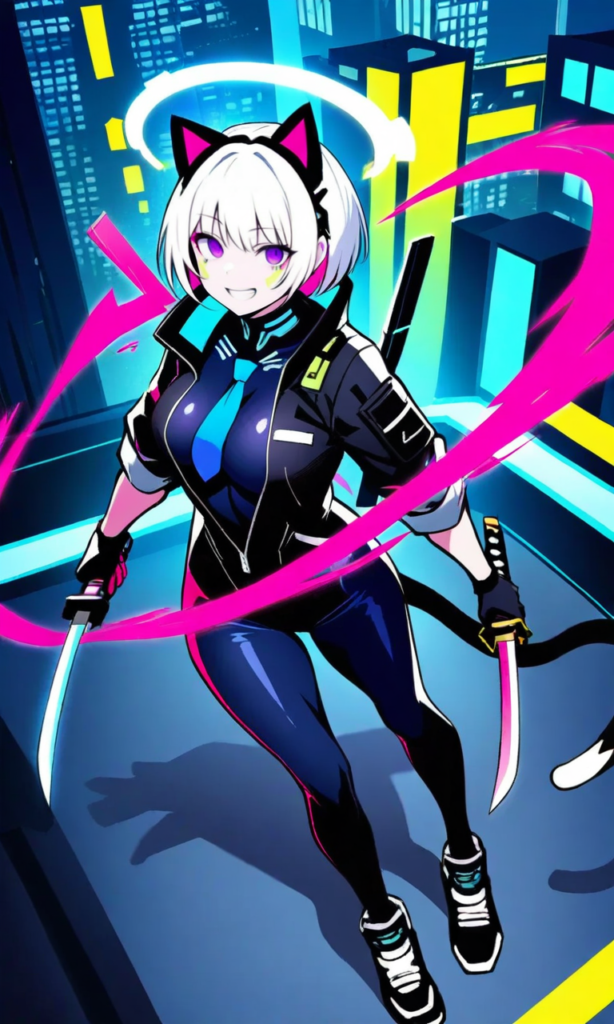
Part 3: Model Selection Guide
Understanding SD1.5 vs SDXL Models
At PixAI, our wide range of models primarily includes SD1.5 and SDXL models. These are two versions of foundational models, with key differences:
Resolution Capabilities
- SD1.5: Native resolution of 512×512. Using it at higher resolutions may result in deformities like double heads or other unwanted features.
- SDXL: Native resolution of 1024×1024, allowing for higher output resolutions and more detailed images.
Prompt Sensitivity
- SD1.5: Often requires detailed prompts and negative prompts to achieve the best results.
- SDXL: With its advanced architecture, generally produces higher-quality images even with simpler prompts, making it more user-friendly.
PixAI’s Signature Models
We’ve trained several in-house SDXL models that have received outstanding feedback from our community:
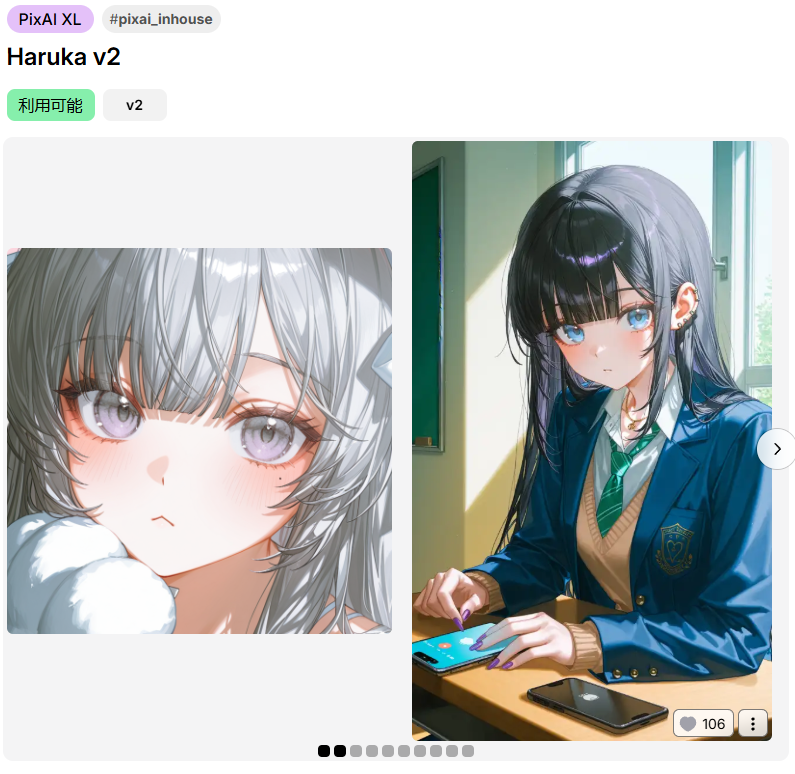
Haruka V2: Especially great for designing cute girls with soft, pastel tones and expressive features. This model excels at capturing intricate hand details and is perfect for beginners.
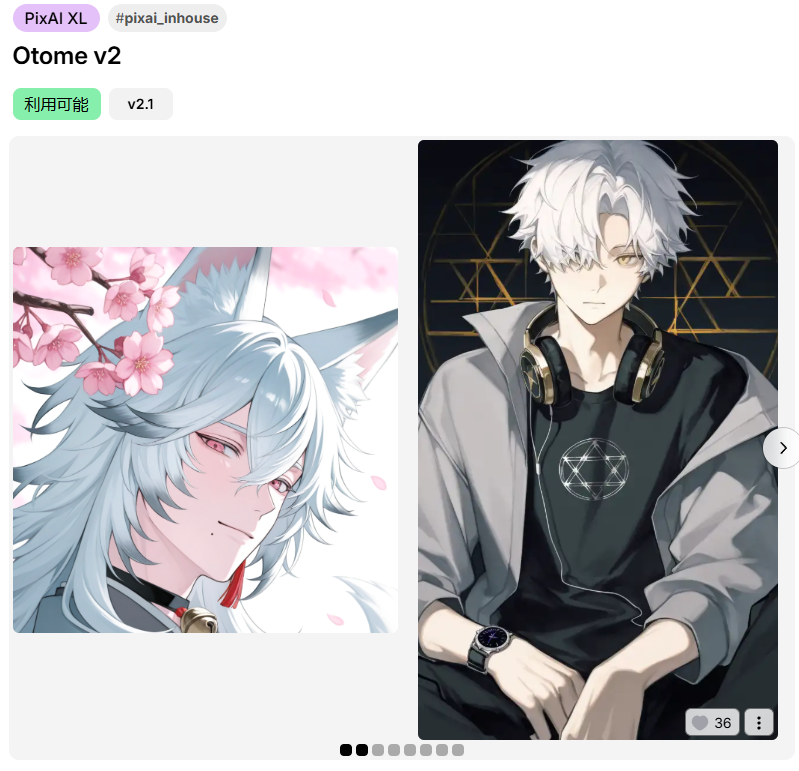
Otome V2: Tailored for male characters, but capable of producing high-quality female characters as well. Also excellent for creating backgrounds, this is a versatile all-purpose model with exceptional atmospheric quality that brings scenes to life.
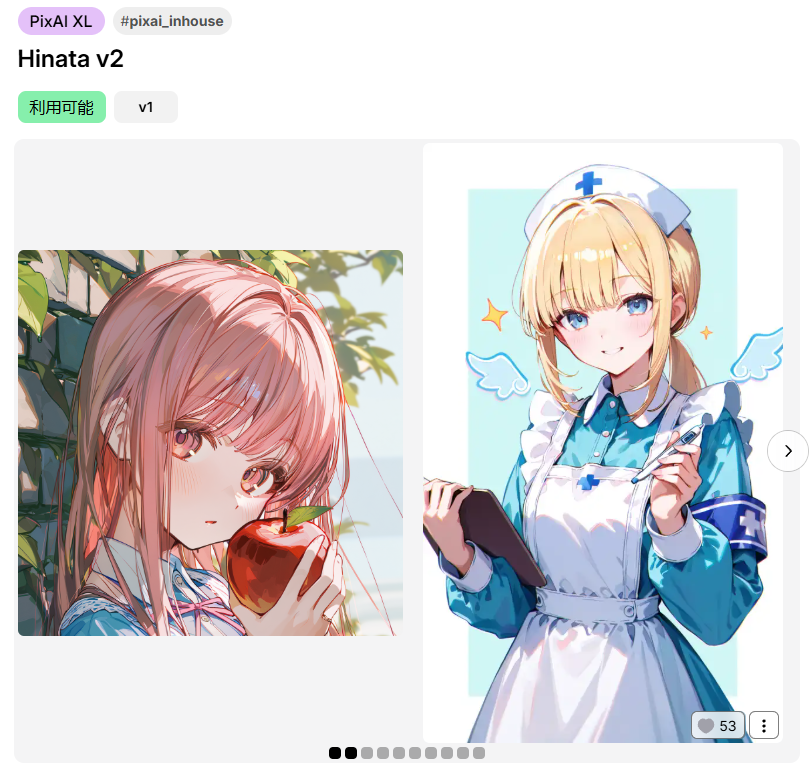
Hinata V2: Features an exceptionally beautiful art style that produces stunning visual results with remarkable aesthetic appeal.
Hoshino: Shines when it comes to mature female characters and male character design. Also excellent for detailed hand rendering and complex character compositions.
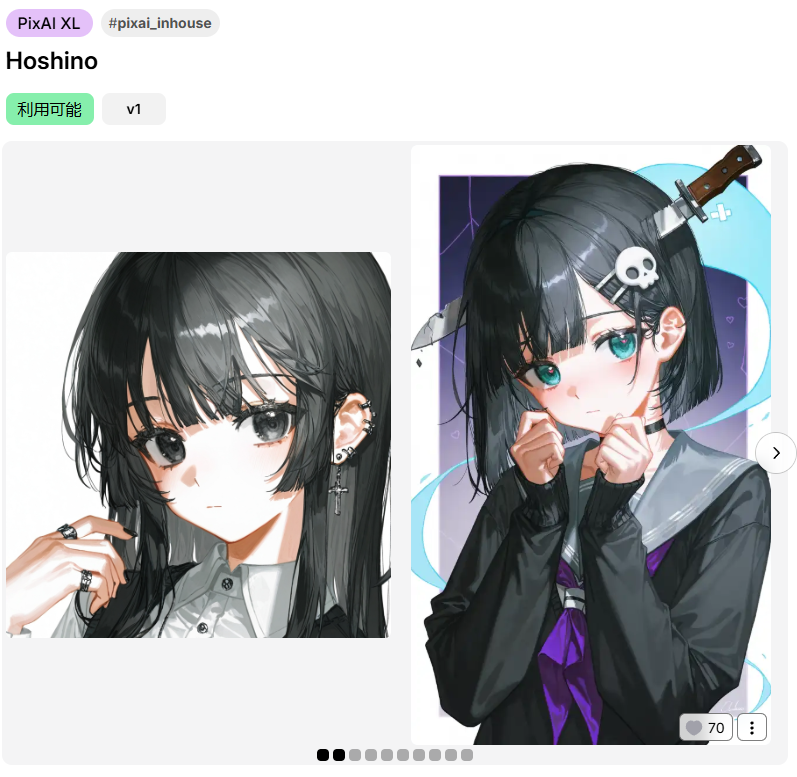
If you’re new to AI art, we highly recommend starting with these models.
Expert Tips for Model Selection
1. Check the Model Cover
The cover image gives you a quick preview of the model’s style and capabilities. Look for covers that match the aesthetic you’re aiming for.
2. Read the Model Description
The description provides details about the model’s strengths, such as whether it’s optimized for anime, realism, or fantasy. It may also include tips on how to use the model effectively.
3. Browse Model-Generated Artworks
Under the model’s detail page, you’ll find a section showcasing artworks created with that model. This is a great way to see real examples of what the model can do.
4. Explore Community Artwork
Browse through the community gallery and take note of the models used in artworks you admire. This can help you discover new models and understand how they perform in different scenarios.
Recommended Model Series
Illustrious Series
Illustrious is a powerhouse for creating multi-character scenes, especially when working with established IPs or franchises. It already ‘knows’ the traits of many popular characters, making it easier to generate accurate and recognizable designs.
Animagine Series
Specializes in creating dynamic and detailed anime characters, perfect for creating characters with flowing hair, dynamic clothing, and intricate details.
Both series are specifically designed for anime enthusiasts and come pre-loaded with knowledge of popular anime characters and styles, allowing you to create images of beloved IP characters with ease.
About DiT Models, check these guides 👉 Tsubaki & Serin
Your Creative Journey Starts Here
Understanding and selecting the right model is crucial for creating stunning AI artwork. By comparing different model outputs and refining your prompts, you can achieve the exact style and quality you’re aiming for.
Remember to:
- Experiment with different models and prompts
- Use our recommended models if you’re just starting
- Take advantage of our in-house trained models like Haruka V2 and Otome V2
- Explore the community gallery for inspiration
The world of AI art is constantly evolving, and with the right models and techniques, you can unlock unlimited creative possibilities.
Happy creating, and welcome to your AI art journey with PixAI!