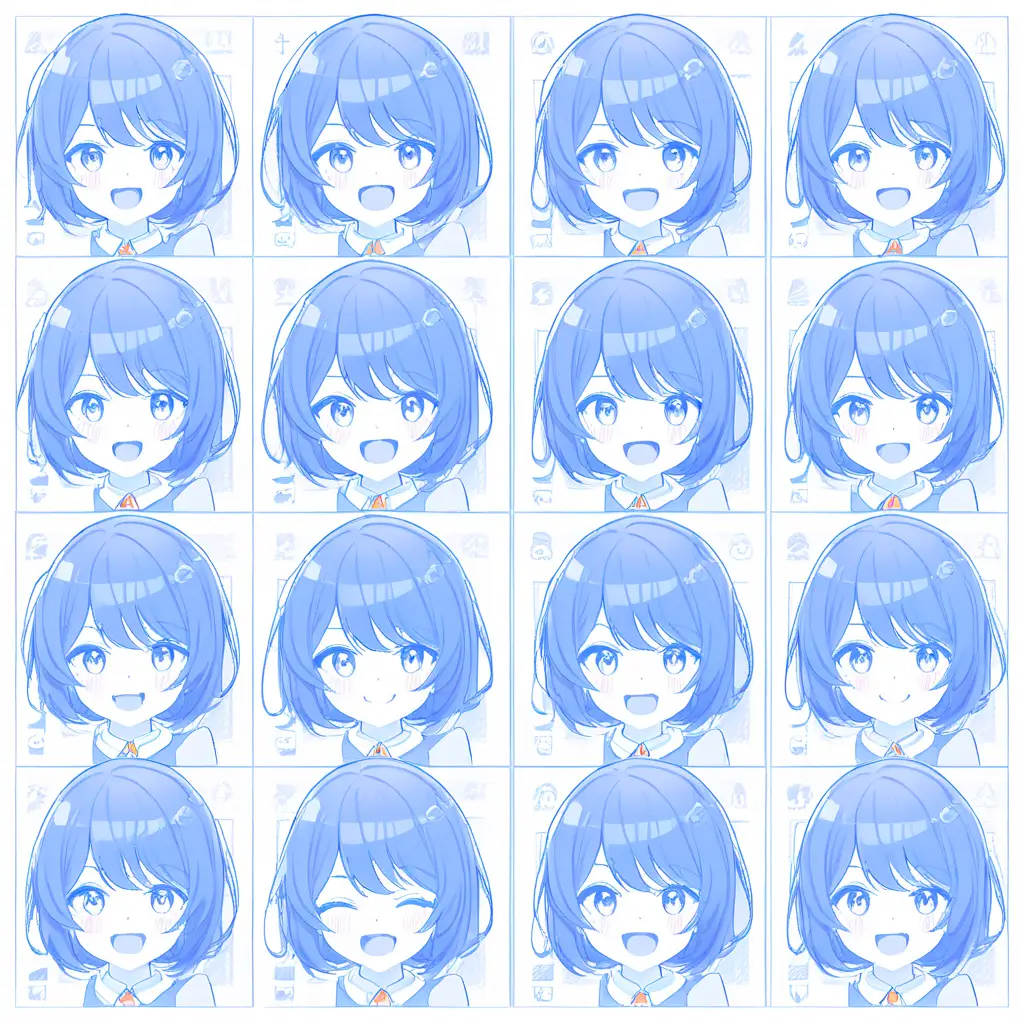
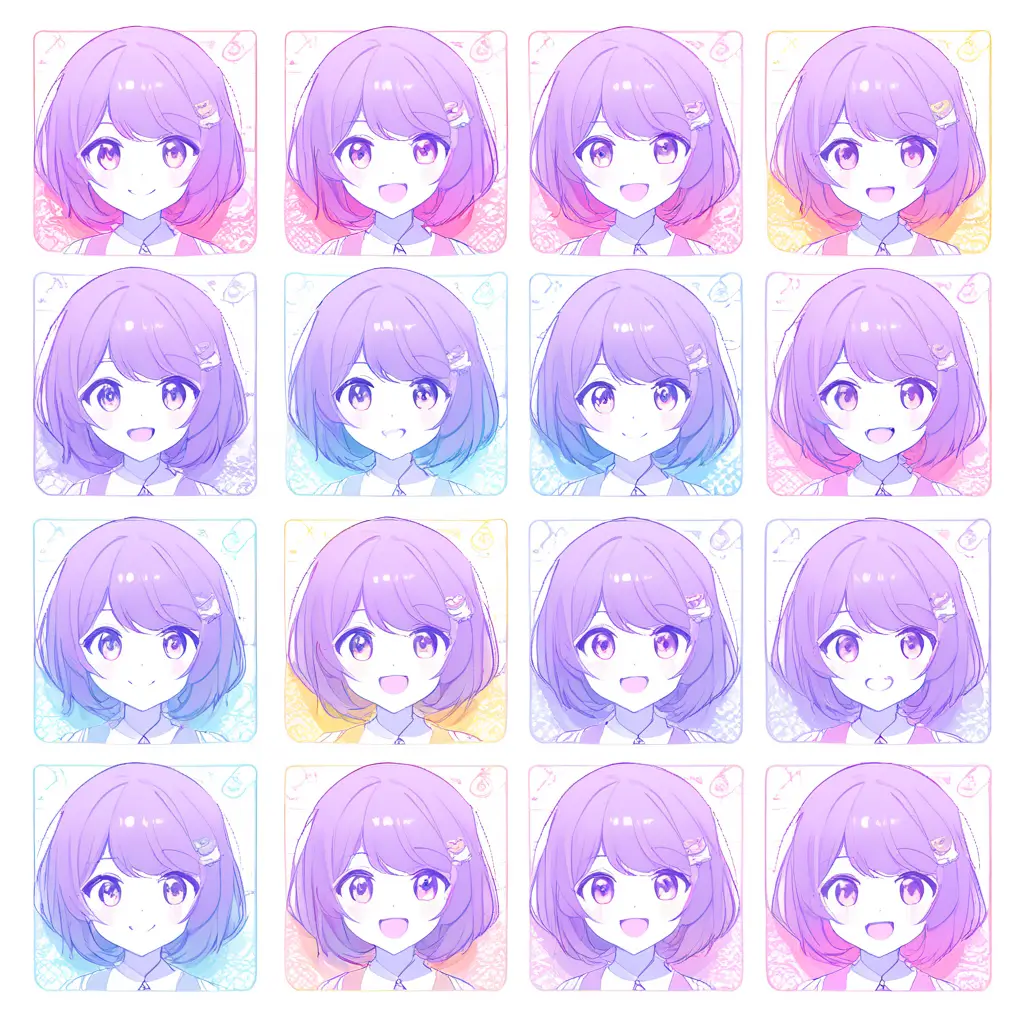
You can modify images effectively by using our AI facial expression changer. Simply upload the image you want to enhance, select the desired expression from our options, and let the AI transform the facial features to match your choice.
When utilizing an AI facial expression changer like the one from Pixai.art to enhance photo editing results, consider the following best practices: 1. Choose the Right Base Image: Start with a high-quality image that has good lighting and clear facial features to achieve the best results.2. Understand Expression Options: Familiarize yourself with the different expressions available and select those that align with the emotion you want to convey in your photo.3. Use Subtle Changes: Avoid drastic alterations; subtle changes often produce more realistic and appealing outcomes.4. Maintain Naturalness: Ensure that the facial expression aligns with the context of the image to maintain natural looks and relevance.5. Pay Attention to Details: After applying expressions, fine-tune other aspects of the photo like lighting, contrast, and backgrounds to create a cohesive image.6. Experiment and Iterate: Don’t hesitate to try various expressions and settings. Experimenting can lead to discovering combinations that enhance your photo even further.7. Seek User Feedback: Share your edited images with peers or in online communities for constructive feedback, which can guide improvements in your editing technique.By following these best practices, you can effectively enhance your photo editing results using an AI facial expression changer.
To refine the results when using an AI facial expression changer like the one from pixai.art, consider the following methods: 1. **Adjust Emotion Parameters**: Fine-tune specific emotion sliders (e.g., happiness, sadness) to achieve the desired facial expression.2. **Use Reference Images**: Upload reference images that showcase the expressions you want to emulate, guiding the tool toward more accurate enhancements.3. **Experiment with Variations**: Generate multiple versions of the same image with slight variations to compare the results and choose the best fit.4. **Manual Edits**: Utilize additional editing tools within the platform to make manual adjustments after the initial AI transformation.5. **Feedback Loop**: Analyze the results and provide feedback (if applicable) to continuously improve the AI’s understanding of your preferences.6. **Select Targeted Areas**: Focus the changes on specific facial features, like the eyes or mouth, to ensure subtle and natural expression alterations.7. **Combine Changes**: Experiment with combining different facial expressions to create unique results that suit your creative vision. By applying these methods, you can enhance and refine the results to better fit your photographic needs.
To refine the results when using an AI facial expression changer like the one from pixai.art, consider the following methods: 1. **Adjust Emotion Parameters**: Fine-tune specific emotion sliders (e.g., happiness, sadness) to achieve the desired facial expression.2. **Use Reference Images**: Upload reference images that showcase the expressions you want to emulate, guiding the tool toward more accurate enhancements.3. **Experiment with Variations**: Generate multiple versions of the same image with slight variations to compare the results and choose the best fit.4. **Manual Edits**: Utilize additional editing tools within the platform to make manual adjustments after the initial AI transformation.5. **Feedback Loop**: Analyze the results and provide feedback (if applicable) to continuously improve the AI’s understanding of your preferences.6. **Select Targeted Areas**: Focus the changes on specific facial features, like the eyes or mouth, to ensure subtle and natural expression alterations.7. **Combine Changes**: Experiment with combining different facial expressions to create unique results that suit your creative vision. By applying these methods, you can enhance and refine the results to better fit your photographic needs.