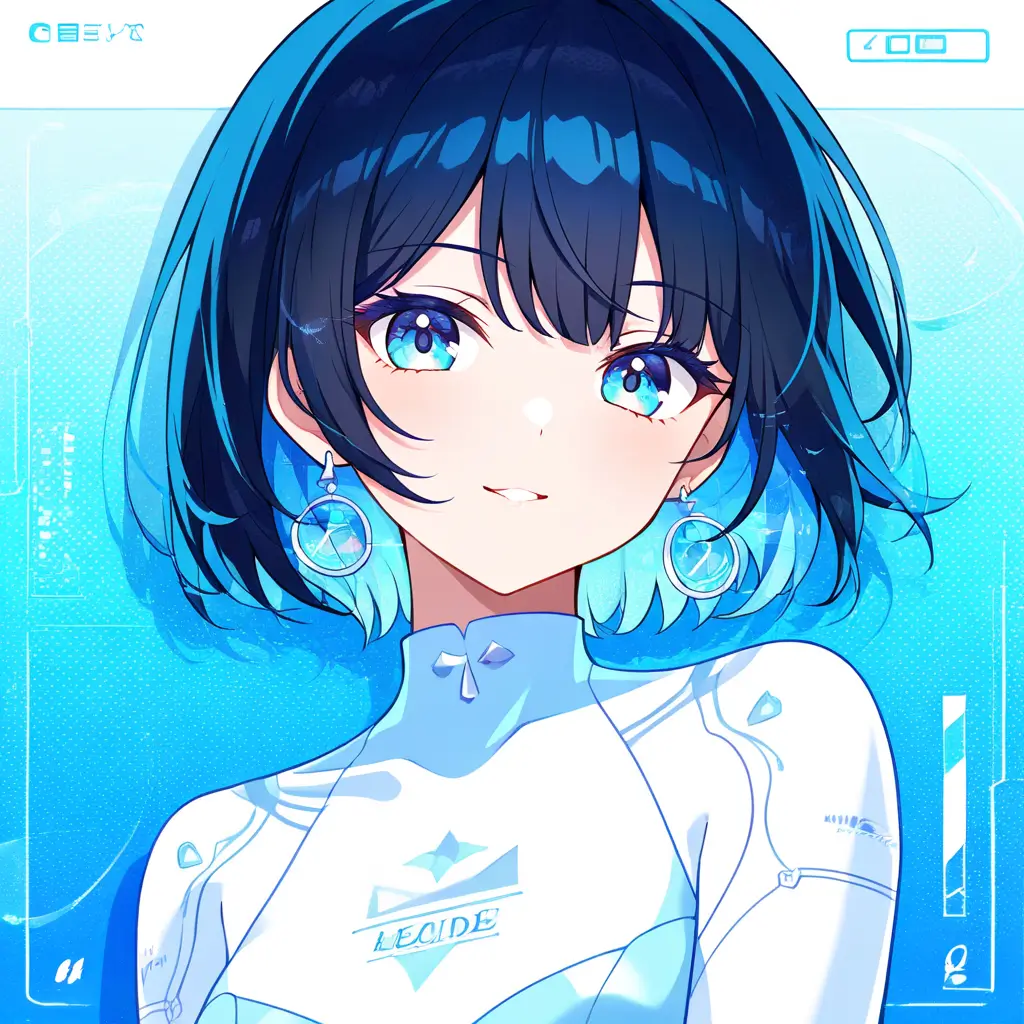
You can apply a black hair filter to your photos using editing software by selecting the ‘Filters’ or ‘Effects’ option, then searching for hair filters. Once you find a suitable black hair filter, apply it to your image and adjust the opacity or blending mode to achieve a natural look. Remember to fine-tune the details for a more realistic result.
To change hair color to black in your images using the editing software by pixai.art, follow these steps:1. Upload your image to the platform.2. Select the hair area using the lasso or brush tool for precise selection.3. Adjust the color settings or use the color replacement tool.4. Choose the black color from the color palette and apply it to the selected area.5. Refine the edges for a natural look using the feathering or blending options.6. Preview the changes and make any necessary adjustments.7. Save or export your edited image in your desired format.
To ensure a seamless transition when changing your hair color to black in a portrait using Pixai.art, you can explore several methods within the editing software. Start by using the color adjustment tools to select and mask the hair area accurately. Apply a color fill or selective color method to introduce the black hue gradually. Utilize blending modes to ensure the new color integrates well with the surrounding tones, maintaining highlights and shadows for a natural look. Additionally, consider using the brush tool for touch-ups, adjusting opacity to achieve a softer gradient where your hair meets the background. Lastly, applying filters or effects can enhance the overall appearance, making the transition appear more fluid and cohesive.
To ensure a seamless transition when changing your hair color to black in a portrait using Pixai.art, you can explore several methods within the editing software. Start by using the color adjustment tools to select and mask the hair area accurately. Apply a color fill or selective color method to introduce the black hue gradually. Utilize blending modes to ensure the new color integrates well with the surrounding tones, maintaining highlights and shadows for a natural look. Additionally, consider using the brush tool for touch-ups, adjusting opacity to achieve a softer gradient where your hair meets the background. Lastly, applying filters or effects can enhance the overall appearance, making the transition appear more fluid and cohesive.