Get in touch
Close

Contacts

USA, New York - 1060
Str. First Avenue 1

800 100 975 20 34
+ (123) 1800-234-5678

neuros@mail.co

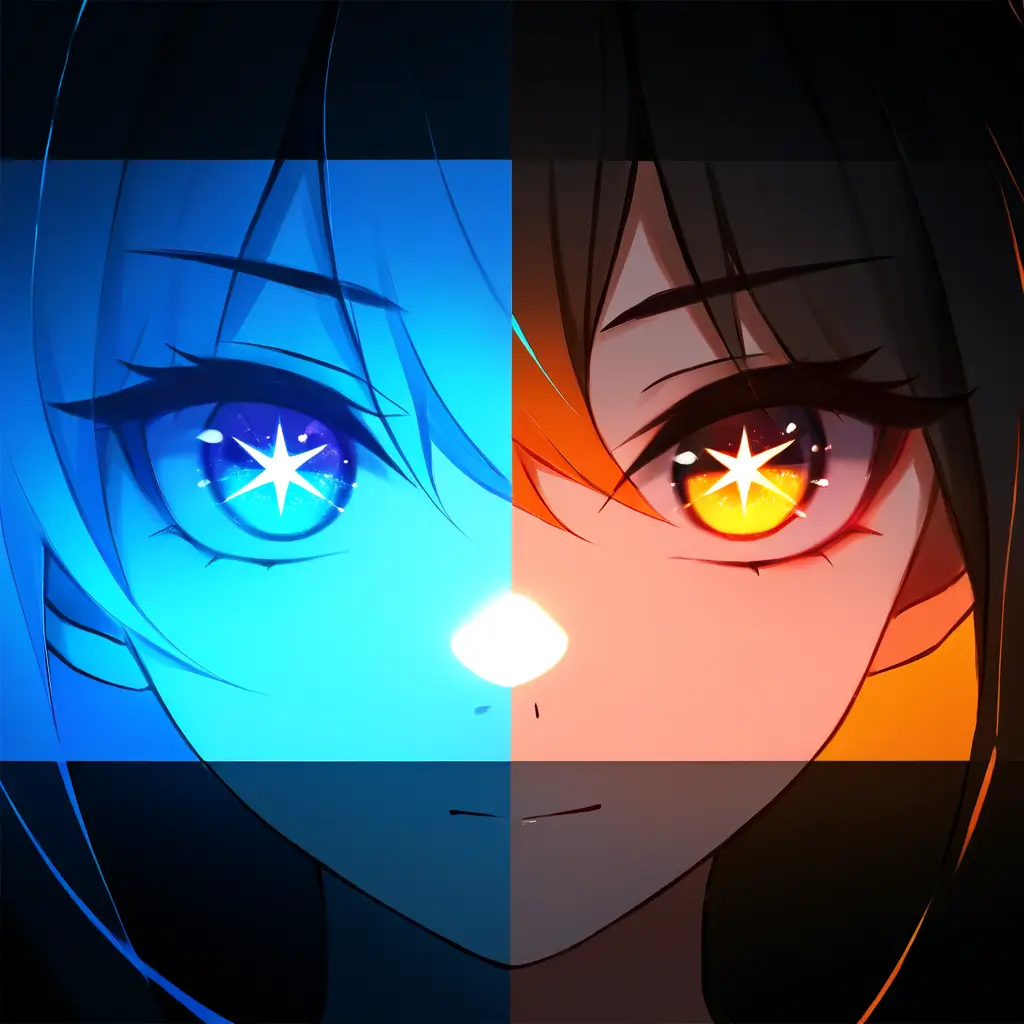
Glowing Eyes Filter

Transform your images with PixAI.ART’s captivating Glowing Eyes Filter, adding a magical touch to your artwork effortlessly.

Glowing Eyes Filter

Transform your images with PixAI.ART’s captivating Glowing Eyes Filter, adding a magical touch to your artwork effortlessly.
Pixai

aboutWhat is a glowing eyes filter?

A glowing eyes filter is a digital effect commonly used in photography and videography that enhances or modifies the appearance of a subject’s eyes, making them appear luminous and radiant. This filter can create dramatic and visually striking images by adding a glowing hue, often in colors like blue or green, and intensifying the eyes’ brightness. It is frequently applied in social media apps and photo editing software to enhance portraits and cool effects, allowing users to experiment with their creativity and transform their visual expressions.

featuresHow Does a Glowing Eyes Filter Work?

A glowing eyes filter is a digital tool that enhances or alters the appearance of a person’s eyes in an image or video. Using computer vision and image processing techniques, the filter identifies the eyes and applies effects such as brightening, color changing, or adding a glow effect. This creates a striking visual impact, often used for artistic or playful purposes in photography and social media.

The Technology Behind AI Art

The glowing eyes filter utilizes computer vision and image processing techniques to isolate the eyes in an image. By applying algorithms that enhance brightness, contrast, and color saturation, the filter creates a luminescent effect. Machine learning models may also be employed to ensure realistic integration of the glow with varied lighting conditions and skin tones, allowing for a striking visual enhancement that maintains a natural appearance.
01
Glowing Eyes Filter in Image Processing The glowing eyes filter leverages computer vision and image processing techniques to enhance the eyes in images, applying algorithms that boost brightness, contrast, and color saturation for a luminescent effect. Machine learning models ensure realistic integration with various lighting conditions and skin tones, achieving a striking yet natural visual enhancement.
02
Enhanced Eye Features in Image Editing The glowing eyes filter is a sophisticated tool in image editing that transforms the appearance of eyes in photographs. Its functionality includes:- Brightness Optimization: Increases the luminosity of the eyes to draw attention.- Color Adjustment: Modifies hue and saturation for a vibrant effect that complements the overall image.- Realistic Blending: Ensures the enhancement harmonizes with surrounding elements, maintaining natural aesthetics across different skin tones and lighting scenarios.

Frequently Asked Questions

You can easily create a glowing eyes filter for your photos using our photo editing software. Just upload your image, select the glowing eyes effect from the filters menu, and adjust the intensity to your liking. Let the AI do the rest for a striking enhancement!
To design a filter that adds glowing eyes to your images using the PixAI.art tool, follow these steps: 1. **Access the Tool**: Navigate to the PixAI.art website and log into your account.2. **Upload Your Image**: Choose the image you want to modify by clicking on the upload button.3. **Select Filter Options**: Look for the filter creation section and select ‘Add Eyes’ from the available options.4. **Adjust Settings**: Customize the glow effect by adjusting parameters like color, intensity, and size of the glow.5. **Preview Changes**: Use the preview feature to see how your adjustments affect the image.6. **Apply the Filter**: Once satisfied with the preview, apply the filter to the image.7. **Download the Final Image**: Finally, download the modified image with glowing eyes to your device.By following these steps, you will be able to create a unique filter that enhances your images with glowing eyes.
To utilize PixAI.art for creating a glowing eyes effect in your images, follow these necessary steps: 1. Visit the PixAI.art website and log in or create an account if you don’t have one.2. Upload the image you want to edit by clicking the upload button.3. Select the specific area around the eyes where you want to create the glowing effect.4. Choose the “Glowing Eyes” effect from the list of available filters or tools.5. Adjust the intensity and color of the glow to achieve your desired look.6. Preview the changes to see how they affect your image.7. Once satisfied with the result, save the edited image to your device.8. Optionally, share your creation directly on social media platforms or with friends.


©2025. All rights reserved.