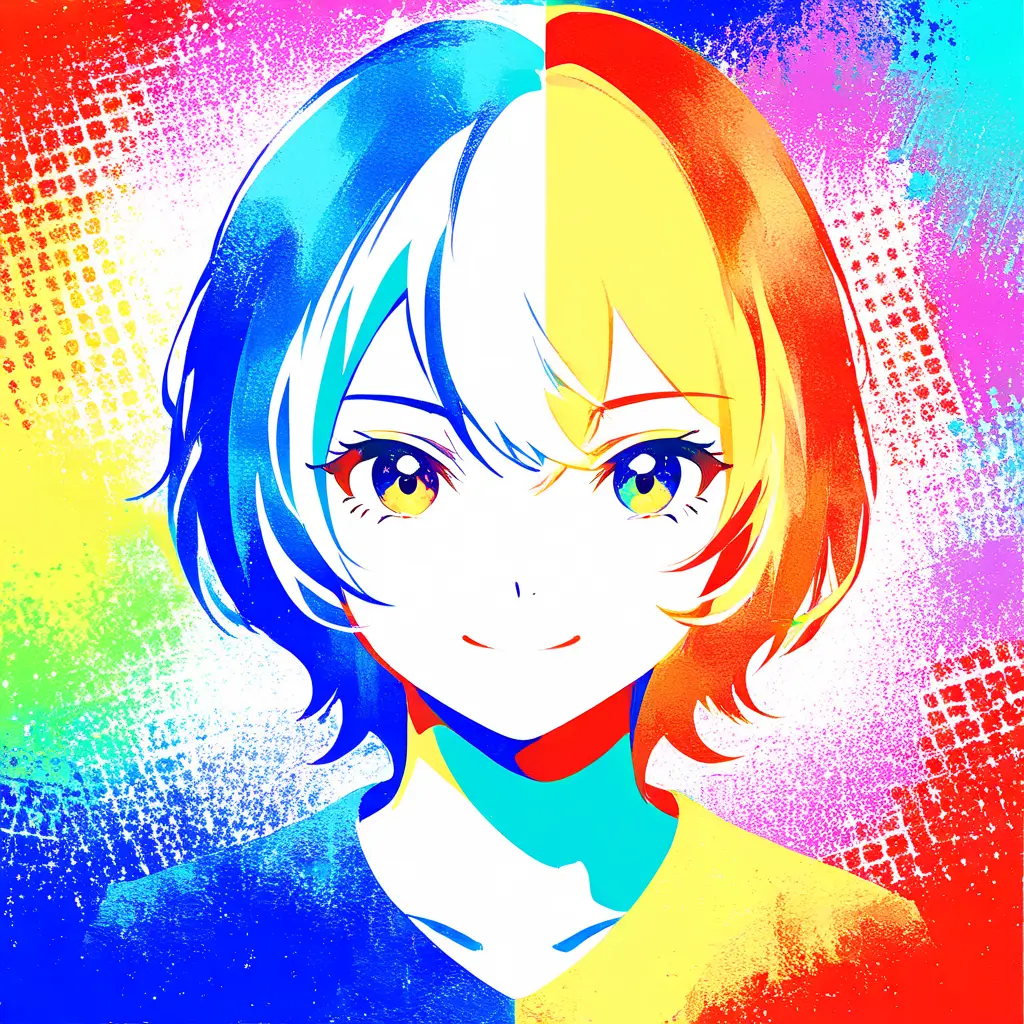
You can turn a photo into pop art for free using our online pop art generator. Simply upload your photo, select a pop art style, and let the tool transform your image into a vibrant piece of art in just a few clicks.
There are several free methods to transform an image into a pop art style using online tools and software. One effective option is to use Pixai.art, which offers a user-friendly interface for applying pop art effects to your images. Additionally, you can experiment with free photo editing software like GIMP or online platforms such as Canva, which provide filters and customizable templates to achieve the desired pop art look. Other methods include using smartphone apps designed for artistic filters or exploring open-source graphic design programs that allow you to manually create pop art effects by adjusting colors, shapes, and patterns.
When selecting a free online tool for creating pop art from your photographs, look for the following features: 1. **User-Friendly Interface**: An intuitive design that makes navigation easy, even for beginners.2. **Customization Options**: Tools that allow you to adjust colors, patterns, and effects to truly personalize your artwork.3. **Filters and Effects**: A variety of pop art filters that can transform your photos into vibrant, eye-catching images.4. **Image Upload Capability**: The ability to easily upload and work with your own photographs.5. **Resolution Options**: High-resolution output to ensure your pop art prints clearly and beautifully.6. **Social Sharing Features**: Tools that facilitate easy sharing on social media platforms straight from the tool.7. **Tutorials and Help Resources**: Availability of guides or tutorials for users to learn how to maximize the tool’s features.8. **No Watermarks**: A policy that allows you to download your creations without any branding or watermarks. By considering these features, you can find a suitable online tool that meets your pop art creation needs.
When selecting a free online tool for creating pop art from your photographs, look for the following features: 1. **User-Friendly Interface**: An intuitive design that makes navigation easy, even for beginners.2. **Customization Options**: Tools that allow you to adjust colors, patterns, and effects to truly personalize your artwork.3. **Filters and Effects**: A variety of pop art filters that can transform your photos into vibrant, eye-catching images.4. **Image Upload Capability**: The ability to easily upload and work with your own photographs.5. **Resolution Options**: High-resolution output to ensure your pop art prints clearly and beautifully.6. **Social Sharing Features**: Tools that facilitate easy sharing on social media platforms straight from the tool.7. **Tutorials and Help Resources**: Availability of guides or tutorials for users to learn how to maximize the tool’s features.8. **No Watermarks**: A policy that allows you to download your creations without any branding or watermarks. By considering these features, you can find a suitable online tool that meets your pop art creation needs.