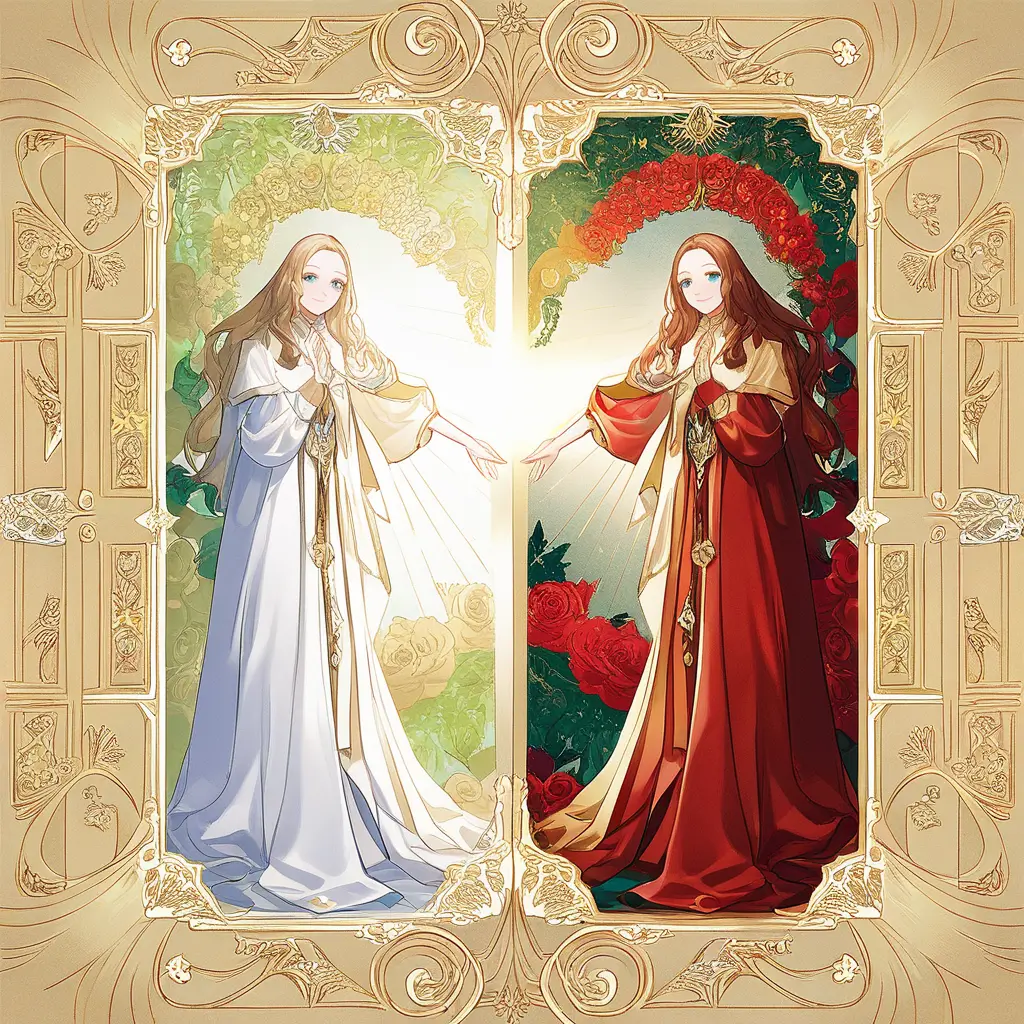
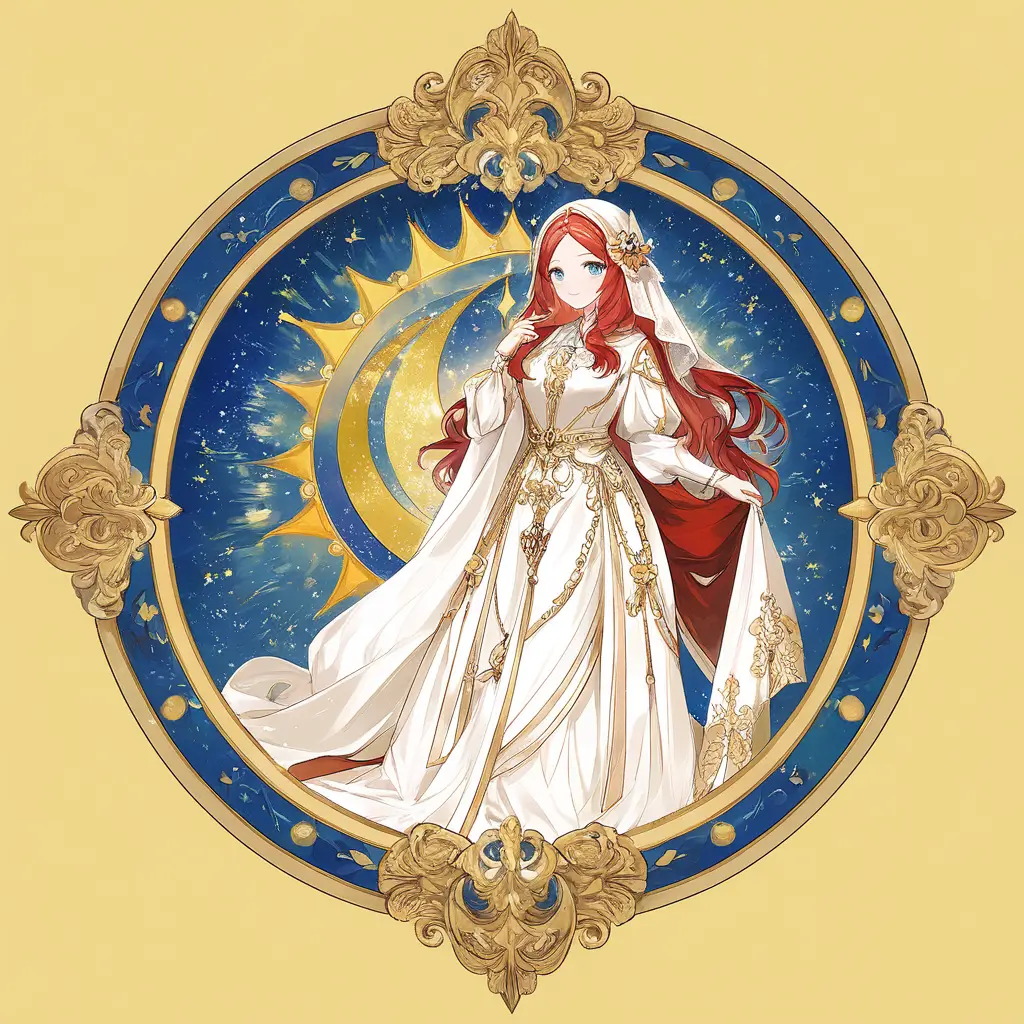
You can apply a renaissance painting filter to your digital art by using our software’s built-in filter options. Simply upload your artwork, select the renaissance filter from the effects menu, and adjust the settings to achieve your desired look. Let the software enhance your art with classic styles inspired by the masters!
To transform your photography into a modern abstract art style using digital filters, follow these steps:1. **Select Your Base Image**: Choose a photograph that you want to transform. Look for images with strong compositions and interesting subjects.2. **Use Pixai.art**: Access the Pixai.art platform and upload your selected image.3. **Explore Digital Filters**: Browse through the various digital filters available on Pixai.art. Experiment with different styles that lean towards modern abstract art.4. **Adjust Settings**: Fine-tune the filters by adjusting parameters such as intensity, color saturation, and contrast to achieve the desired abstract effect.5. **Layer Effects**: Combine multiple filters to create a unique abstraction that borrows elements from various styles.6. **Preview and Edit**: Continuously preview your transformed image and make incremental edits until you’re satisfied with the result.7. **Save and Share**: Once you’re happy with your modern abstract piece, save your artwork and share it on social media or with friends.By following these steps, you can effectively transform your photography into striking modern abstract art using Pixai.art’s digital tools.
To create a vintage sepia tone effect on your digital photography using editing software like the one from PixAI Art, you can follow these methods:1. **Desaturation**: Start by desaturating the image to remove most of the color. This helps to give it an aged feel.2. **Color Adjustment**: Adjust the color balance by increasing the red and green channels while reducing the blue. This will help achieve the warm brown tones typical of sepia.3. **Add a Brown Tint**: Apply a brown color overlay or tint to simulate the sepia effect. Adjust the opacity to blend it with the original image.4. **Contrast and Brightness**: Fine-tune the contrast and brightness to enhance the vintage look. Decrease brightness slightly and increase contrast for depth.5. **Grain or Noise**: Introduce a subtle amount of grain or noise to mimic the texture of old photographs.6. **Vignette**: Apply a vignette effect to darken the edges of the image, drawing attention to the center and enhancing the vintage aesthetic.7. **Texture Overlay**: Consider adding a texture overlay that resembles old paper or film for a more authentic look. By combining these methods, you can effectively achieve a vintage sepia tone effect in your digital photography.
To create a vintage sepia tone effect on your digital photography using editing software like the one from PixAI Art, you can follow these methods:1. **Desaturation**: Start by desaturating the image to remove most of the color. This helps to give it an aged feel.2. **Color Adjustment**: Adjust the color balance by increasing the red and green channels while reducing the blue. This will help achieve the warm brown tones typical of sepia.3. **Add a Brown Tint**: Apply a brown color overlay or tint to simulate the sepia effect. Adjust the opacity to blend it with the original image.4. **Contrast and Brightness**: Fine-tune the contrast and brightness to enhance the vintage look. Decrease brightness slightly and increase contrast for depth.5. **Grain or Noise**: Introduce a subtle amount of grain or noise to mimic the texture of old photographs.6. **Vignette**: Apply a vignette effect to darken the edges of the image, drawing attention to the center and enhancing the vintage aesthetic.7. **Texture Overlay**: Consider adding a texture overlay that resembles old paper or film for a more authentic look. By combining these methods, you can effectively achieve a vintage sepia tone effect in your digital photography.