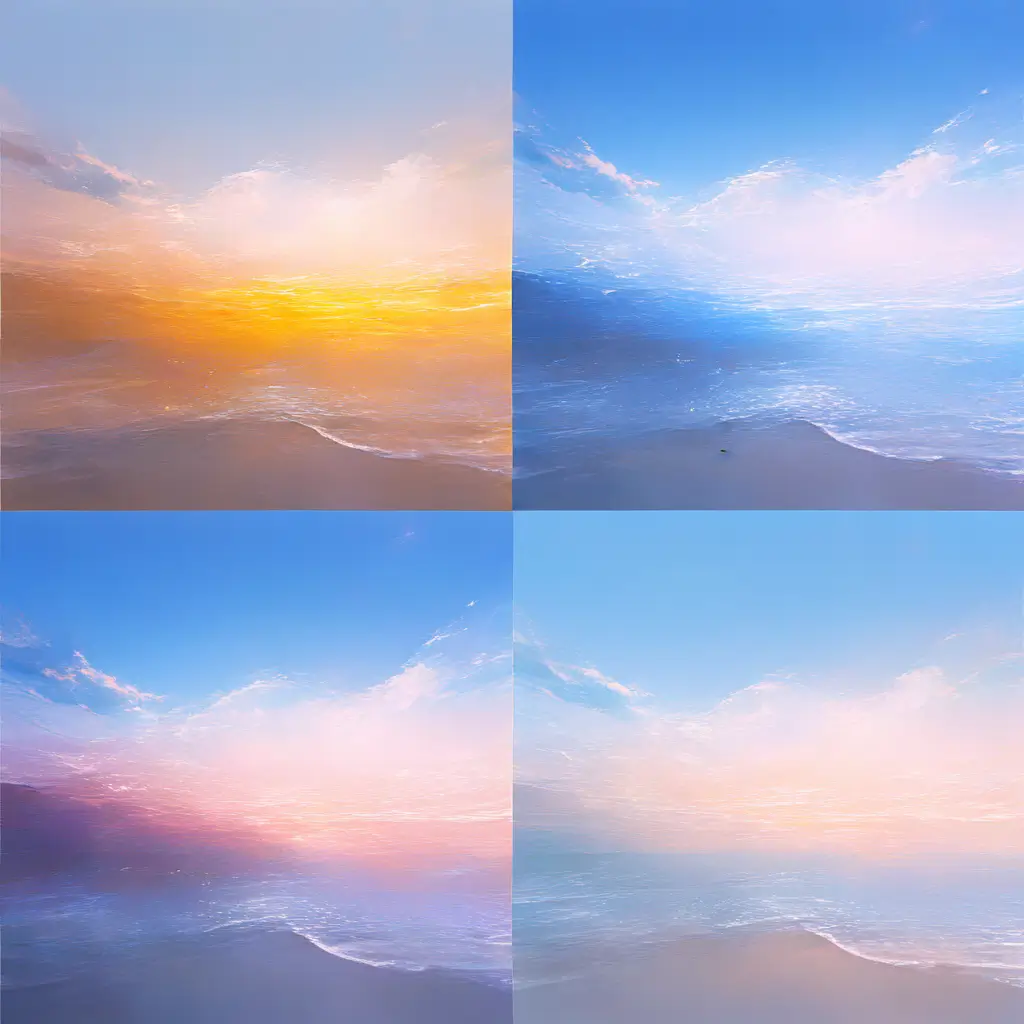
You can remove lens flare from a photo using photo editing software. Simply import your image, use the healing brush or clone stamp tool to carefully paint over the flare, and adjust the brightness and contrast as needed to blend the area seamlessly.
To eliminate unwanted reflections in your images using Pixai.art, consider these techniques: 1. **Adjusting Angles**: Change your shooting angle to minimize reflections. Sometimes simply repositioning your camera can help avoid glare.2. **Polarizing Filters**: Use a polarizing filter on your lens to reduce glare and reflections on shiny surfaces. This filter can effectively cut down on unwanted light.3. **Post-Processing Tools**: Employ advanced editing features in Pixai.art to remove reflections digitally. Utilize tools like cloning or healing brushes to retouch the areas affected by unwanted reflections.4. **Lighting Adjustments**: Modify your lighting setup to reduce the intensity of reflections. Soft, diffused lighting can help minimize harsh reflections from surfaces.5. **Surface Treatments**: Consider applying anti-reflective coatings or using matte surfaces where possible to reduce reflections during capture.By combining these techniques, you can effectively manage and eliminate unwanted reflections in your images.
To combat glare on shiny surfaces during your photo shoots, consider using the following strategies: 1. **Adjust Your Angle**: Change your shooting angle to find a position that minimizes reflections and glare. This can often involve shooting from above or at a slight angle instead of straight on.2. **Use Polarizing Filters**: Attach a polarizing filter to your lens. This can help reduce glare and reflections from shiny surfaces by allowing you to control the light entering your lens.3. **Modify Your Lighting**: Soft, diffused lighting can help reduce harsh reflections. Use softboxes or bounce light off walls to create a more even light source.4. **Use Backlighting**: Position your light source behind your subject. This can create a glow effect and can minimize glare on the front of shiny surfaces.5. **Shoot in RAW**: By shooting in RAW format, you’ll have more flexibility in post-processing to adjust brightness and contrast, which can help in reducing unwanted glare.6. **Experiment with Depth of Field**: Using a lower depth of field can blur out distracting reflections while keeping the main subject in focus.By implementing these strategies, you can effectively reduce glare and improve the overall quality of your images.
To combat glare on shiny surfaces during your photo shoots, consider using the following strategies: 1. **Adjust Your Angle**: Change your shooting angle to find a position that minimizes reflections and glare. This can often involve shooting from above or at a slight angle instead of straight on.2. **Use Polarizing Filters**: Attach a polarizing filter to your lens. This can help reduce glare and reflections from shiny surfaces by allowing you to control the light entering your lens.3. **Modify Your Lighting**: Soft, diffused lighting can help reduce harsh reflections. Use softboxes or bounce light off walls to create a more even light source.4. **Use Backlighting**: Position your light source behind your subject. This can create a glow effect and can minimize glare on the front of shiny surfaces.5. **Shoot in RAW**: By shooting in RAW format, you’ll have more flexibility in post-processing to adjust brightness and contrast, which can help in reducing unwanted glare.6. **Experiment with Depth of Field**: Using a lower depth of field can blur out distracting reflections while keeping the main subject in focus.By implementing these strategies, you can effectively reduce glare and improve the overall quality of your images.