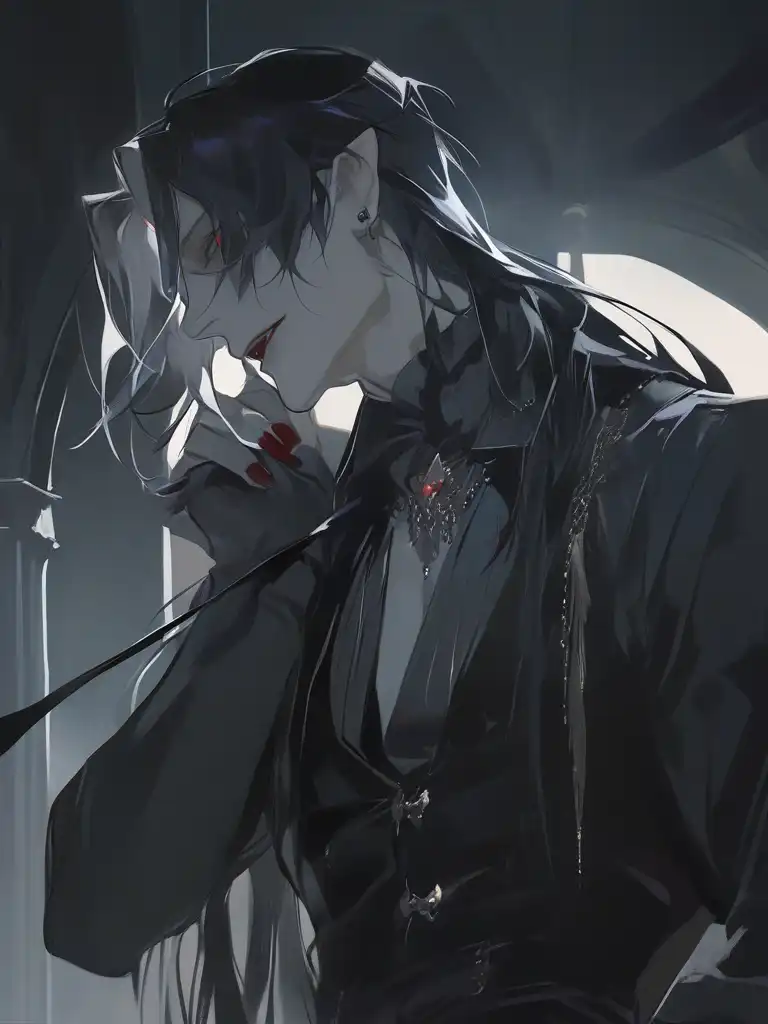
You can create a vampire-themed character using our AI character generator. Simply enter your character’s traits, such as appearance and personality, or upload reference images, and let the AI generate a unique character for you.
To design a werewolf-inspired protagonist using AI technology on pixai.art, follow these steps: 1. **Conceptualize Your Character**: Begin by gathering ideas about your werewolf protagonist’s personality, backstory, and visual traits. Consider elements like their human features, wolf attributes, and any unique characteristics you want to emphasize.2. **Access the Tool**: Visit the pixai.art platform and sign in or create an account if you haven’t already. 3. **Choose Image Type**: Select the type of image you want to create. For a werewolf character, go for a digital illustration or character design option.4. **Input Parameters**: Use the input fields to describe your werewolf protagonist. Include adjectives and specific traits such as fur color, eye shape, and clothing style, which can help guide the AI in generating the image.5. **Utilize Style Options**: Choose a preferred artistic style for your character. This could range from realistic to cartoonish or even a specific art movement.6. **Generate Image**: Once you’ve set your parameters, hit the generate button. The AI will create an image based on your descriptions.7. **Review and Refine**: After the image is generated, review the output. If it’s not exactly as you envisioned, you can tweak the input details or try different styles and regenerate the image.8. **Download and Save**: Once you are satisfied with the design of your werewolf protagonist, download the image for your project.9. **Iterate**: Don’t hesitate to go through the process multiple times, adjusting parameters or trying new ideas to hone in on the perfect design for your character. By following these steps, you can successfully create a unique werewolf protagonist utilizing the power of AI technology.
To design a mermaid character using AI art generation tools like PixAI, follow these steps: 1. Start by gathering inspiration: Look at various mermaid images, artwork, and mythology to visualize the style you prefer.2. Define your character: Decide on specific attributes for your mermaid, such as hair color, scale patterns, and clothing styles.3. Choose a key pose or expression: Consider how you want your character to be depicted—swimming, sitting on a rock, or in motion.4. Input keywords: Use descriptive keywords in the AI tool’s prompt to guide the generation process, such as “elegant mermaid with flowing hair and sparkling scales.”5. Adjust parameters: Experiment with settings like style, color palette, and background to refine your character’s look.6. Generate the image: Run the AI tool and create the image.7. Review and iterate: Analyze the generated artwork and make adjustments to the prompts or settings as needed to better align with your vision.8. Finalize your design: Once satisfied with the outcome, save your artwork and consider additional touches or edits if necessary.
To design a mermaid character using AI art generation tools like PixAI, follow these steps: 1. Start by gathering inspiration: Look at various mermaid images, artwork, and mythology to visualize the style you prefer.2. Define your character: Decide on specific attributes for your mermaid, such as hair color, scale patterns, and clothing styles.3. Choose a key pose or expression: Consider how you want your character to be depicted—swimming, sitting on a rock, or in motion.4. Input keywords: Use descriptive keywords in the AI tool’s prompt to guide the generation process, such as “elegant mermaid with flowing hair and sparkling scales.”5. Adjust parameters: Experiment with settings like style, color palette, and background to refine your character’s look.6. Generate the image: Run the AI tool and create the image.7. Review and iterate: Analyze the generated artwork and make adjustments to the prompts or settings as needed to better align with your vision.8. Finalize your design: Once satisfied with the outcome, save your artwork and consider additional touches or edits if necessary.