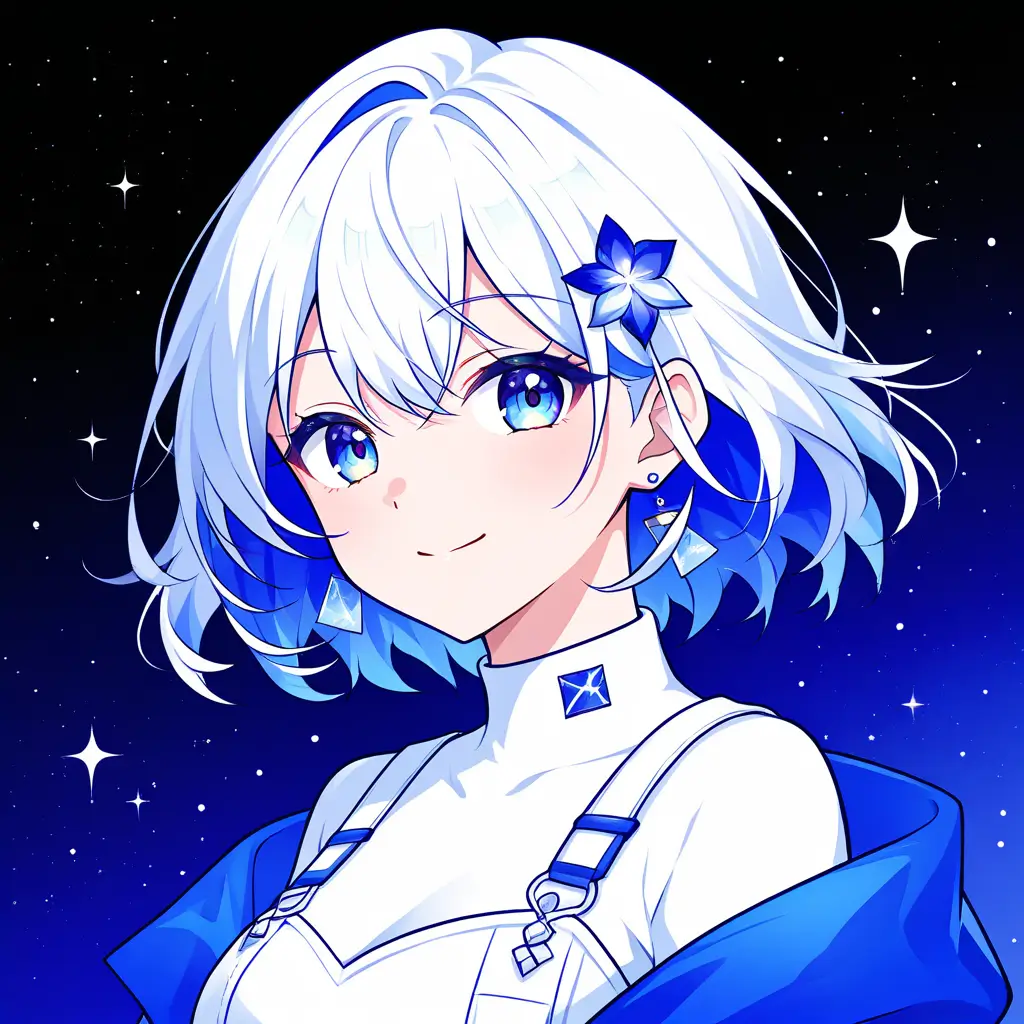
You can create a character portrait using digital art techniques by utilizing various software tools like Adobe Photoshop or Procreate. Start by sketching your character’s base features, then build layers for shading, colors, and details. Use brushes and textures to add depth and make adjustments with digital tools until you’re satisfied with the final look.
To enhance the details of a character portrait using Pixai.art, you can utilize techniques such as layer blending, texture application, and lighting adjustments. Start by adding layers for shading and highlights to create depth. Incorporate textures to give skin and hair more realism. Adjust the lighting to emphasize facial features and create a three-dimensional look, enhancing reflections and shadows for a more dynamic and detailed presentation. Furthermore, using digital brushes can help in refining small details, making eyes more expressive, and adding intricate patterns or embellishments to clothing. Experimenting with color adjustments can also enhance the overall vibrancy and mood of the portrait.
To improve the texture and realism of skin in a digital character portrait using the Pixai.art image tool, consider applying the following techniques: 1. **Layering Textures**: Use multiple texture layers for skin to create depth. Start with a base skin tone and overlay subtle textures that mimic real skin features like pores and fine lines.2. **Normal and Bump Maps**: Incorporate normal and bump mapping techniques to simulate the unevenness of skin. This adds dimensionality and can greatly enhance realism.3. **Lighting and Shadows**: Pay attention to the lighting setup in your artwork. Soft, diffuse lighting can enhance skin details while strategic shadow placement can add depth and realism.4. **Color Variation**: Incorporate slight variations in skin tone across different areas of the face. Real skin often has subtle variations in hue, such as red or yellow undertones, especially around features like the nose, cheeks, and eyes.5. **Specular Highlights**: Add specular highlights to mimic the natural sheen of skin, particularly on areas like the forehead, cheekbones, and nose, to simulate how light interacts with oily or moisturized skin.6. **Reference Images**: Use high-quality reference images to study the details of real skin, including textures, tones, and imperfections. This will help you replicate these features accurately.7. **Digital Brushes**: Utilize custom brushes for painting skin that can mimic traditional textures. Brushes designed for skin can help create more organic and detailed effects.8. **Post-Processing Effects**: After completing the illustration, consider using post-processing techniques such as blurring or sharpening in certain areas to enhance the realism of the skin texture.By applying these techniques carefully, you can significantly enhance the texture and overall realism of skin in your digital character portraits.
To improve the texture and realism of skin in a digital character portrait using the Pixai.art image tool, consider applying the following techniques: 1. **Layering Textures**: Use multiple texture layers for skin to create depth. Start with a base skin tone and overlay subtle textures that mimic real skin features like pores and fine lines.2. **Normal and Bump Maps**: Incorporate normal and bump mapping techniques to simulate the unevenness of skin. This adds dimensionality and can greatly enhance realism.3. **Lighting and Shadows**: Pay attention to the lighting setup in your artwork. Soft, diffuse lighting can enhance skin details while strategic shadow placement can add depth and realism.4. **Color Variation**: Incorporate slight variations in skin tone across different areas of the face. Real skin often has subtle variations in hue, such as red or yellow undertones, especially around features like the nose, cheeks, and eyes.5. **Specular Highlights**: Add specular highlights to mimic the natural sheen of skin, particularly on areas like the forehead, cheekbones, and nose, to simulate how light interacts with oily or moisturized skin.6. **Reference Images**: Use high-quality reference images to study the details of real skin, including textures, tones, and imperfections. This will help you replicate these features accurately.7. **Digital Brushes**: Utilize custom brushes for painting skin that can mimic traditional textures. Brushes designed for skin can help create more organic and detailed effects.8. **Post-Processing Effects**: After completing the illustration, consider using post-processing techniques such as blurring or sharpening in certain areas to enhance the realism of the skin texture.By applying these techniques carefully, you can significantly enhance the texture and overall realism of skin in your digital character portraits.