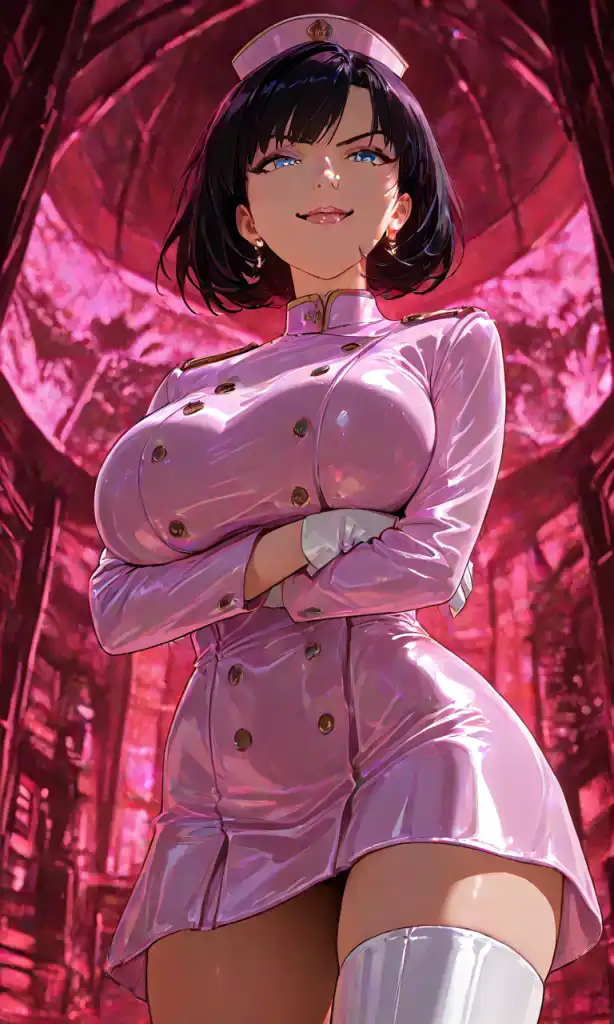
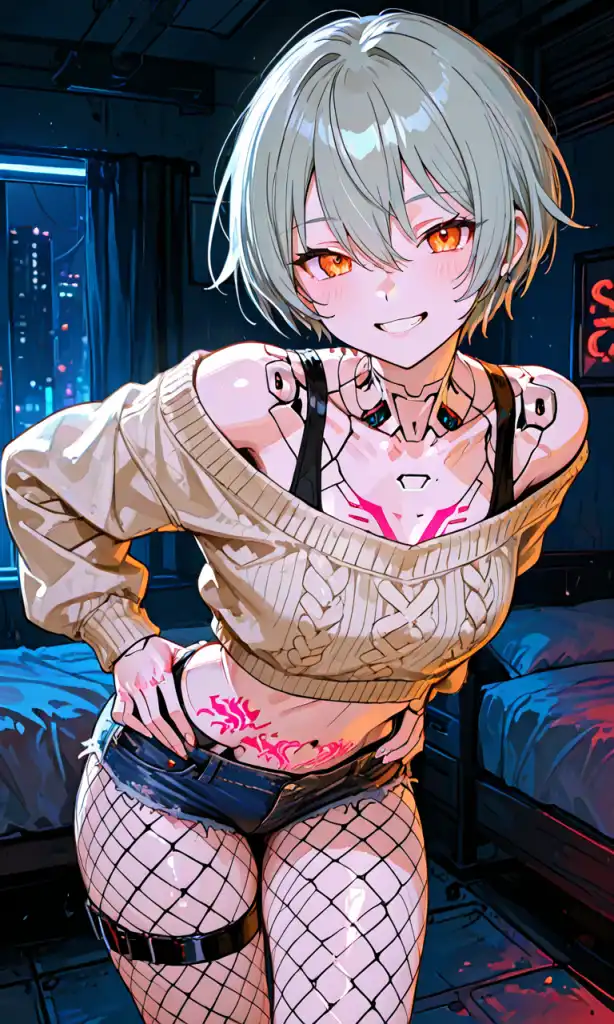
You can create personalized images of an AI girlfriend using our image generator. Simply provide a description of your ideal character, or upload reference images, and watch as the AI brings your vision to life.
To design unique digital portraits of your ideal partner using an AI image generator like pixai.art, follow these steps:1. **Gather Inspiration**: Collect reference images and descriptions of features you find appealing in a partner.2. **Define Specific Characteristics**: List attributes such as hair color, eye shape, facial structure, and clothing styles that embody your ideal partner.3. **Choose the Right Tool**: Access pixai.art and familiarize yourself with its features and functionalities.4. **Input Descriptions**: Use the collected characteristics to create detailed prompts that describe your ideal partner.5. **Experiment with Parameters**: Adjust settings like art style, color palette, and resolution as needed to refine your design.6. **Generate Images**: Run the AI to create several variations and explore different interpretations of your descriptions.7. **Select and Edit**: Choose your favorite images and utilize any available editing tools on the platform to make further adjustments.8. **Save and Share**: Once satisfied with the final portrait, save the image and consider sharing it on social media or with friends for feedback. By following these steps, you can leverage AI tools to create a personalized digital portrait that captures your vision of an ideal partner.
To visualize and generate imaginative portraits of your perfect companion using the AI image creation tool by pixai.art, you can utilize various methods such as:1. **Custom Prompts**: Input detailed descriptions of your companion’s characteristics, such as appearance, attire, and personality traits, to guide the AI in creating a tailored image.2. **Style Selection**: Choose from a variety of artistic styles or filters available in the tool to achieve the desired aesthetic for the portrait.3. **Reference Images**: Upload existing images that inspire or reflect the qualities you want to see in your companion, helping the AI to better understand your vision.4. **Adjustable Parameters**: Use sliders or options for parameters like color, mood, and composition to refine the generated portraits to better match your imagination.5. **Iterative Refinement**: Generate multiple variations of portraits and select the ones that resonate the most, allowing for adjustments and tweaks in the description for a perfect fit.By leveraging these methods, you can create unique and imaginative representations of your ideal companion with pixai.art.
To visualize and generate imaginative portraits of your perfect companion using the AI image creation tool by pixai.art, you can utilize various methods such as:1. **Custom Prompts**: Input detailed descriptions of your companion’s characteristics, such as appearance, attire, and personality traits, to guide the AI in creating a tailored image.2. **Style Selection**: Choose from a variety of artistic styles or filters available in the tool to achieve the desired aesthetic for the portrait.3. **Reference Images**: Upload existing images that inspire or reflect the qualities you want to see in your companion, helping the AI to better understand your vision.4. **Adjustable Parameters**: Use sliders or options for parameters like color, mood, and composition to refine the generated portraits to better match your imagination.5. **Iterative Refinement**: Generate multiple variations of portraits and select the ones that resonate the most, allowing for adjustments and tweaks in the description for a perfect fit.By leveraging these methods, you can create unique and imaginative representations of your ideal companion with pixai.art.