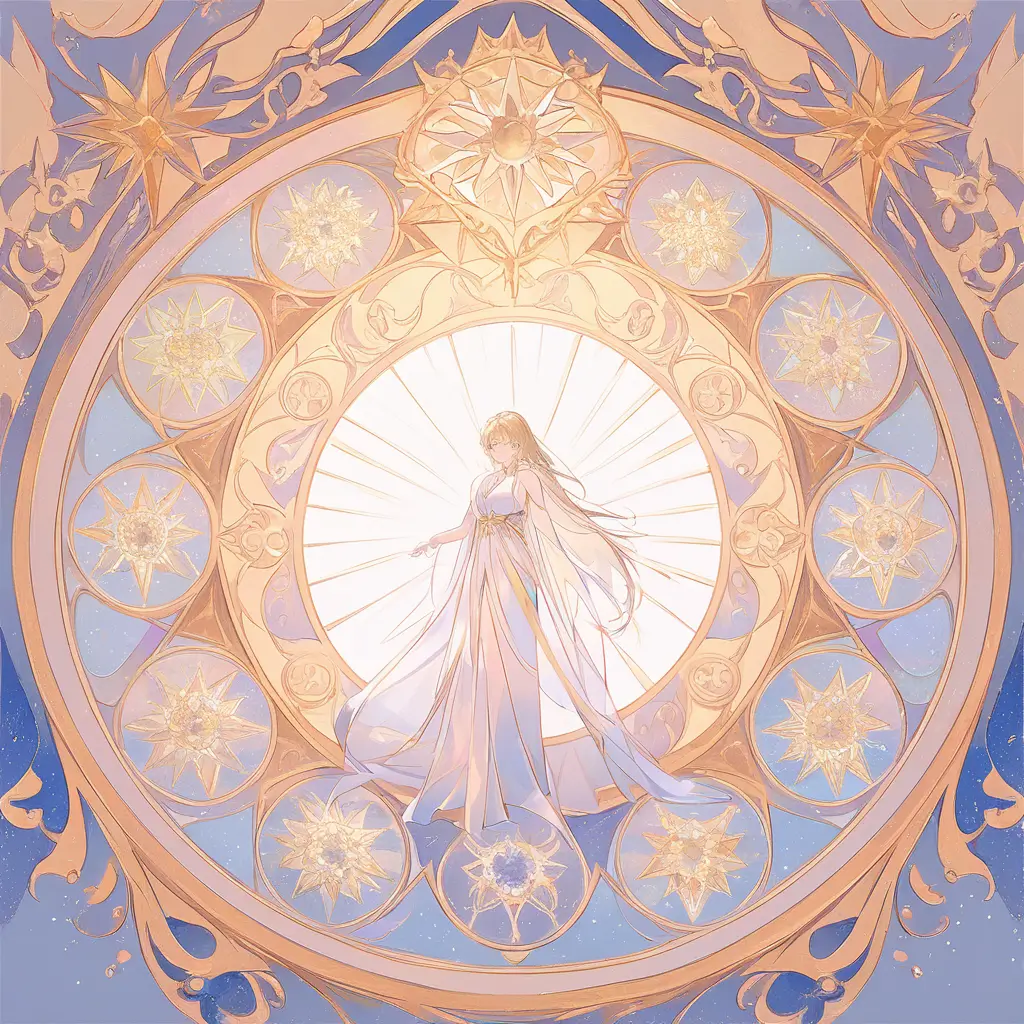
To create an AI-generated renaissance painting, simply upload an existing image or provide a descriptive text of the scene you envision. The AI will then generate a stunning renaissance-style artwork based on your input, capturing the essence of that historical art movement.
To generate modern artwork using AI tools like Pixai.art, follow these steps:1. Visit the Pixai.art website and create an account if you don’t have one.2. Choose the type of artwork you want to create, such as abstract, digital painting, or a specific theme.3. Input your artistic preferences, including color schemes, styles, or keywords that describe your vision.4. Select any additional settings or options that specify the level of detail or complexity you desire.5. Submit your request and wait for the AI to generate your artwork.6. Review the generated images and choose your favorite. You may have the option to make adjustments or regenerate if needed.7. Download your artwork in the preferred format and resolution. Feel free to share your creation or use it as inspiration for further projects!
When customizing artwork for a unique artistic expression using an AI tool, consider the following features: 1. Flexibility in Styles: Look for a tool that offers a wide range of artistic styles and customization options, allowing you to blend different techniques.2. User-Friendly Interface: The tool should have an intuitive design that makes it easy to navigate and utilize various features effectively.3. High-Resolution Outputs: Ensure the AI tool can generate high-quality, high-resolution images suitable for various purposes, such as prints or digital displays.4. Adjustable Parameters: Check if the tool allows you to tweak parameters like color palettes, brush effects, and textures to achieve the desired look.5. Template Options: A variety of customizable templates can provide a helpful starting point for your artwork.6. Real-Time Editing: Features that enable real-time previews of changes can help streamline the creative process.7. Integration with Other Tools: Compatibility with other design software or platforms can enhance your workflow and expand your creative possibilities.8. Community and Support: A tool with an active user community and robust support can provide inspiration, resources, and assistance when needed. These features combined can help you create truly unique pieces that reflect your personal artistic style.
When customizing artwork for a unique artistic expression using an AI tool, consider the following features: 1. Flexibility in Styles: Look for a tool that offers a wide range of artistic styles and customization options, allowing you to blend different techniques.2. User-Friendly Interface: The tool should have an intuitive design that makes it easy to navigate and utilize various features effectively.3. High-Resolution Outputs: Ensure the AI tool can generate high-quality, high-resolution images suitable for various purposes, such as prints or digital displays.4. Adjustable Parameters: Check if the tool allows you to tweak parameters like color palettes, brush effects, and textures to achieve the desired look.5. Template Options: A variety of customizable templates can provide a helpful starting point for your artwork.6. Real-Time Editing: Features that enable real-time previews of changes can help streamline the creative process.7. Integration with Other Tools: Compatibility with other design software or platforms can enhance your workflow and expand your creative possibilities.8. Community and Support: A tool with an active user community and robust support can provide inspiration, resources, and assistance when needed. These features combined can help you create truly unique pieces that reflect your personal artistic style.