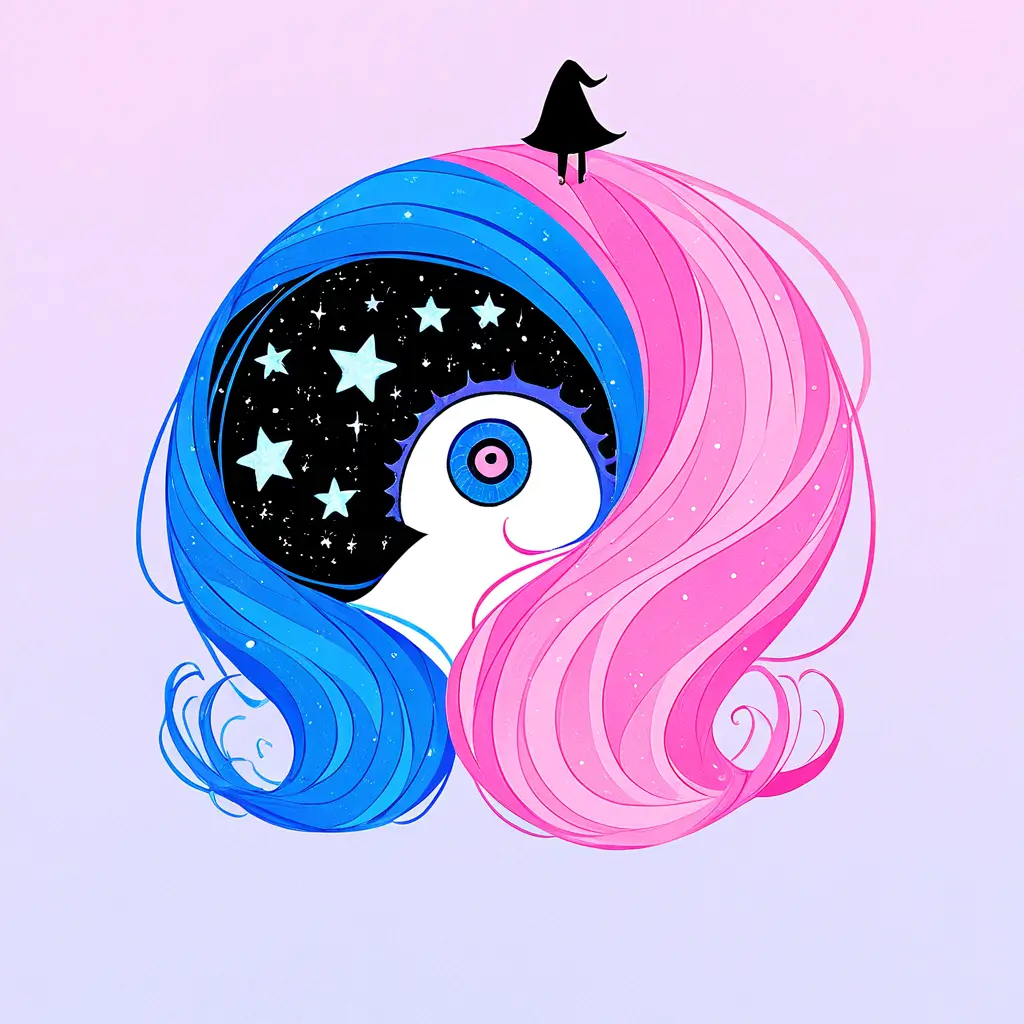
You can create your own characters in the style of Tim Burton using our character maker by selecting unique features like exaggerated proportions, whimsical outfits, and dark, moody colors. Simply choose your preferred elements, customize the details, and let the character maker bring your vision to life with a Burtonesque twist.
To design unique characters reminiscent of Tim Burton’s style using the Pixai.art character creation tool, follow these steps:1. **Choose a Base Character Template**: Start by selecting a character template that aligns with the whimsical and gothic aesthetic found in Tim Burton’s work.2. **Customize Features**: Adjust facial features, such as elongated limbs, oversized eyes, and exaggerated expressions, to capture the quirky characteristics typical of Burton’s characters.3. **Experiment with Colors**: Use a muted or pastel color palette with bold contrasts to evoke the same eerie yet whimsical feel. Incorporate black and white elements as well to mirror Burton’s signature style.4. **Add Distinctive Accessories**: Incorporate unique items like top hats, striped patterns, or oversized bows that resonate with the eccentric world Burton often creates.5. **Incorporate Textures and Patterns**: Utilize patterned fabrics and unusual textures to enhance the character’s unique design, reflecting the artistic chaos characteristic of Burton’s films.6. **Refine and Iterate**: Continuously refine your design by testing different combinations of features and styles within the tool until you achieve a character that feels original yet reminiscent of the Burton aesthetic.7. **Save and Share**: Once satisfied with your creation, save your character and consider sharing it on social platforms or within online artist communities for feedback and inspiration.
To generate whimsical characters inspired by Tim Burton’s unique visual style using Pixai.art, consider adopting a few key approaches: 1. **Emphasize Unique Features:** Focus on exaggerated proportions and distinct physical traits, such as elongated limbs or oversized heads, to mimic Tim Burton’s iconic character designs.2. **Utilize a Dark Color Palette:** Incorporate deep, muted colors and stark contrasts to reflect the moody yet whimsical aesthetic typical of Burton’s work.3. **Incorporate Quirky Accessories:** Add unconventional clothing and eccentric accessories that enhance the character’s personality and align with a fantastical theme.4. **Experiment with Styles:** Take advantage of Pixai.art’s versatility by mixing different artistic styles, allowing you to explore various interpretations while maintaining the whimsical essence.5. **Play with Textures:** Utilize textures that evoke a hand-crafted feel, such as sketch-like lines or watercolor effects, to give your characters a unique, artisanal quality reminiscent of Burton’s films.By applying these techniques within the character creation software, you can effectively evoke the whimsical and darkly charming essence of Tim Burton’s visual style.
To generate whimsical characters inspired by Tim Burton’s unique visual style using Pixai.art, consider adopting a few key approaches: 1. **Emphasize Unique Features:** Focus on exaggerated proportions and distinct physical traits, such as elongated limbs or oversized heads, to mimic Tim Burton’s iconic character designs.2. **Utilize a Dark Color Palette:** Incorporate deep, muted colors and stark contrasts to reflect the moody yet whimsical aesthetic typical of Burton’s work.3. **Incorporate Quirky Accessories:** Add unconventional clothing and eccentric accessories that enhance the character’s personality and align with a fantastical theme.4. **Experiment with Styles:** Take advantage of Pixai.art’s versatility by mixing different artistic styles, allowing you to explore various interpretations while maintaining the whimsical essence.5. **Play with Textures:** Utilize textures that evoke a hand-crafted feel, such as sketch-like lines or watercolor effects, to give your characters a unique, artisanal quality reminiscent of Burton’s films.By applying these techniques within the character creation software, you can effectively evoke the whimsical and darkly charming essence of Tim Burton’s visual style.