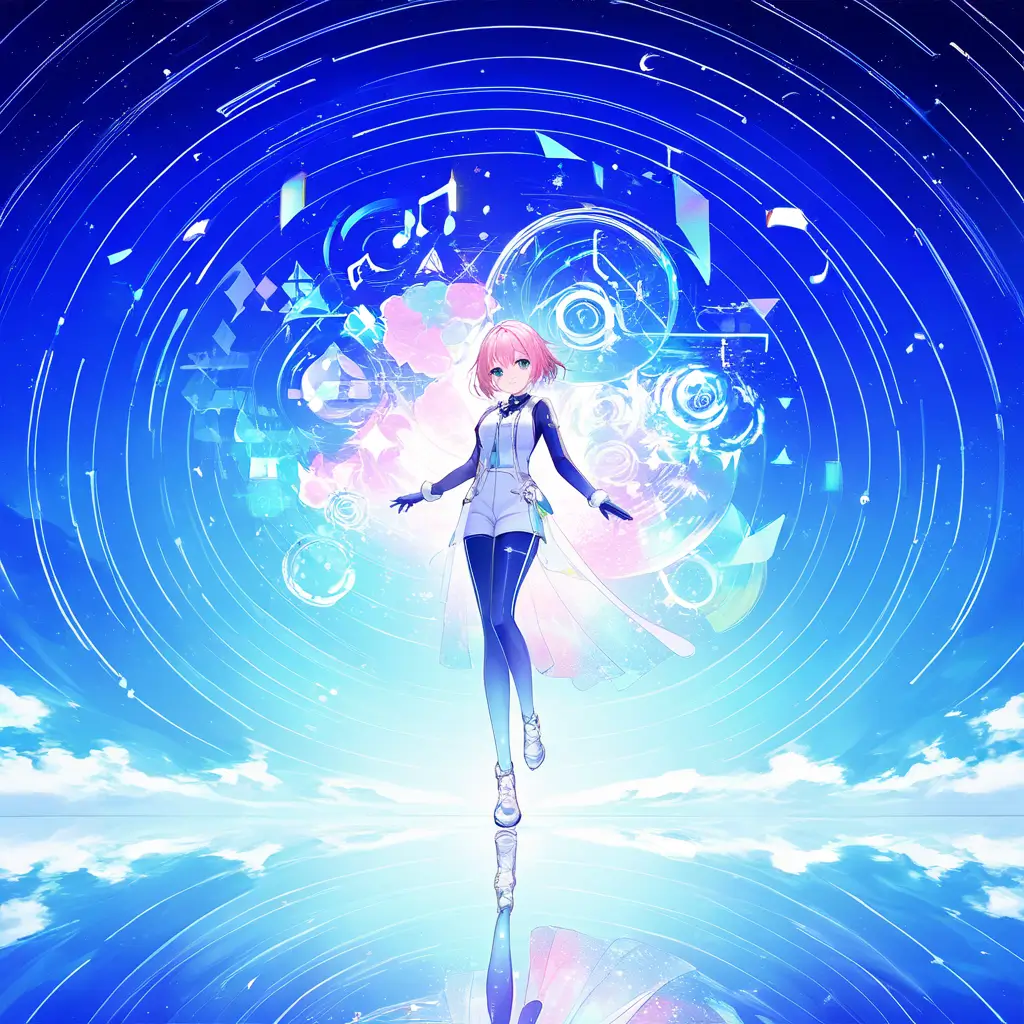
You can create unique album covers using our AI album cover generator by simply uploading your artwork or entering a description of your vision. The AI will then generate a variety of creative designs tailored to your input, allowing you to select the perfect cover for your album.
To design eye-catching album covers using an AI album cover generator like Pixai.art, follow these steps: 1. **Choose a Concept**: Start by brainstorming ideas for your album cover that reflect the music genre and theme. Consider colors, styles, and imagery that resonate with your artistic vision.2. **Select the AI Tool**: Access Pixai.art and navigate to the album cover generator tool. Familiarize yourself with its features and capabilities.3. **Input Relevant Information**: Fill in the details such as the album title, artist name, and any specific keywords that capture the essence of your music. This information will guide the AI in creating a relevant design.4. **Explore Design Options**: Utilize the various templates and design styles offered by the AI tool. Experiment with different layouts, colors, and graphic elements to find a visually appealing combination.5. **Customize Elements**: Adjust the generated designs by customizing elements such as fonts, images, and color palettes. Make sure the design aligns with your artistic vision and brand identity.6. **Preview and Revise**: Check the preview of your album cover and make necessary revisions. This is the opportunity to refine your design until it meets your expectations.7. **Download and Share**: Once you are satisfied with your design, download the final version. It can now be used for physical or digital distribution, as well as for promotional purposes.By following these steps, you can effectively leverage the capabilities of an AI album cover generator to create stunning and unique album art.
To maximize the effectiveness of an AI album cover generator for your music project, consider the following methods: 1. **Define Your Vision Clearly**: Before using the generator, spend time outlining the themes, emotions, and concepts you want to convey through your album cover. This will provide a focused direction for the AI.2. **Choose the Right Keywords**: Use specific and evocative keywords that accurately represent your music genre, style, and the mood of your album. This helps the AI understand your artistic intent.3. **Experiment with Variations**: Don’t hesitate to explore different combinations of prompts. Small changes in wording or adding descriptive elements can lead to diverse results.4. **Refine the Outputs**: After generating the initial designs, select the ones that resonate most with your vision and consider refining those further with additional input or styles.5. **Incorporate Your Branding**: If you have an established brand or aesthetic, ensure that the design aligns with it. This may include color schemes, typography, and visual motifs that are characteristic of your music.6. **Seek Feedback**: Share the generated designs with trusted peers or your target audience for their input. This can help you gauge reactions and make informed adjustments.7. **Stay Open-Minded**: While it’s important to have a vision, sometimes the AI can produce unexpected results that might inspire you. Be open to incorporating unique elements that you didn’t initially consider.8. **Ensure Quality Resolution**: Make sure that the final output is of high resolution suitable for album covers, especially for various platforms and print formats.
To maximize the effectiveness of an AI album cover generator for your music project, consider the following methods: 1. **Define Your Vision Clearly**: Before using the generator, spend time outlining the themes, emotions, and concepts you want to convey through your album cover. This will provide a focused direction for the AI.2. **Choose the Right Keywords**: Use specific and evocative keywords that accurately represent your music genre, style, and the mood of your album. This helps the AI understand your artistic intent.3. **Experiment with Variations**: Don’t hesitate to explore different combinations of prompts. Small changes in wording or adding descriptive elements can lead to diverse results.4. **Refine the Outputs**: After generating the initial designs, select the ones that resonate most with your vision and consider refining those further with additional input or styles.5. **Incorporate Your Branding**: If you have an established brand or aesthetic, ensure that the design aligns with it. This may include color schemes, typography, and visual motifs that are characteristic of your music.6. **Seek Feedback**: Share the generated designs with trusted peers or your target audience for their input. This can help you gauge reactions and make informed adjustments.7. **Stay Open-Minded**: While it’s important to have a vision, sometimes the AI can produce unexpected results that might inspire you. Be open to incorporating unique elements that you didn’t initially consider.8. **Ensure Quality Resolution**: Make sure that the final output is of high resolution suitable for album covers, especially for various platforms and print formats.