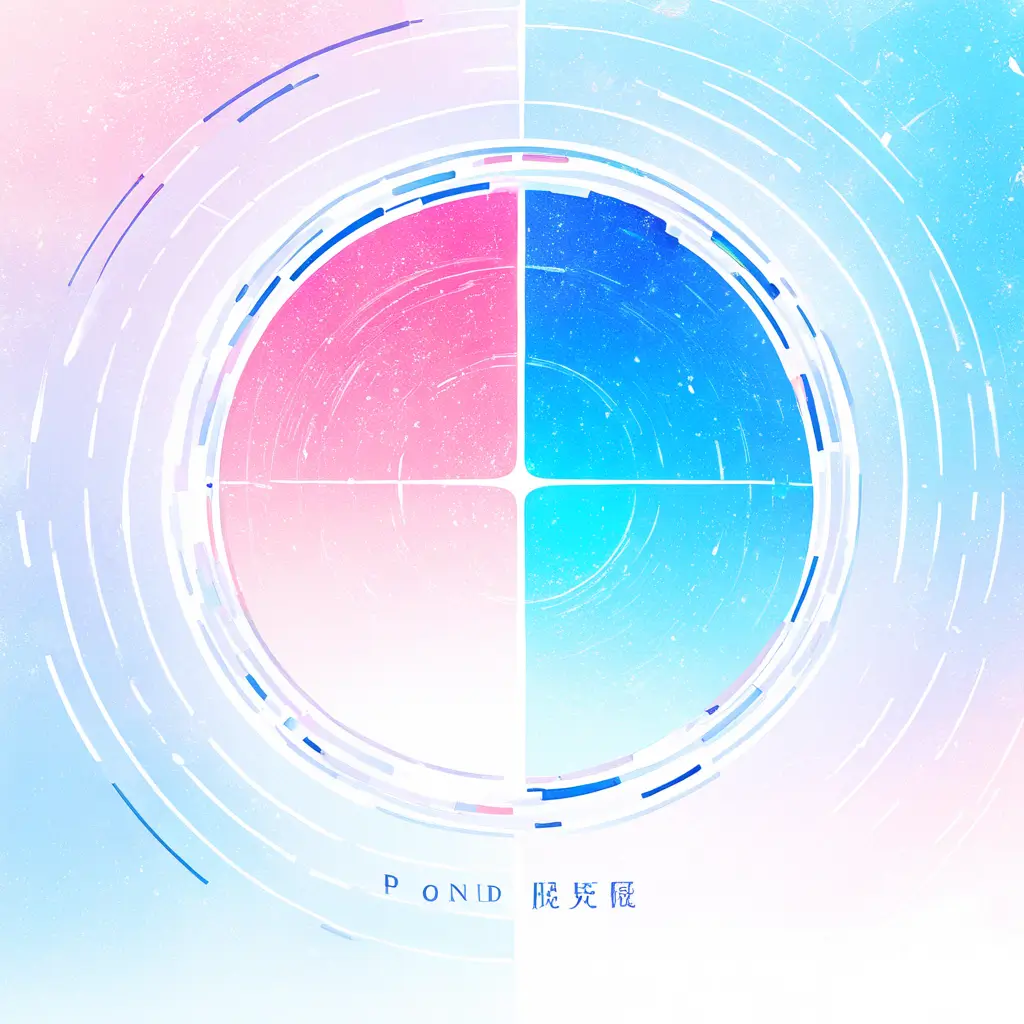
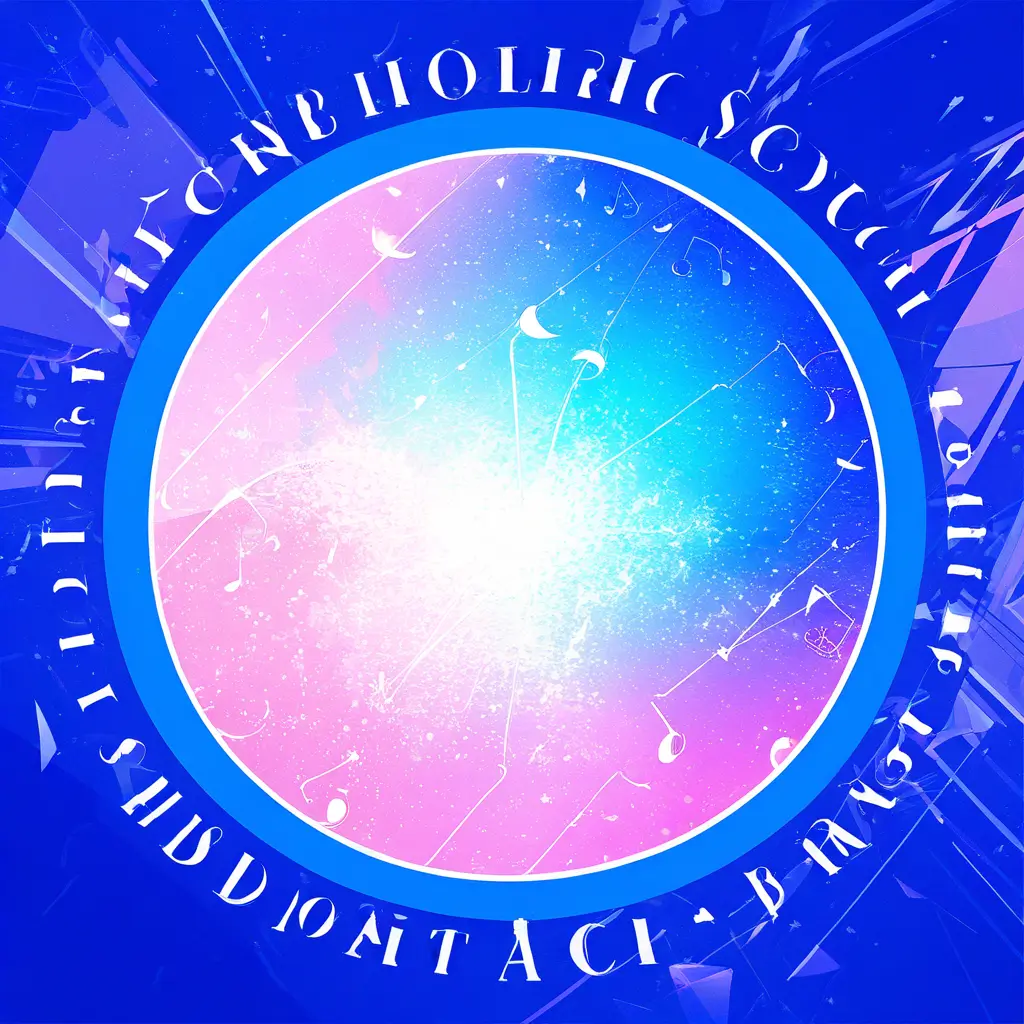
You can easily create a concert poster using our AI generator by uploading images or providing details about the event, such as the band name, date, and location. The AI will then generate a visually appealing poster design for you.
To design a concert poster using an AI design tool like PixAI.art, follow these steps:1. Define Your Concept: Start by brainstorming themes, color schemes, and key elements you want to include in your poster.2. Choose the Right Dimensions: Select the dimensions for your poster based on where it will be displayed, such as online, in print, or on social media.3. Use the AI Tool: Open PixAI.art and input your concept into the tool. You can describe the overall look, including any specific imagery, text, or style you envision.4. Customize the Design: Experiment with different layouts, fonts, colors, and graphics provided by the AI tool. Adjust the elements to fit your vision.5. Preview and Edit: Use the preview feature to see how your poster looks. Make necessary adjustments to ensure that everything is well-aligned and visually appealing.6. Download and Share: Once you’re satisfied with the design, download the final poster in the appropriate file format. It’s now ready to be printed or shared online.By utilizing these steps, you can effectively create a unique and eye-catching concert poster with the assistance of AI technology.
When utilizing an AI design tool like Pixai.art to craft an engaging concert poster, consider the following guidelines: 1. Understand Your Audience: Tailor your design elements to resonate with the demographic of the concert-goers, including color schemes, imagery, and fonts that appeal to their tastes.2. Highlight Key Information: Ensure that essential details like the concert date, time, venue, and artist names are prominently displayed and easily readable.3. Utilize High-Quality Images: Choose high-resolution images that represent the concert’s theme and evoke emotion to capture attention.4. Maintain Visual Hierarchy: Organize elements in a way that guides viewers’ eyes, emphasizing the most important information first.5. Experiment with Styles: Use the AI tool’s diverse styles to explore different aesthetics, ensuring your poster stands out and reflects the concert’s vibe.6. Keep It Simple: Avoid overcrowding the design; a clean and focused layout tends to be more effective in conveying the message.7. Consider Branding: Incorporate any artist or sponsor logos appropriately to maintain brand recognition while enhancing the poster’s credibility.8. Test Variations: Create multiple versions of your poster and seek feedback to determine which design effectively resonates with your target audience.By adhering to these guidelines, you can utilize Pixai.art effectively to create a visually appealing and communicative concert poster.
When utilizing an AI design tool like Pixai.art to craft an engaging concert poster, consider the following guidelines: 1. Understand Your Audience: Tailor your design elements to resonate with the demographic of the concert-goers, including color schemes, imagery, and fonts that appeal to their tastes.2. Highlight Key Information: Ensure that essential details like the concert date, time, venue, and artist names are prominently displayed and easily readable.3. Utilize High-Quality Images: Choose high-resolution images that represent the concert’s theme and evoke emotion to capture attention.4. Maintain Visual Hierarchy: Organize elements in a way that guides viewers’ eyes, emphasizing the most important information first.5. Experiment with Styles: Use the AI tool’s diverse styles to explore different aesthetics, ensuring your poster stands out and reflects the concert’s vibe.6. Keep It Simple: Avoid overcrowding the design; a clean and focused layout tends to be more effective in conveying the message.7. Consider Branding: Incorporate any artist or sponsor logos appropriately to maintain brand recognition while enhancing the poster’s credibility.8. Test Variations: Create multiple versions of your poster and seek feedback to determine which design effectively resonates with your target audience.By adhering to these guidelines, you can utilize Pixai.art effectively to create a visually appealing and communicative concert poster.