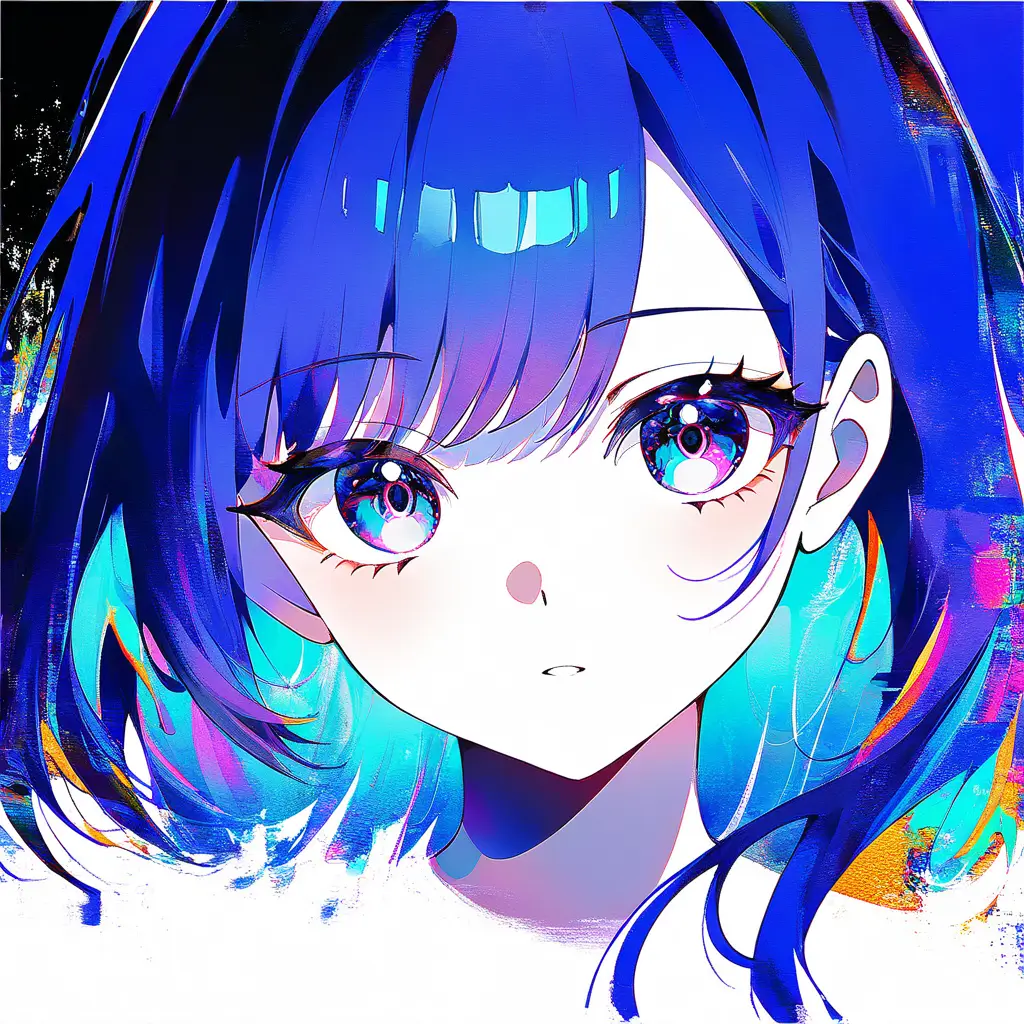
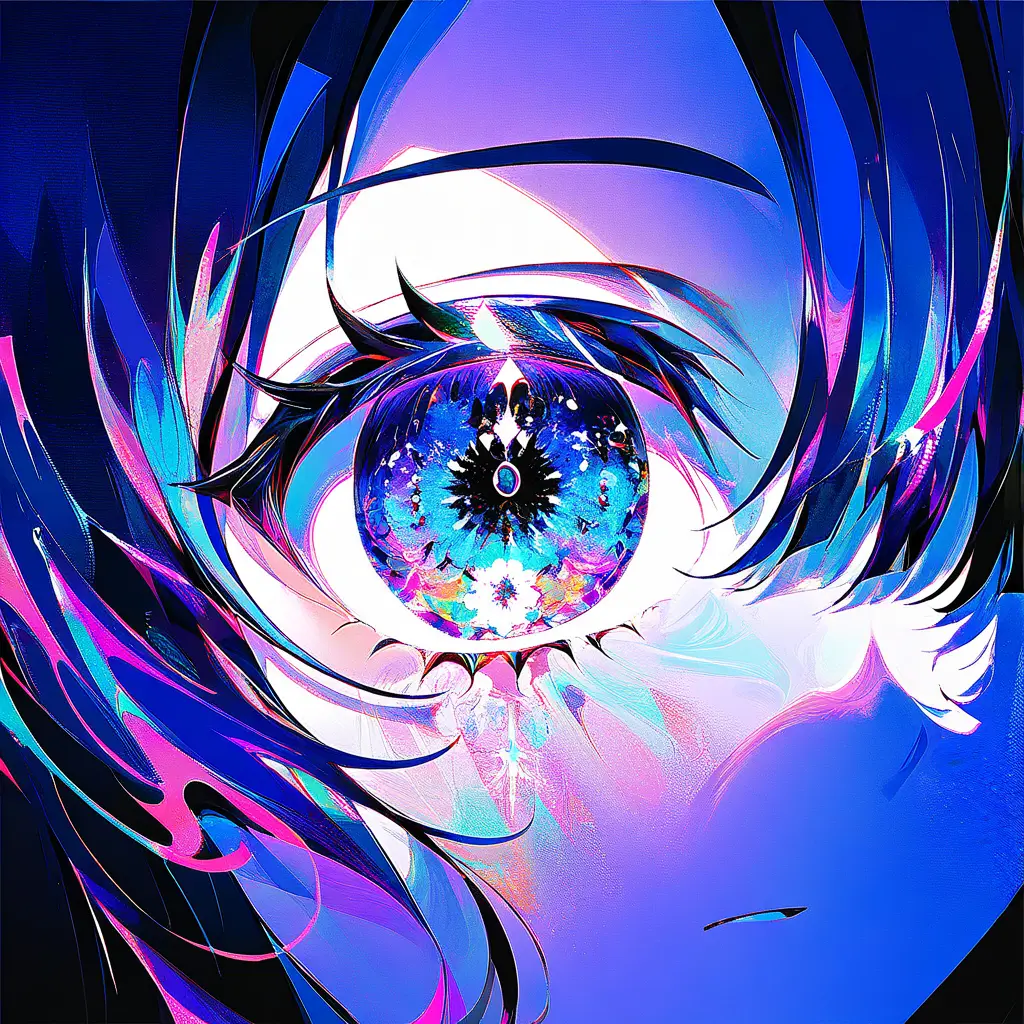
You can create unique visuals using a glitch art generator by uploading an image or selecting one from your gallery. Adjust various parameters like color, distortion, and effects to achieve the desired glitch aesthetic. Experiment with different settings and layers to create captivating and one-of-a-kind artwork.
To produce eye-catching images with a glitch art generator like the one offered by pixai.art, follow these steps:1. Choose Your Base Image: Start with a high-quality image that you want to transform into glitch art.2. Upload the Image: Use the upload feature on the pixai.art platform to import your selected image.3. Select Glitch Effects: Browse through the available glitch effects and choose those that resonate with your artistic vision.4. Adjust Settings: Tweak the parameters of the glitch effects, such as intensity and color alterations, to achieve the desired look.5. Preview Changes: Utilize the preview option to see how the adjustments affect your image in real-time.6. Make Final Adjustments: Refine your image by making any necessary tweaks or adding additional effects if available.7. Save Your Artwork: Once you are satisfied with the result, save or download your final glitch art image in your preferred format.
To maximize the impact of visuals created with a glitch art generator, consider the following methods:1. **Experiment with Settings**: Use different parameters and styles available in the glitch art generator to explore a wide range of visual outputs. Adjusting settings like distortion levels and color palettes can lead to unique and striking results.2. **Combine with Other Techniques**: Layer glitch art with other artistic methods, such as collage or digital painting, to create a multidimensional piece that draws attention.3. **Focus on Composition**: Pay careful attention to the composition of your artwork. Use the rule of thirds, leading lines, or symmetry to create a visually compelling layout that enhances the glitch effect.4. **Choose the Right Context**: Display your glitch art in environments where it can stand out, such as bold backgrounds or dynamic presentations. Consider how it will be viewed on different platforms (social media, prints, etc.).5. **Utilize Color Theory**: Leverage color contrasts and harmonies to create emotional resonance. Bold, clashing colors can enhance the chaotic nature of glitch art, while subtle palettes can draw viewers in more gently.6. **Incorporate Motion**: If possible, consider animating your glitch art to add motion and further engage your audience. Motion can amplify the impact and add layers of complexity to the visuals.7. **Seek Feedback and Iterate**: Share your work with others and seek constructive feedback. Use this input to refine your approach and produce more impactful visuals in your subsequent creations.
To maximize the impact of visuals created with a glitch art generator, consider the following methods:1. **Experiment with Settings**: Use different parameters and styles available in the glitch art generator to explore a wide range of visual outputs. Adjusting settings like distortion levels and color palettes can lead to unique and striking results.2. **Combine with Other Techniques**: Layer glitch art with other artistic methods, such as collage or digital painting, to create a multidimensional piece that draws attention.3. **Focus on Composition**: Pay careful attention to the composition of your artwork. Use the rule of thirds, leading lines, or symmetry to create a visually compelling layout that enhances the glitch effect.4. **Choose the Right Context**: Display your glitch art in environments where it can stand out, such as bold backgrounds or dynamic presentations. Consider how it will be viewed on different platforms (social media, prints, etc.).5. **Utilize Color Theory**: Leverage color contrasts and harmonies to create emotional resonance. Bold, clashing colors can enhance the chaotic nature of glitch art, while subtle palettes can draw viewers in more gently.6. **Incorporate Motion**: If possible, consider animating your glitch art to add motion and further engage your audience. Motion can amplify the impact and add layers of complexity to the visuals.7. **Seek Feedback and Iterate**: Share your work with others and seek constructive feedback. Use this input to refine your approach and produce more impactful visuals in your subsequent creations.