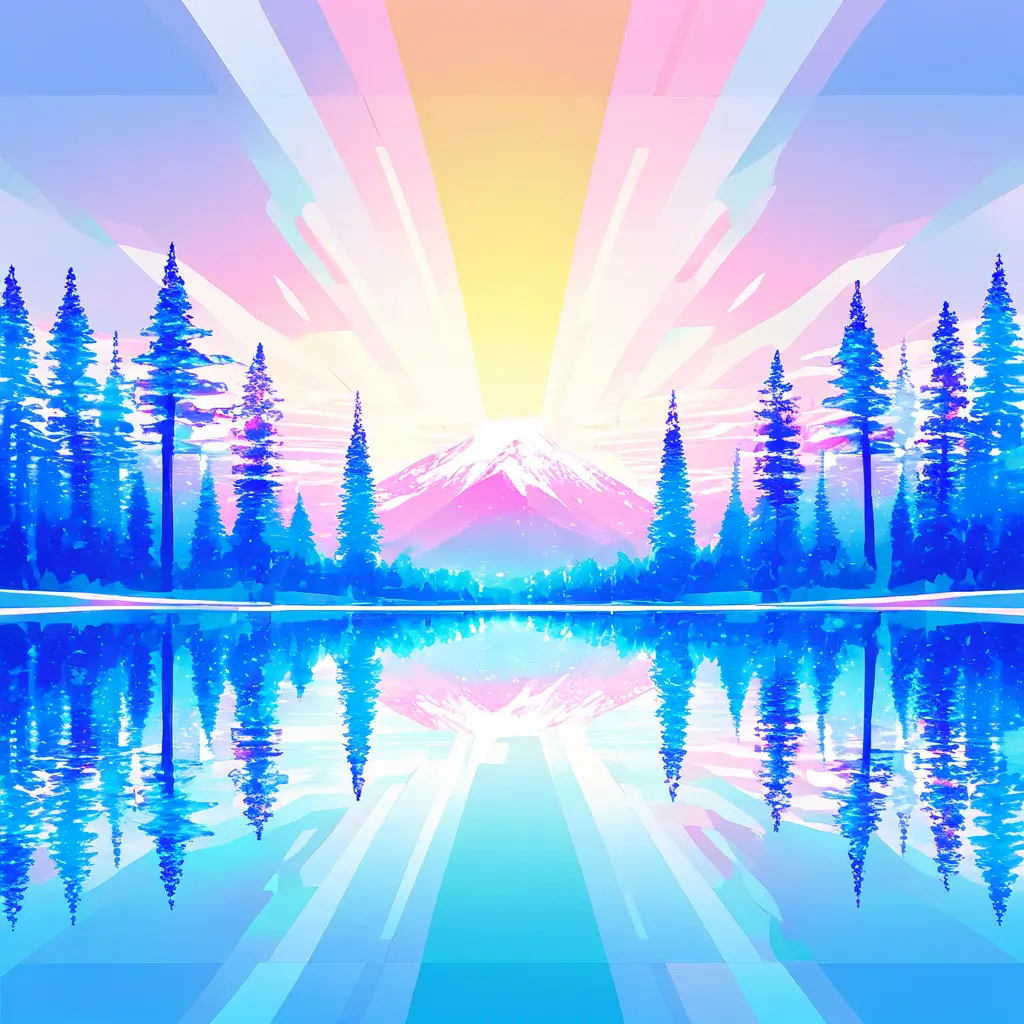
You can create unique low poly images using our low poly image generator by uploading your own image or entering a custom description. The generator will then transform it into a distinctive low poly style for you to download and use.
To enhance the quality of low poly images generated by a low poly image creator like Pixai.art, consider the following techniques: 1. Adjust Resolution: Start by generating your image at a higher resolution to capture more detail and improve clarity.2. Increase Polygon Count: Experiment with increasing the polygon count in your designs to create smoother shapes and transitions, which can enhance the overall appearance.3. Utilize Textures: Incorporate textures into your low poly models to add depth and detail, elevating the visual interest of your image.4. Experiment with Color Gradients: Use color gradients to create subtle shading effects, giving your low poly images a more dynamic and engaging look.5. Post-Processing: After generating the image, use graphic editing tools for post-processing. Adjust contrast, brightness, and saturation to enrich the overall quality.6. Lighting Effects: Implementing proper lighting techniques can significantly enhance the depth and realism of low poly images, making them more visually appealing.7. Use Other Software: If needed, consider using additional software or plugins specialized in enhancing 3D graphics to further refine your low poly images. By applying these techniques, you can significantly improve the quality and aesthetic of the low poly images created with any low poly image creator.
When selecting a low poly image generator like the one offered by pixai.art, consider features such as customizable polycount for varying detail levels, a wide array of geometric shape options to enhance artistic expression, easy adjustments for color palettes and gradients, the ability to export images in different formats and resolutions, and user-friendly interfaces that allow for intuitive design adjustments. Additionally, look for tools offering texture options and background elements to enrich your low poly creations.
When selecting a low poly image generator like the one offered by pixai.art, consider features such as customizable polycount for varying detail levels, a wide array of geometric shape options to enhance artistic expression, easy adjustments for color palettes and gradients, the ability to export images in different formats and resolutions, and user-friendly interfaces that allow for intuitive design adjustments. Additionally, look for tools offering texture options and background elements to enrich your low poly creations.