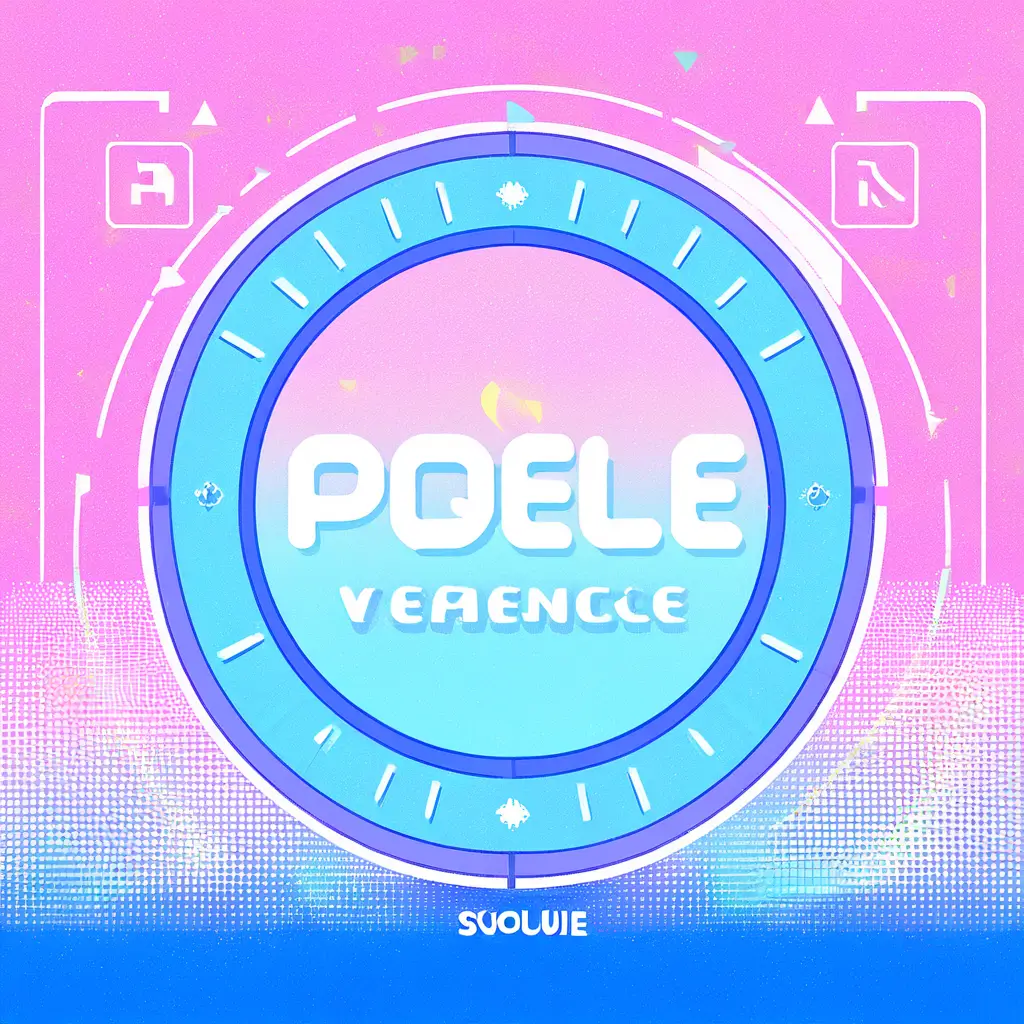
You can create a vaporwave logo using our logo generator by selecting a retro color palette and adding iconic vaporwave elements like geometric shapes and palm trees. Simply input your desired text and adjust the design options to match the aesthetic you’re aiming for. The AI will refine your logo to fit the vaporwave style perfectly.
To design a vaporwave logo with an online logo maker, follow these steps:1. Choose a reliable online logo maker like Pixai.art that offers a variety of templates and design tools.2. Start by selecting a vaporwave template that resonates with the aesthetic, characterized by neon colors, retro elements, and surreal graphics.3. Customize the chosen template by adding your brand name and modifying fonts to match the vaporwave style, which often includes retro or pixelated typefaces.4. Incorporate iconic vaporwave elements such as palm trees, sunsets, or 80s retro patterns to enhance the logo’s visual appeal.5. Adjust the color palette using pastel shades and bright neon tones that are synonymous with vaporwave culture.6. Experiment with textures and overlays to give your logo depth and a nostalgic feel.7. Preview the logo to ensure it captures the desired aesthetic, then make any final tweaks needed.8. Once satisfied, download your logo in the necessary formats for web and print use.
To achieve a vaporwave-inspired logo design using an AI-driven logo generator, consider the following techniques: 1. **Color Palette**: Use a vibrant and surreal color palette that includes shades of purple, pink, and blue, along with bright neon accents. This palette is characteristic of the vaporwave aesthetic.2. **Retro Elements**: Incorporate retro graphics and elements such as glitch effects, 3D shapes, and vintage computer graphics. These features help evoke a sense of nostalgia associated with the vaporwave genre.3. **Typography**: Select fonts that reflect the 80s and 90s digital culture, such as pixelated or retro typefaces. Experiment with layering text and incorporating distortion effects for added flair.4. **Geometric Shapes**: Utilize geometric patterns and grids as backgrounds or frames. These can enhance the futuristic feel often present in vaporwave designs.5. **Incorporate Iconic Symbols**: Include visuals like palm trees, VHS tapes, or retro technology to tie the design back to the vaporwave theme. These symbols can be presented in exaggerated or stylized ways.6. **Experiment with Composition**: Play with asymmetry and balance in your layout. Vaporwave designs often break conventional graphic design rules, so feel free to experiment.7. **Utilize AI Customization**: Use the customization features of the AI logo generator to manipulate designs, colors, and elements until you capture the desired vaporwave aesthetic.By applying these techniques, you can create a unique and visually appealing vaporwave-inspired logo using the AI tool from pixai.art.
To achieve a vaporwave-inspired logo design using an AI-driven logo generator, consider the following techniques: 1. **Color Palette**: Use a vibrant and surreal color palette that includes shades of purple, pink, and blue, along with bright neon accents. This palette is characteristic of the vaporwave aesthetic.2. **Retro Elements**: Incorporate retro graphics and elements such as glitch effects, 3D shapes, and vintage computer graphics. These features help evoke a sense of nostalgia associated with the vaporwave genre.3. **Typography**: Select fonts that reflect the 80s and 90s digital culture, such as pixelated or retro typefaces. Experiment with layering text and incorporating distortion effects for added flair.4. **Geometric Shapes**: Utilize geometric patterns and grids as backgrounds or frames. These can enhance the futuristic feel often present in vaporwave designs.5. **Incorporate Iconic Symbols**: Include visuals like palm trees, VHS tapes, or retro technology to tie the design back to the vaporwave theme. These symbols can be presented in exaggerated or stylized ways.6. **Experiment with Composition**: Play with asymmetry and balance in your layout. Vaporwave designs often break conventional graphic design rules, so feel free to experiment.7. **Utilize AI Customization**: Use the customization features of the AI logo generator to manipulate designs, colors, and elements until you capture the desired vaporwave aesthetic.By applying these techniques, you can create a unique and visually appealing vaporwave-inspired logo using the AI tool from pixai.art.