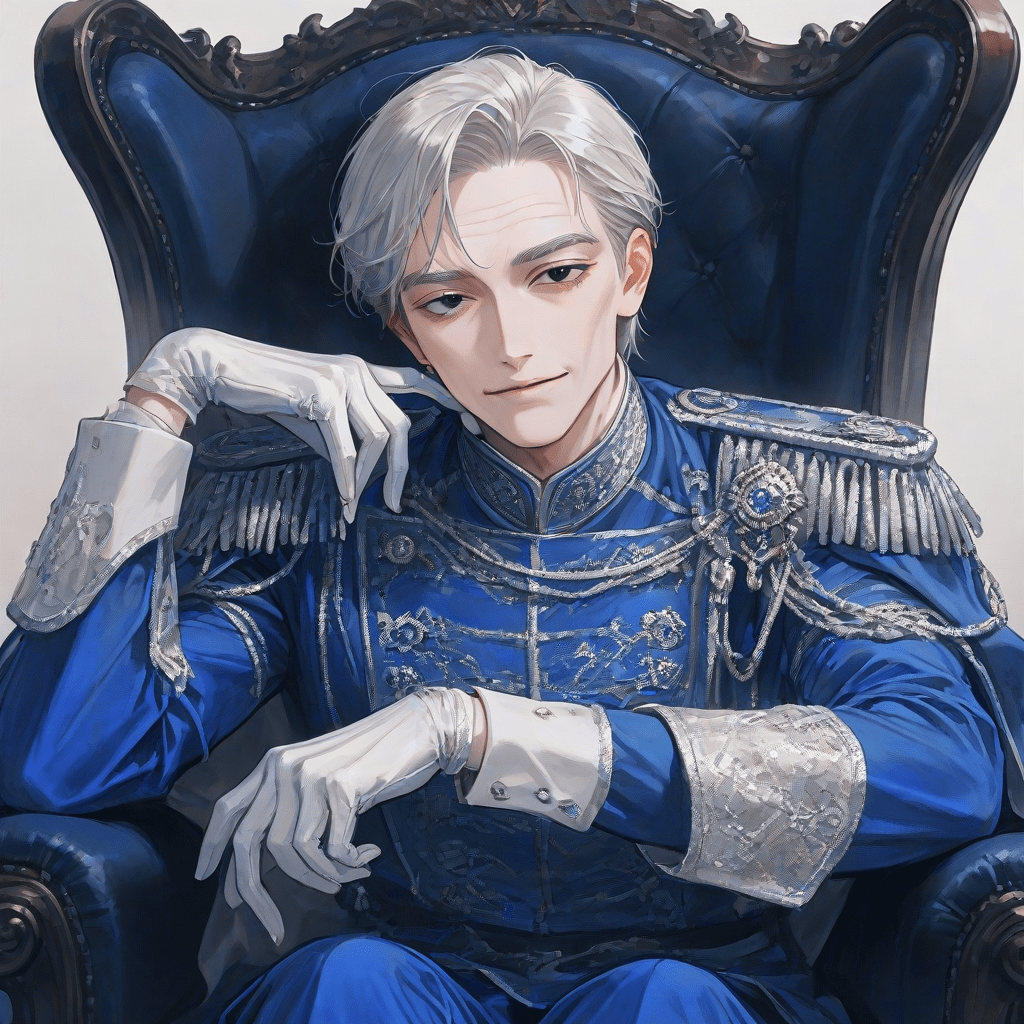
You can easily apply an AI aging filter to transform images of people by using our specialized AI tools. Simply upload the image you want to modify, choose the aging filter, and let the AI process it to show a realistic depiction of how the person might look as they age.
To use an AI aging filter to visualize the future appearance of individuals in photos with pixai.art, follow these steps: 1. Visit the pixai.art website and sign up for an account if you don’t already have one.2. Upload the photo of the individual you want to age.3. Select the aging filter option from the available tools or features.4. Adjust any settings or parameters as desired to customize the aging effect.5. Preview the result to see how the individual’s appearance changes with age.6. Once satisfied, download the aged image to your device or share it directly through the platform.
You can use the AI aging filter provided by pixai.art to apply various options for visualizing how historical figures might have aged in portraits. The tool typically allows you to upload existing portraits, adjust age parameters, and select styles to create realistic aging effects. Additionally, you may have options to customize facial features, expressions, and even backgrounds to better match the time period you’re interested in. With user-friendly interfaces, the tool makes it easy to experiment with different settings to achieve the desired look.
You can use the AI aging filter provided by pixai.art to apply various options for visualizing how historical figures might have aged in portraits. The tool typically allows you to upload existing portraits, adjust age parameters, and select styles to create realistic aging effects. Additionally, you may have options to customize facial features, expressions, and even backgrounds to better match the time period you’re interested in. With user-friendly interfaces, the tool makes it easy to experiment with different settings to achieve the desired look.