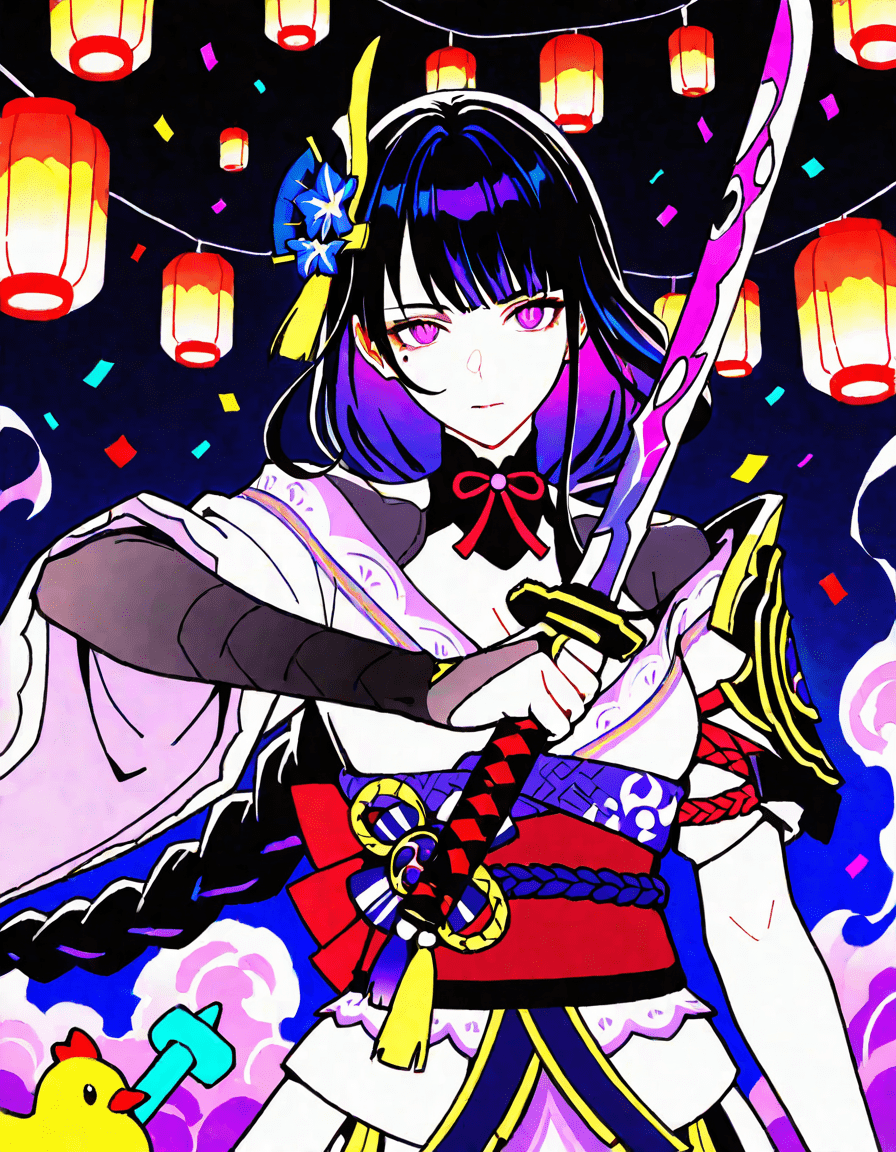
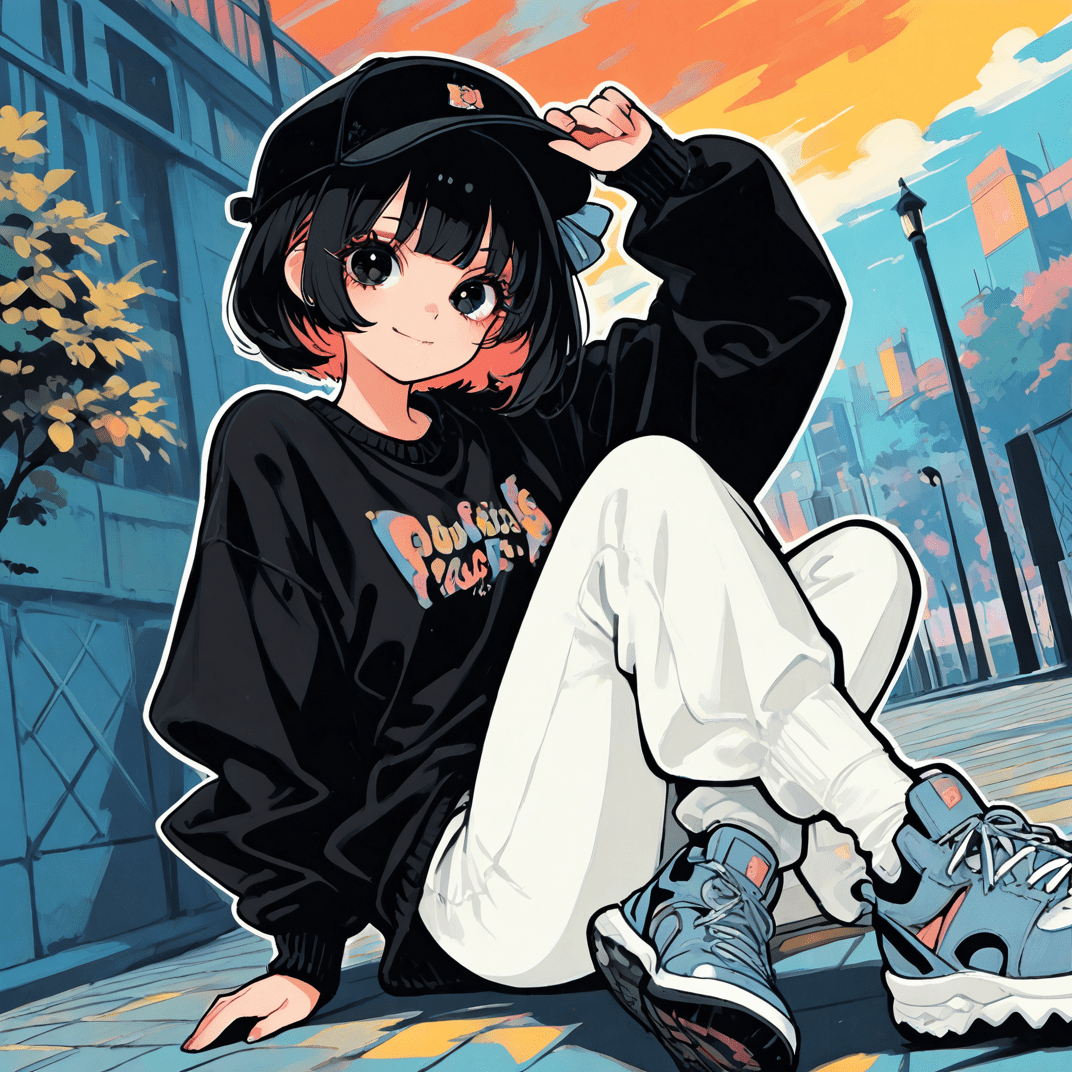
You can enhance your black and white images using our AI art colorizer by simply uploading your image and allowing the AI to automatically add color. Just choose your desired style or palette, and watch as your photos transform into vibrant, colorful artworks.
When selecting an AI art colorizer to enhance your monochrome photos, look for features such as advanced machine learning algorithms that can accurately interpret shades and textures, a user-friendly interface that allows for easy adjustments, a library of customizable color palettes for personalized results, tools for fine-tuning the color balance and saturation, and the ability to work with various image formats. Additionally, check for features that offer historical accuracy in colorization if you’re aiming for a realistic restoration, and options for batch processing if you have multiple images to colorize.
When selecting images to colorize with an AI art colorizer for optimal results, consider the following: 1. **Image Quality**: Choose high-resolution images with clear details, as low-quality images may produce unsatisfactory colorization results.2. **Contrast and Lighting**: Select images with good contrast and balanced lighting. Images with clear distinctions between different elements will help the AI better understand how to apply colors.3. **Subject Matter**: Opt for images that showcase distinct subjects or scenes, as complex backgrounds may confuse the AI and lead to less accurate colorization.4. **Detail Level**: Images with observable textures and patterns can enhance the final output, providing more data for the AI to work with.5. **Composition**: Attention to composition is crucial. Simple compositions with focused subjects often yield more effective colorizations than busy or cluttered scenes. By keeping these considerations in mind, you can significantly enhance the quality of the colorization results produced by the AI tool.
When selecting images to colorize with an AI art colorizer for optimal results, consider the following: 1. **Image Quality**: Choose high-resolution images with clear details, as low-quality images may produce unsatisfactory colorization results.2. **Contrast and Lighting**: Select images with good contrast and balanced lighting. Images with clear distinctions between different elements will help the AI better understand how to apply colors.3. **Subject Matter**: Opt for images that showcase distinct subjects or scenes, as complex backgrounds may confuse the AI and lead to less accurate colorization.4. **Detail Level**: Images with observable textures and patterns can enhance the final output, providing more data for the AI to work with.5. **Composition**: Attention to composition is crucial. Simple compositions with focused subjects often yield more effective colorizations than busy or cluttered scenes. By keeping these considerations in mind, you can significantly enhance the quality of the colorization results produced by the AI tool.