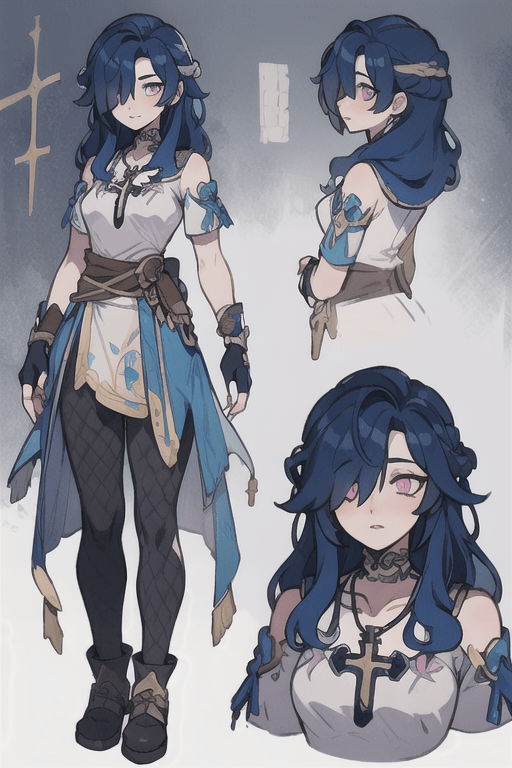
You can upscale AI-generated art without losing quality by using specialized AI upscaling tools that enhance the resolution while preserving details. These tools analyze the existing image and intelligently add pixels, ensuring that the artwork remains sharp and vibrant. Simply upload your AI-generated image to one of these upscaling platforms, and it will provide you with a higher-resolution version.
To enhance the resolution of AI-generated images while maintaining their original detail, several techniques can be employed:1. **Super Resolution Algorithms**: Use algorithms specifically designed for upscaling images while preserving details. These include techniques like convolutional neural networks (CNNs) that can intelligently predict and fill in missing pixel information.2. **Image Interpolation**: Implement advanced interpolation methods such as bicubic or Lanczos interpolation that can increase the pixel count without significantly blurring the details.3. **Detail Enhancement Filters**: Apply filters that enhance local contrast and sharpness, making intricate areas stand out more clearly even after resolution enhancement.4. **Denoising Techniques**: Reduce noise levels using denoising algorithms while upscaling to ensure that clarity is preserved in the final image.5. **Layering Approach**: Generate multiple versions of the image at varying resolutions and blend them, taking the best features from each resolution.6. **Feedback Mechanisms**: Utilize feedback loops from user modifications, which can help refine generated images over iterations, enhancing their quality and detail retention.7. **Feature Extraction**: Focus on extracting key features of the image during the generation process, which can help maintain clarity when the resolution is increased.These methods, when combined, can significantly improve the quality of AI-generated images while preserving essential details.
To ensure that the sharpness and vibrancy of AI-generated images are preserved during the upscaling process, consider using specialized algorithms designed for enhancing image quality. Tools like Pixai.art utilize advanced machine learning techniques that focus on maintaining detail while effectively enlarging the image. Additionally, applying sharpening filters after upscaling can enhance clarity, and experimenting with color enhancement settings can help retain the original vibrancy. It’s also beneficial to choose the appropriate scaling method, such as bicubic or Lanczos, as they tend to preserve quality better than simpler methods. Lastly, always preview the results at different zoom levels to ensure the desired sharpness and vibrancy are achieved.
To ensure that the sharpness and vibrancy of AI-generated images are preserved during the upscaling process, consider using specialized algorithms designed for enhancing image quality. Tools like Pixai.art utilize advanced machine learning techniques that focus on maintaining detail while effectively enlarging the image. Additionally, applying sharpening filters after upscaling can enhance clarity, and experimenting with color enhancement settings can help retain the original vibrancy. It’s also beneficial to choose the appropriate scaling method, such as bicubic or Lanczos, as they tend to preserve quality better than simpler methods. Lastly, always preview the results at different zoom levels to ensure the desired sharpness and vibrancy are achieved.