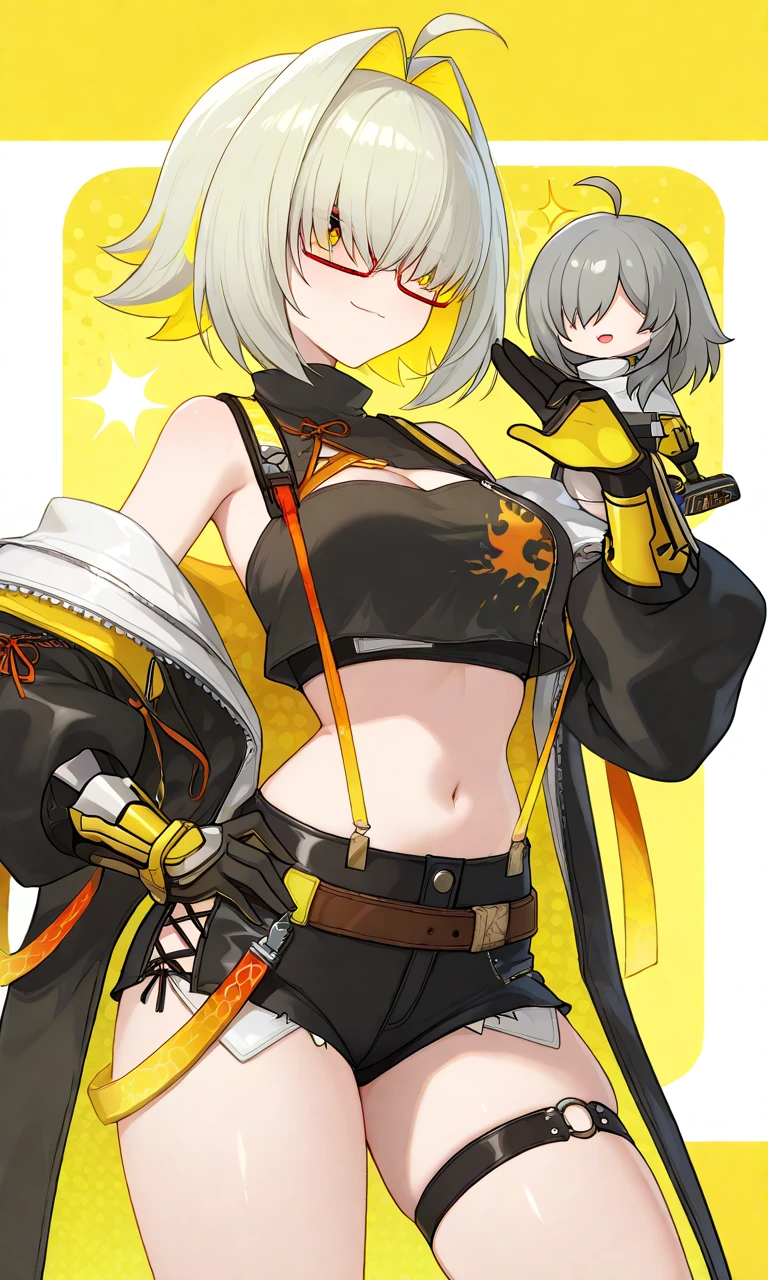
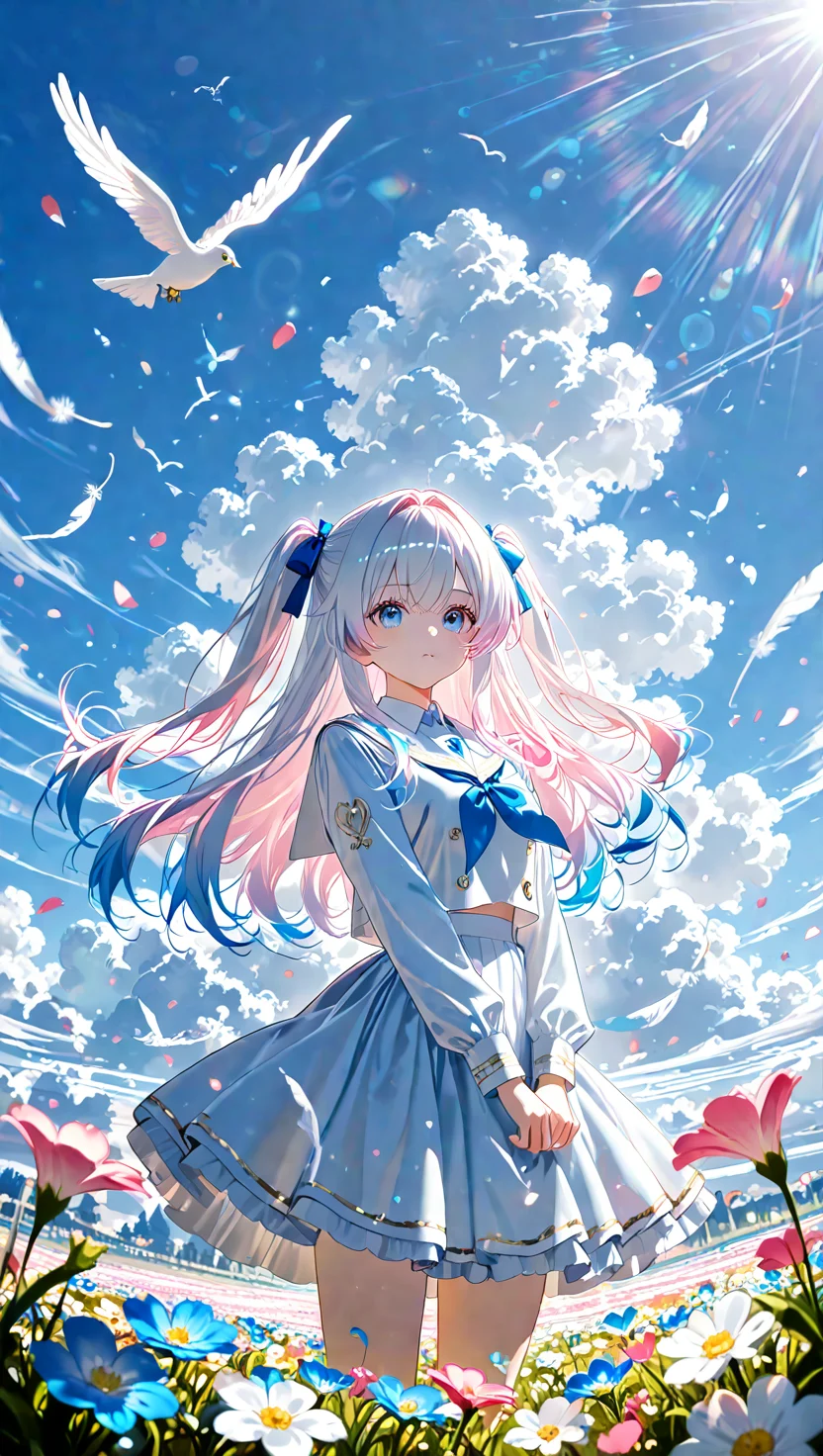
You can create an AI avatar from text descriptions using our avatar generator. Simply provide detailed descriptions of the features and style you envision, and the AI will generate a unique avatar based on your input.
To generate a realistic AI avatar based on textual input using pixai.art, follow these steps: 1. Visit the pixai.art website and create an account if you don’t already have one.2. Once logged in, navigate to the avatar generation tool.3. Input descriptive text that outlines the features you want for your avatar, such as hairstyle, facial expressions, clothing, and any specific traits.4. Adjust any settings or preferences available for customization to refine the output according to your vision.5. Click on the ‘Generate’ button to create your avatar. Wait for the generation process to complete.6. Review the generated avatar and, if needed, make adjustments to the text input or settings and regenerate until satisfied with the result.7. Once you have your desired avatar, you can download or share it as per your preference.
To customize the appearance of your AI avatar using text prompts, you can describe specific features, styles, and elements you want to include. Use detailed terms regarding the avatar’s facial features, hair, clothing, and accessories. Additionally, specify the mood or theme you have in mind, such as colors, patterns, or environments that reflect your vision. The more detailed and precise you are in your prompts, the better the tool can generate an avatar that aligns with your expectations.
To customize the appearance of your AI avatar using text prompts, you can describe specific features, styles, and elements you want to include. Use detailed terms regarding the avatar’s facial features, hair, clothing, and accessories. Additionally, specify the mood or theme you have in mind, such as colors, patterns, or environments that reflect your vision. The more detailed and precise you are in your prompts, the better the tool can generate an avatar that aligns with your expectations.