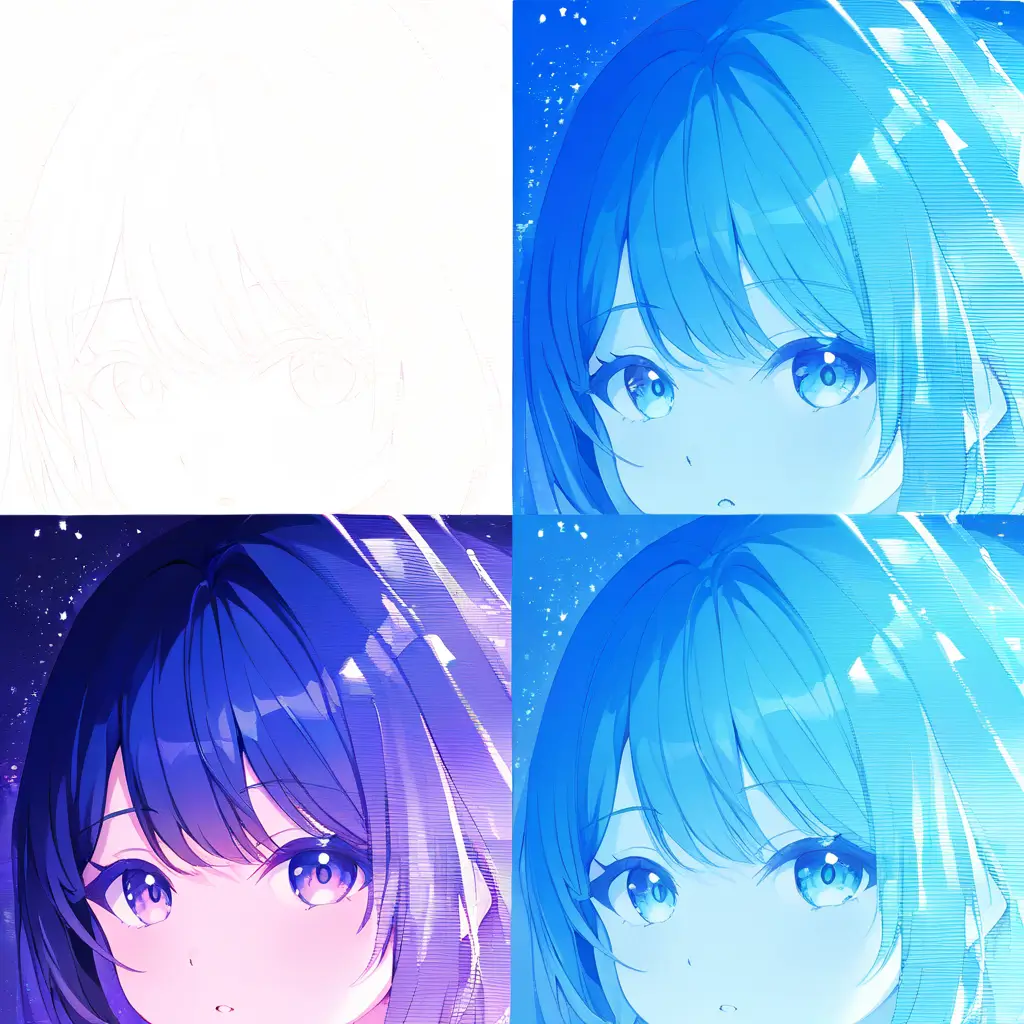
You can effectively use an AI blemish remover by uploading your photo and allowing the tool to automatically identify and correct blemishes. Adjust the settings to refine the effect to your liking, ensuring that the skin texture looks natural while enhancing the overall quality of your image.
When using an AI blemish remover like the tool from pixai.art to enhance the quality of your images, consider the following best practices: 1. Start with a high-resolution image to ensure better results. 2. Use the tool to target specific areas with blemishes rather than applying it universally to the entire image. 3. Adjust the intensity settings carefully to maintain a natural look and avoid over-processing. 4. Combine blemish removal with other editing features, such as color correction or sharpening, for a comprehensive enhancement. 5. Regularly preview your edits to evaluate the changes in real-time and make adjustments as necessary. 6. Save multiple versions of your image, allowing you to compare different edits and revert if needed. 7. Familiarize yourself with the tool’s features through tutorials or guides to maximize its potential and explore advanced functionalities.
To set your photography apart while using an AI blemish remover, consider the following unique approaches: 1. **Emphasize Natural Imperfections**: Instead of removing every blemish or flaw, selectively retain certain natural imperfections to maintain authenticity and character in your subjects.2. **Color Correction Integration**: Combine blemish removal with color correction techniques to enhance the overall appeal of the image, making the skin tone more vibrant and lifelike.3. **Artistic Filters**: Utilize the AI blemish remover in conjunction with artistic filters to create stylized effects, allowing for a more artistic interpretation of your images.4. **Focus on Composition**: Use the tool to enhance focus areas in your composition by removing distractions while ensuring the main subject remains prominent and captivating.5. **Experiment with Textures**: Instead of a smooth finish, play with subtle textures and tones that add depth and dimension to your images, giving a more unique feel.6. **Tell a Story**: Use blemish removal selectively to align with the narrative you want to present, enhancing certain features while leaving others to evoke emotions or tell a story. Integrating these approaches will not only help in distinguishing your photography but will also reflect your personal artistic vision.
To set your photography apart while using an AI blemish remover, consider the following unique approaches: 1. **Emphasize Natural Imperfections**: Instead of removing every blemish or flaw, selectively retain certain natural imperfections to maintain authenticity and character in your subjects.2. **Color Correction Integration**: Combine blemish removal with color correction techniques to enhance the overall appeal of the image, making the skin tone more vibrant and lifelike.3. **Artistic Filters**: Utilize the AI blemish remover in conjunction with artistic filters to create stylized effects, allowing for a more artistic interpretation of your images.4. **Focus on Composition**: Use the tool to enhance focus areas in your composition by removing distractions while ensuring the main subject remains prominent and captivating.5. **Experiment with Textures**: Instead of a smooth finish, play with subtle textures and tones that add depth and dimension to your images, giving a more unique feel.6. **Tell a Story**: Use blemish removal selectively to align with the narrative you want to present, enhancing certain features while leaving others to evoke emotions or tell a story. Integrating these approaches will not only help in distinguishing your photography but will also reflect your personal artistic vision.