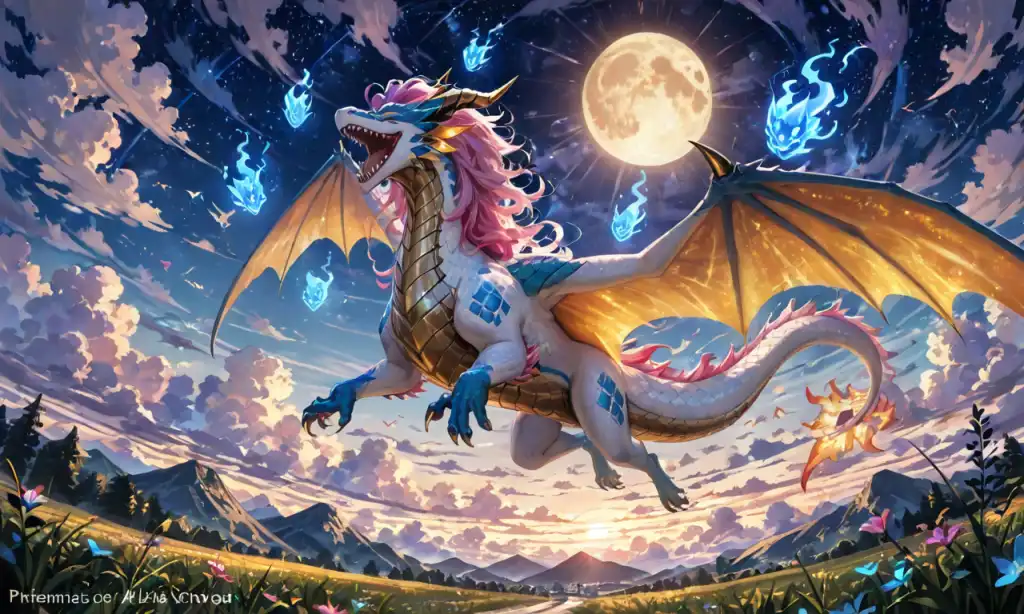
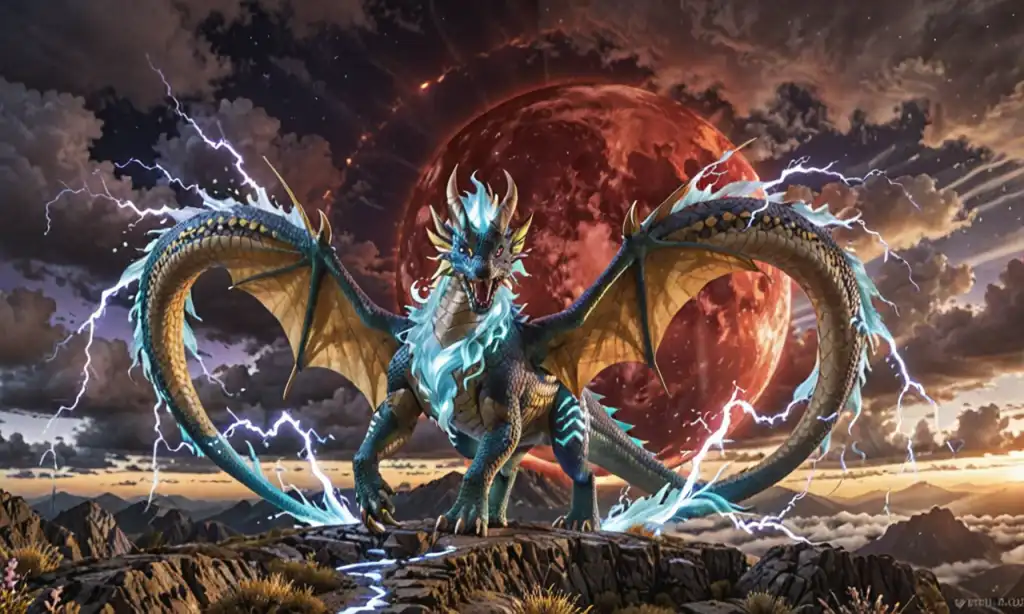
You can easily create an AI-generated dragon image by using our art generator. Simply upload a reference image or provide a description of the dragon you envision, and the AI will generate a unique artwork based on your input.
To generate a dragon image using AI technology on pixai.art, follow these steps: 1. Visit the pixai.art website and create an account or log in if you already have one.2. Navigate to the image generation tool or section.3. Select the option for “Create” or “Generate Image.”4. In the prompt area, input a detailed description of the dragon you want to create, including aspects like color, size, surroundings, and any specific features.5. Choose any additional options for style or filters that you prefer for your image.6. Click on the “Generate” button and wait for the AI to process your request.7. Once the image is generated, you can review it, make adjustments if necessary, or save the image to your device.
You can enhance the visual appeal of your AI-generated dragon image by describing a variety of environments, such as lush forests, mystical mountains, fiery volcanoes, serene lakes, or ancient castles. Additionally, consider incorporating elements like stormy skies, starry nights, or enchanted forests to create a more dynamic and captivating backdrop for your dragon.
You can enhance the visual appeal of your AI-generated dragon image by describing a variety of environments, such as lush forests, mystical mountains, fiery volcanoes, serene lakes, or ancient castles. Additionally, consider incorporating elements like stormy skies, starry nights, or enchanted forests to create a more dynamic and captivating backdrop for your dragon.