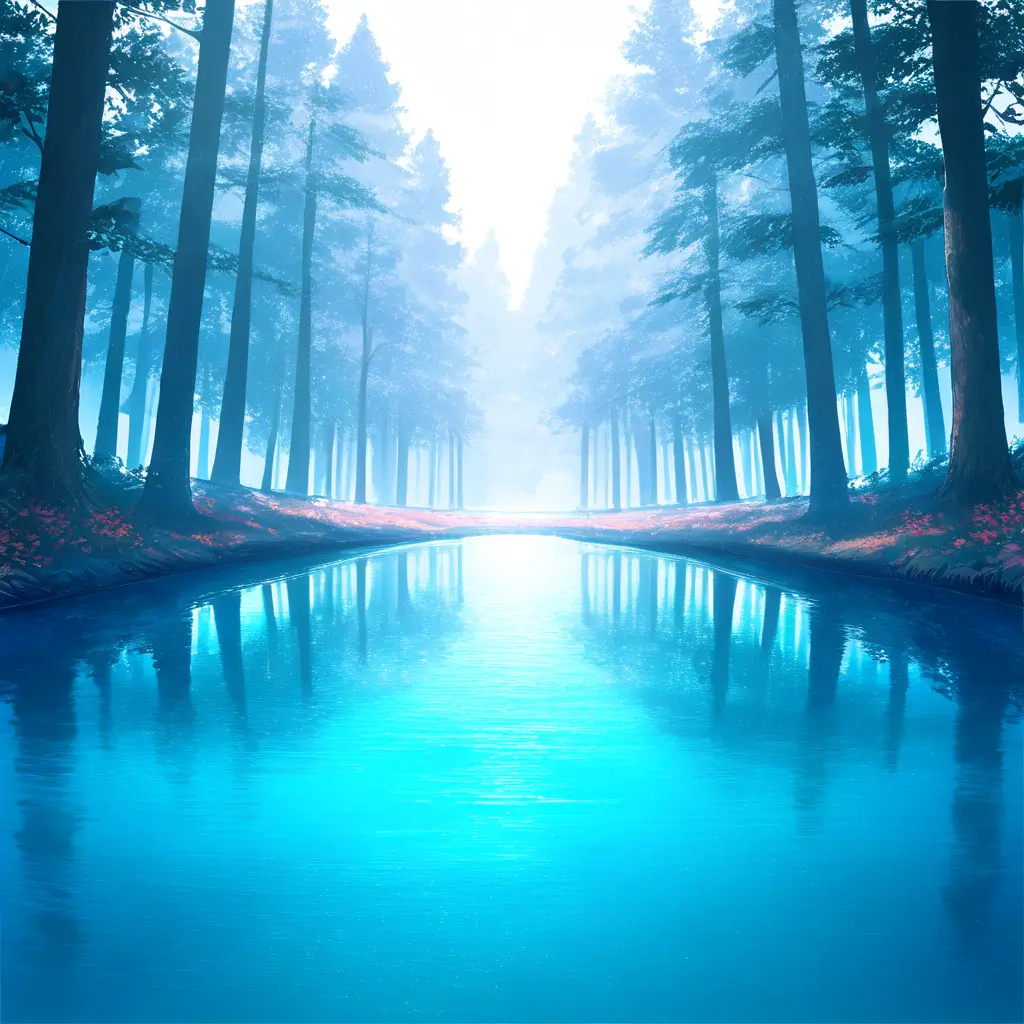
You can create breathtaking AI-generated landscapes by experimenting with various techniques such as using generative adversarial networks (GANs) for realistic image synthesis, employing neural style transfer to blend artistic styles with landscape images, and leveraging algorithms like PixelCNN or DALL-E for unique scene generation. Additionally, you can input descriptive text to guide the AI in producing landscapes that match your vision.
To enhance the realism of AI-generated landscapes using Pixai.art, consider implementing the following strategies: 1. **Use High-Quality Inputs**: Start with high-resolution images or reference photos that can guide the AI in generating more detailed landscapes.2. **Adjust Lighting and Shadows**: Experiment with different lighting conditions, ensuring that shadows and highlights are consistent with the light source to create depth.3. **Incorporate Textures**: Add realistic textures such as grass, rocks, and water to give the landscape a more three-dimensional look.4. **Utilize Layering Techniques**: Create depth by layering elements in your landscape, such as foreground, mid-ground, and background with varying levels of detail.5. **Experiment with Color Palettes**: Choose color schemes that reflect natural scenes, paying attention to seasonal variations to enhance authenticity.6. **Add Atmospheric Elements**: Integrate fog, mist, or cloud cover to create mood and enhance depth perception in the scene.7. **Focus on Composition**: Apply principles of composition, such as the rule of thirds, to guide the viewer’s eye and create a more engaging landscape.8. **Iterate and Refine**: Continuously refine the generated landscape by making adjustments based on feedback and your artistic vision. By applying these techniques, you can elevate the realism of AI-generated landscapes and create visually stunning results.
To optimize AI tools like pixai.art for creating unique and imaginative landscape designs, you can adopt several approaches: 1. Experiment extensively with different input prompts and styles to see how the AI interprets your ideas.2. Use high-quality reference images to guide the AI towards the specific elements you want to include in your designs.3. Adjust parameters such as color palettes, textures, and compositions for more tailored results.4. Provide detailed descriptions of the landscape elements you want to incorporate, such as flora, fauna, and environmental conditions.5. Leverage community resources, tutorials, and shared designs to gain insights and inspiration from other users.6. Iterate on the generated designs by making gradual adjustments and re-running the AI to refine the output.7. Combine outputs from different AI tools to create hybrid designs, adding layers of creativity. By incorporating these strategies, you can enhance the effectiveness of AI tools in crafting innovative landscape designs.
To optimize AI tools like pixai.art for creating unique and imaginative landscape designs, you can adopt several approaches: 1. Experiment extensively with different input prompts and styles to see how the AI interprets your ideas.2. Use high-quality reference images to guide the AI towards the specific elements you want to include in your designs.3. Adjust parameters such as color palettes, textures, and compositions for more tailored results.4. Provide detailed descriptions of the landscape elements you want to incorporate, such as flora, fauna, and environmental conditions.5. Leverage community resources, tutorials, and shared designs to gain insights and inspiration from other users.6. Iterate on the generated designs by making gradual adjustments and re-running the AI to refine the output.7. Combine outputs from different AI tools to create hybrid designs, adding layers of creativity. By incorporating these strategies, you can enhance the effectiveness of AI tools in crafting innovative landscape designs.