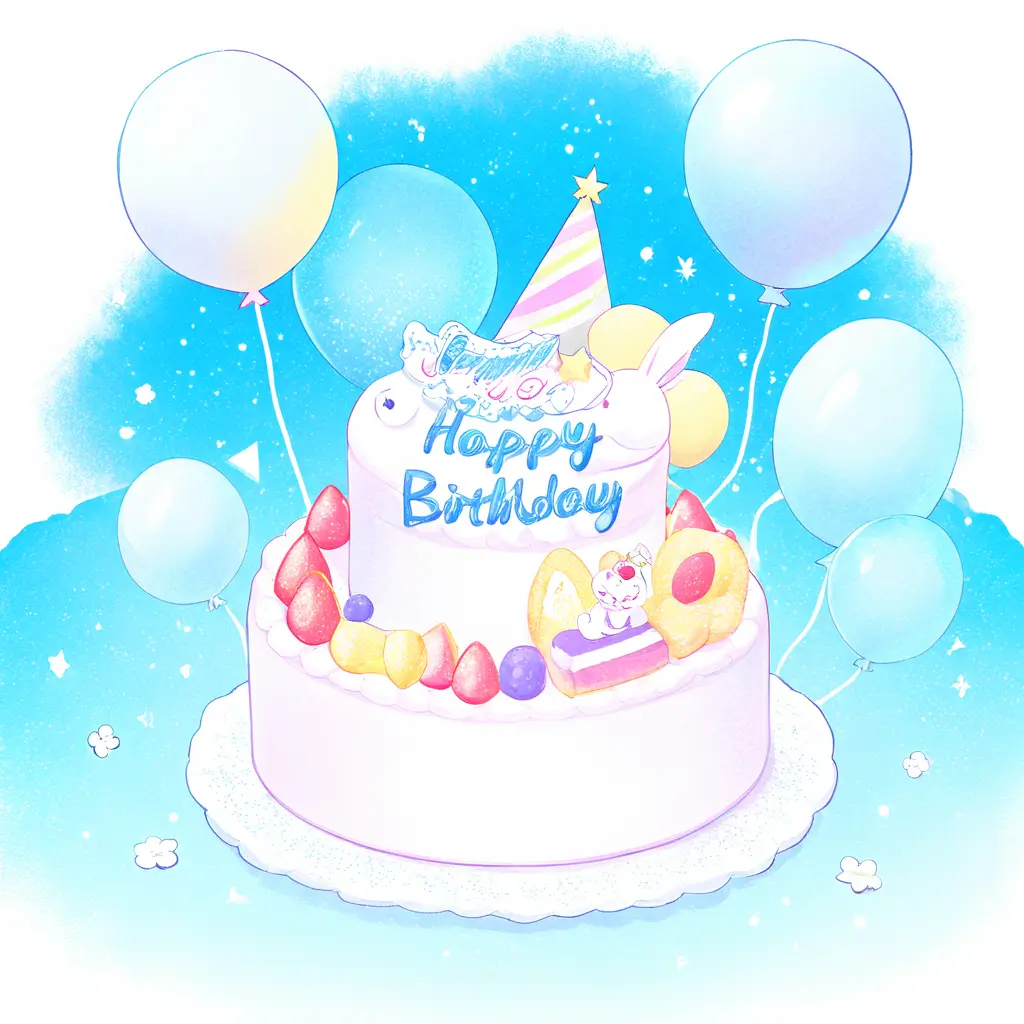
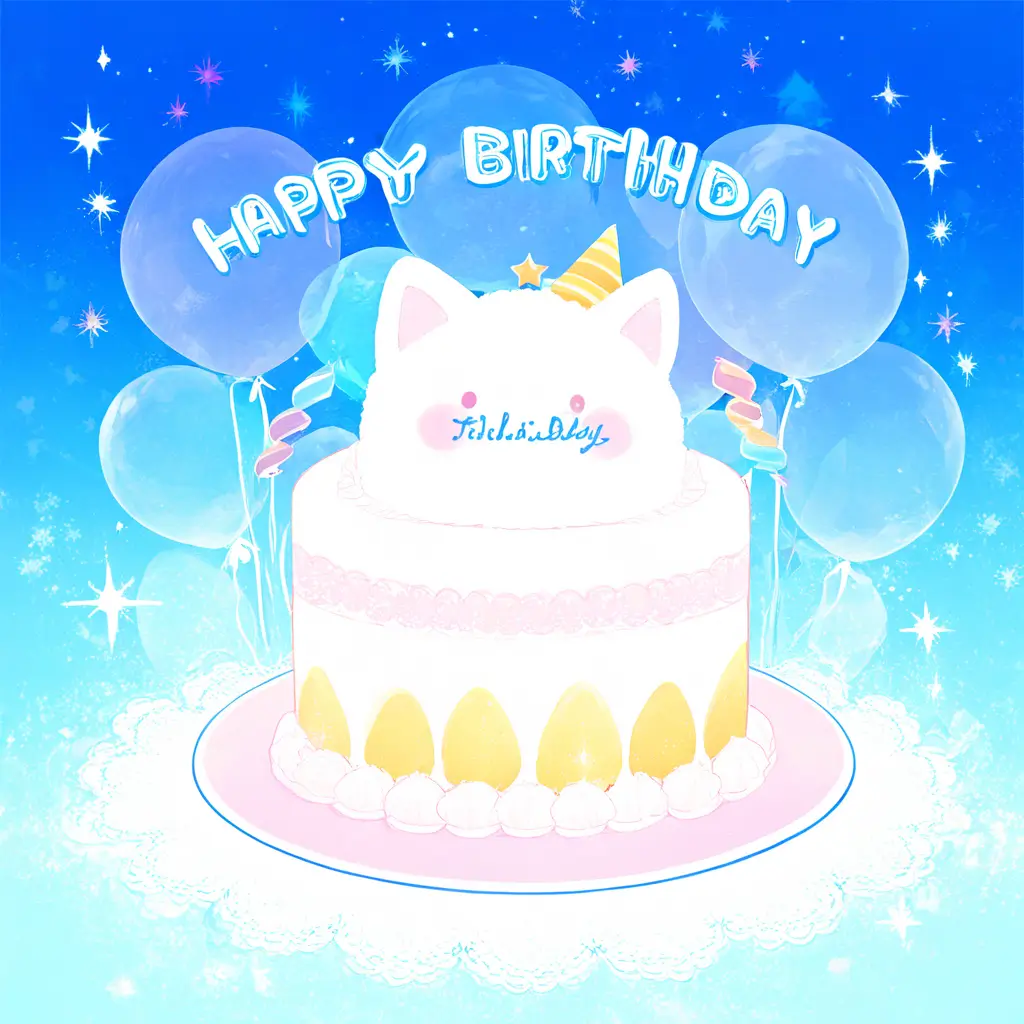
You can easily add a birthday hat to a photo using photo editing tools by following these steps: Open your photo editing software and upload the image you want to edit. Use the selection tool to cut out or create a new layer for the birthday hat image. Position the hat on the person’s head, resize it as necessary, and adjust the colors or shadows to match the lighting in the photo. Finally, save your edited image for sharing or printing.
To insert a birthday hat into an image using Pixai.art, follow these steps:1. Start by uploading the image you want to edit to the Pixai.art platform.2. Select the photo manipulation tool from the menu.3. Use the search feature to find a birthday hat image or create a hat using the design tools.4. Adjust the size and orientation of the birthday hat to fit the subject in your image.5. Position the hat on the subject’s head while ensuring a natural look.6. Use blending options and adjustments to match the hat’s color and lighting to the rest of the image.7. Review the changes and make any necessary tweaks for a seamless integration.8. Once satisfied with the edit, save the image in your desired format.
To add a festive birthday hat to a picture using digital art software, you can follow these techniques:1. **Layering**: Import an image of a birthday hat and use layers to place it on the subject’s head, ensuring it is proportionate and aligned correctly.2. **Adjustment Tools**: Utilize transformation tools to resize and rotate the hat for a better fit. Adjust the opacity to blend it seamlessly into the image.3. **Filtering and Effects**: Apply shadow or highlight filters to the hat to match the lighting conditions of the background for a more realistic effect.4. **Custom Brushes**: Use digital brushes to add decorative elements such as confetti or streamers around the hat for a lively touch.5. **Image Enhancement**: Make use of color correction and saturation tools to ensure the hat’s colors complement the overall composition of the image.6. **Masking Techniques**: Use masking to erase unnecessary parts of the imported hat image for a cleaner look.7. **Texture Overlays**: Incorporate texture overlays to add depth and detail to the hat, making it appear more three-dimensional.By combining these techniques, you can create a festive and visually appealing addition to your digital artwork.
To add a festive birthday hat to a picture using digital art software, you can follow these techniques:1. **Layering**: Import an image of a birthday hat and use layers to place it on the subject’s head, ensuring it is proportionate and aligned correctly.2. **Adjustment Tools**: Utilize transformation tools to resize and rotate the hat for a better fit. Adjust the opacity to blend it seamlessly into the image.3. **Filtering and Effects**: Apply shadow or highlight filters to the hat to match the lighting conditions of the background for a more realistic effect.4. **Custom Brushes**: Use digital brushes to add decorative elements such as confetti or streamers around the hat for a lively touch.5. **Image Enhancement**: Make use of color correction and saturation tools to ensure the hat’s colors complement the overall composition of the image.6. **Masking Techniques**: Use masking to erase unnecessary parts of the imported hat image for a cleaner look.7. **Texture Overlays**: Incorporate texture overlays to add depth and detail to the hat, making it appear more three-dimensional.By combining these techniques, you can create a festive and visually appealing addition to your digital artwork.