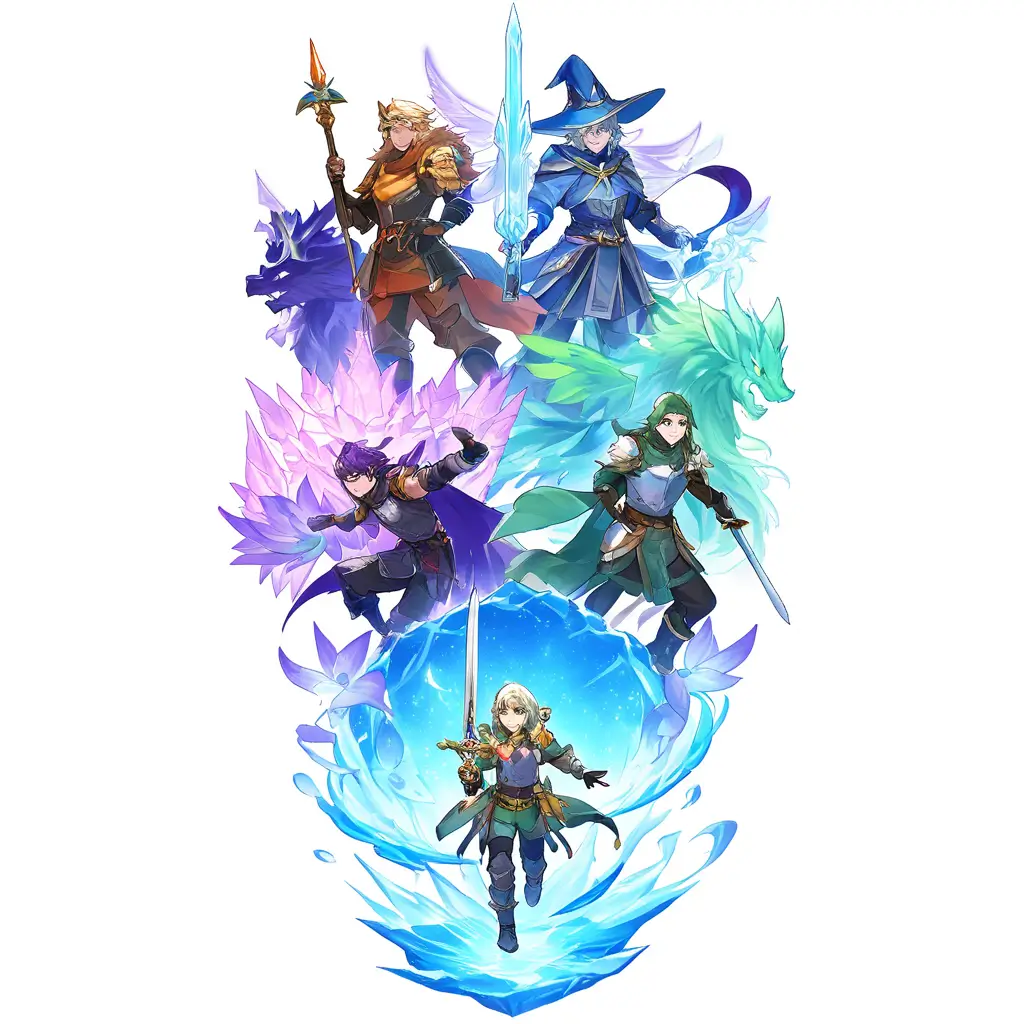
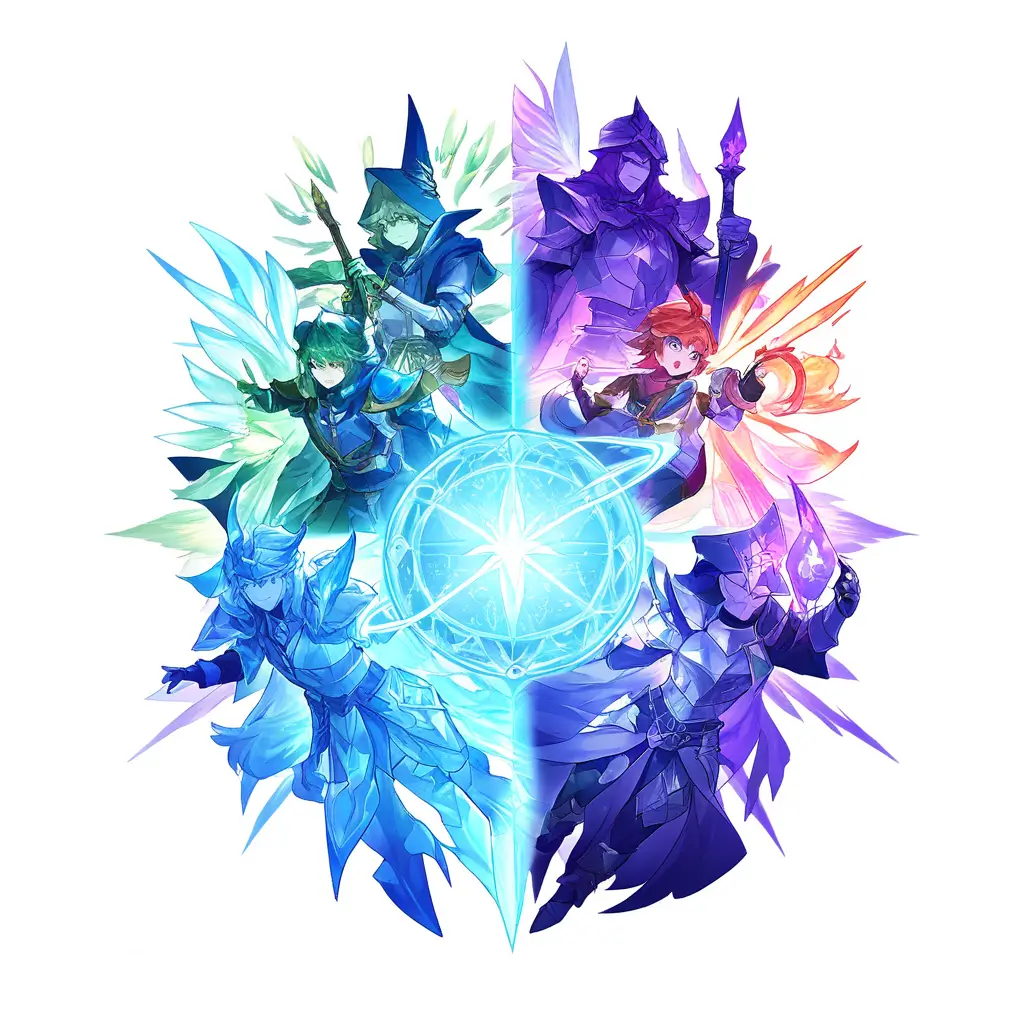
You can create unique character illustrations using our DND AI art generator by simply entering detailed descriptions of your characters, including traits, attire, and backgrounds. The AI will then generate beautiful and customized artworks based on your input.
To customize fantasy creature designs using an AI art generator like Pixai.art for your tabletop RPG, follow these steps: 1. **Choose Your Base Concept**: Start by defining the type of creature you want to create, including its race, abilities, and environment. 2. **Select Art Style**: Decide on an art style that fits your RPG theme, such as realistic, cartoonish, or stylized fantasy art.3. **Use Keywords**: Input descriptive keywords into the AI tool that highlight the creature’s characteristics, colors, and features. For example, you might use terms like “fire-breathing dragon” or “forest-dwelling fairy”.4. **Adjust Parameters**: Utilize any customization options the tool provides, such as colors, body shapes, and facial expressions, to refine your design further.5. **Generate Variations**: Create multiple iterations to explore different design possibilities and find the one that resonates most with your vision.6. **Review and Edit**: Take time to review the generated images and make any necessary adjustments or edits either within the AI tool or using an external graphic editor.7. **Finalize and Export**: Once satisfied with the design, export the final image in your desired format for use in your RPG campaign. Following these steps will help you effectively customize unique fantasy creature designs for your tabletop RPG.
To develop intricate environment concepts for your fantasy role-playing game using an AI art generator like Pixai.art, consider the following techniques:1. **Keyword Optimization**: Use specific and descriptive keywords that reflect the elements you want to incorporate, such as “enchanted forest,” “ancient ruins,” or “icy tundra.”2. **Diverse Inspirations**: Combine various styles and influences, such as blending different architectural styles or natural landscapes, to create unique environments.3. **Layered Complexity**: Break down your environment into layers—foreground, midground, and background—to detail different elements like trees, structures, and weather effects.4. **Color Palettes**: Experiment with different color schemes to evoke certain moods or atmospheres—warm colors for cozy settings and cooler tones for mysterious or ominous environments.5. **Iterative Refinement**: Generate multiple iterations based on initial designs, tweaking your keywords and prompts to refine the outputs until they align with your vision.6. **Incorporate Feedback**: Share your generated images with peers or potential players to gather feedback and make adjustments accordingly.By utilizing these techniques with an AI art generator, you can create rich and immersive environments that enhance the narrative of your fantasy role-playing game.
To develop intricate environment concepts for your fantasy role-playing game using an AI art generator like Pixai.art, consider the following techniques:1. **Keyword Optimization**: Use specific and descriptive keywords that reflect the elements you want to incorporate, such as “enchanted forest,” “ancient ruins,” or “icy tundra.”2. **Diverse Inspirations**: Combine various styles and influences, such as blending different architectural styles or natural landscapes, to create unique environments.3. **Layered Complexity**: Break down your environment into layers—foreground, midground, and background—to detail different elements like trees, structures, and weather effects.4. **Color Palettes**: Experiment with different color schemes to evoke certain moods or atmospheres—warm colors for cozy settings and cooler tones for mysterious or ominous environments.5. **Iterative Refinement**: Generate multiple iterations based on initial designs, tweaking your keywords and prompts to refine the outputs until they align with your vision.6. **Incorporate Feedback**: Share your generated images with peers or potential players to gather feedback and make adjustments accordingly.By utilizing these techniques with an AI art generator, you can create rich and immersive environments that enhance the narrative of your fantasy role-playing game.