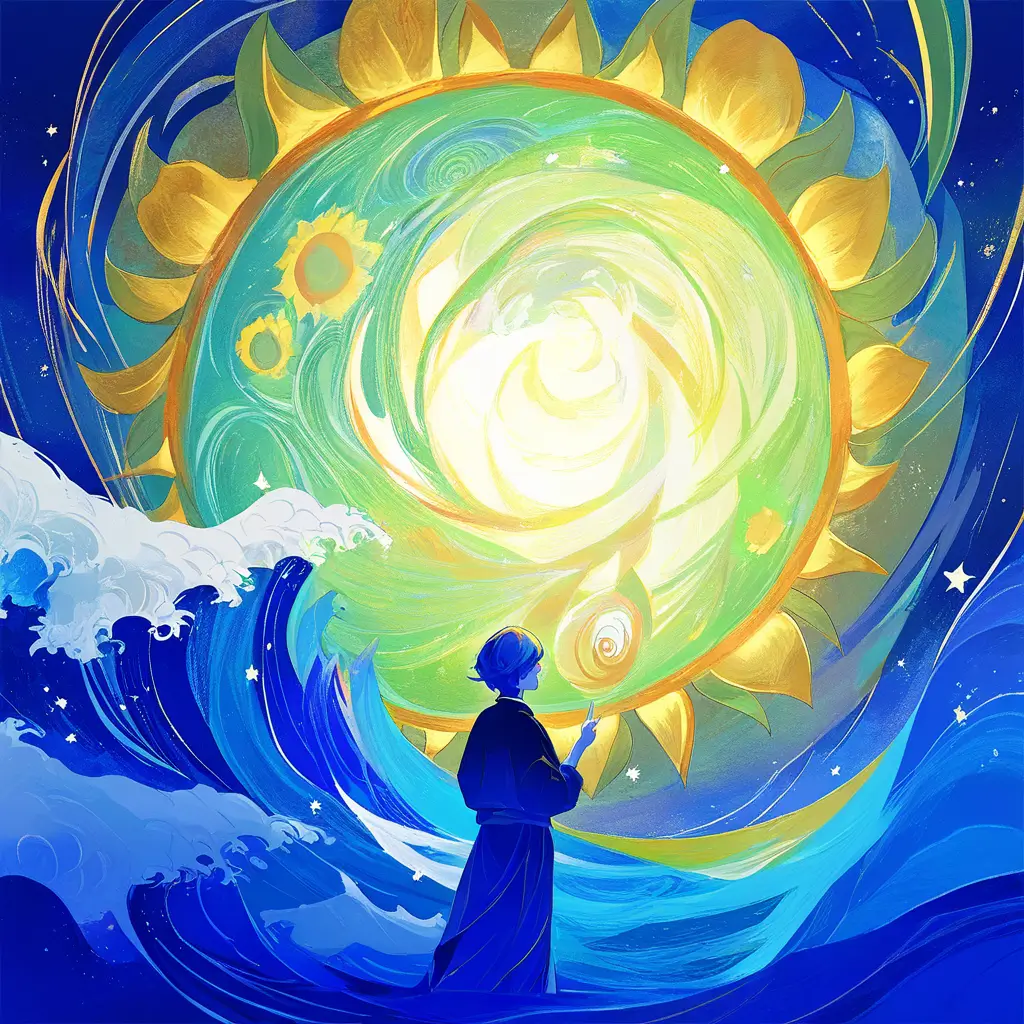
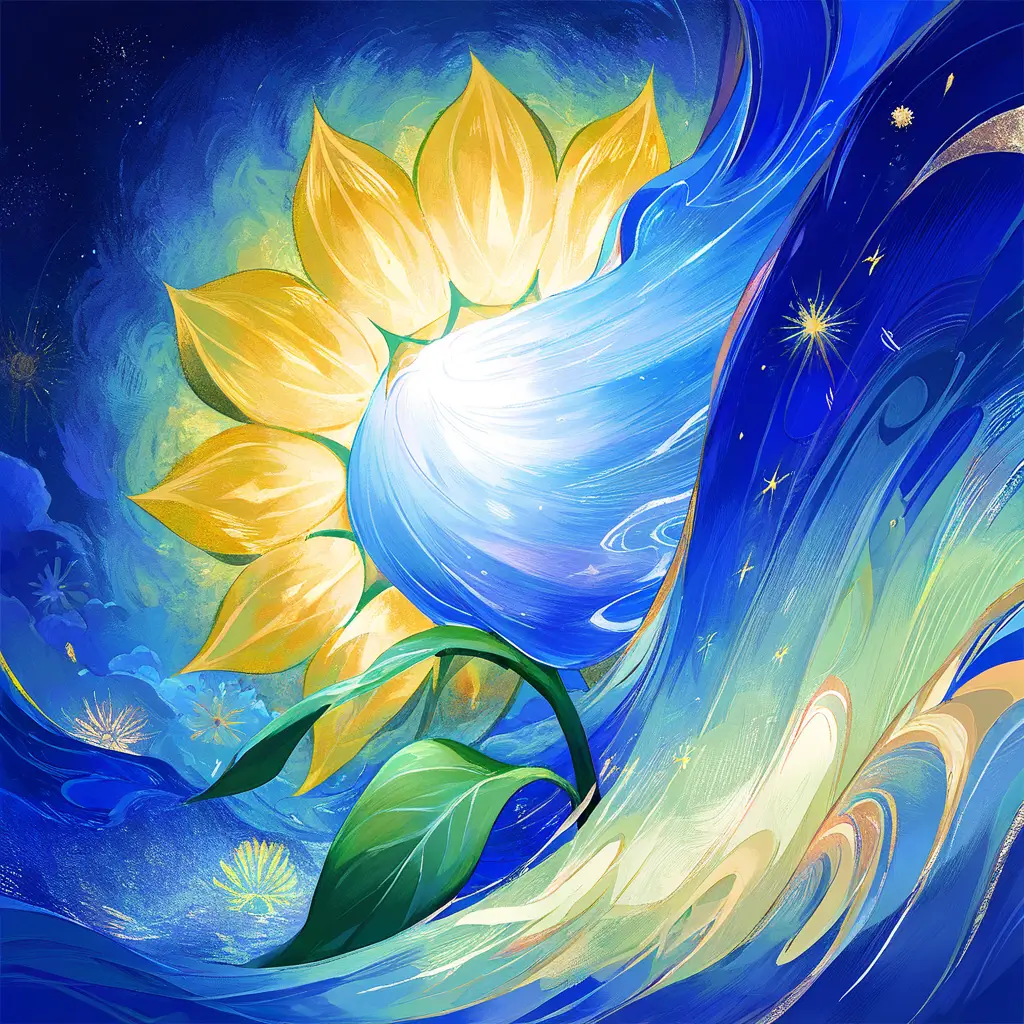
You can easily apply a Van Gogh filter to your photos for a creative effect using our AI photo editing tool. Simply upload your image and select the Van Gogh filter from the options provided. The AI will transform your photo to mimic Van Gogh’s iconic style, adding vibrant colors and textured brushstrokes.
To add a Van Gogh filter to your images for artistic enhancement using pixai.art, follow these steps: 1. Visit the pixai.art website and create an account or log in if you already have one.2. Upload the image you want to enhance by clicking on the upload button.3. Once your image is uploaded, navigate to the filters section.4. Select the Van Gogh filter from the list of available artistic filters.5. Adjust any settings or parameters as needed to customize the effect to your preference.6. Apply the filter to see a preview of the changes.7. If satisfied with the result, download the enhanced image to your device.
When selecting a photo editing software that offers a Van Gogh filter for enhancing your images artistically, consider the following essential factors:1. **Filter Quality**: Assess how accurately the software replicates Van Gogh’s distinctive brushstrokes and color palette. Look for reviews or examples of the filter in use.2. **User Interface**: Choose an application with an intuitive and user-friendly interface to streamline your editing process.3. **Customization Options**: Check if the software allows you to adjust the strength and attributes of the Van Gogh filter, enabling you to personalize the effect.4. **Editing Features**: Ensure the software includes a range of other editing tools to complement the Van Gogh filter, such as cropping, adjustments for brightness and contrast, and other artistic filters.5. **Export Options**: Verify the supported file formats and resolution options when exporting edited images to ensure you can use them for print or online sharing.6. **Compatibility**: Confirm that the software is compatible with your operating system and devices, whether desktop or mobile.7. **Pricing**: Evaluate the cost of the software, including any subscription fees or one-time purchases, to find a solution that fits your budget.8. **Community and Support**: Look for software with a strong user community or customer support options to help troubleshoot issues and share editing tips. By considering these factors, you can select a photo editing software that will help you achieve the artistic enhancement you desire.
When selecting a photo editing software that offers a Van Gogh filter for enhancing your images artistically, consider the following essential factors:1. **Filter Quality**: Assess how accurately the software replicates Van Gogh’s distinctive brushstrokes and color palette. Look for reviews or examples of the filter in use.2. **User Interface**: Choose an application with an intuitive and user-friendly interface to streamline your editing process.3. **Customization Options**: Check if the software allows you to adjust the strength and attributes of the Van Gogh filter, enabling you to personalize the effect.4. **Editing Features**: Ensure the software includes a range of other editing tools to complement the Van Gogh filter, such as cropping, adjustments for brightness and contrast, and other artistic filters.5. **Export Options**: Verify the supported file formats and resolution options when exporting edited images to ensure you can use them for print or online sharing.6. **Compatibility**: Confirm that the software is compatible with your operating system and devices, whether desktop or mobile.7. **Pricing**: Evaluate the cost of the software, including any subscription fees or one-time purchases, to find a solution that fits your budget.8. **Community and Support**: Look for software with a strong user community or customer support options to help troubleshoot issues and share editing tips. By considering these factors, you can select a photo editing software that will help you achieve the artistic enhancement you desire.