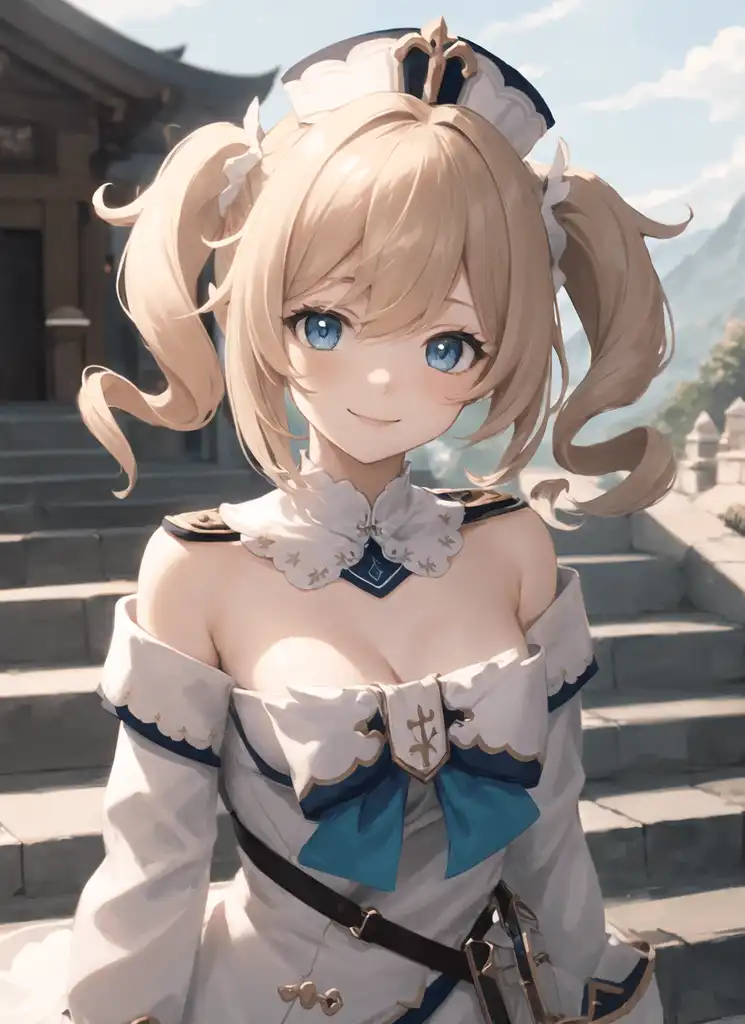
Use mostly danbooru tags. No extra vae needed. For better promting on it, use this LINK or LINK. But instead of {}, use (), stable-diffusion-webui use (). Use "masterpiece" and "best quality" in positive, "worst quality" and "low quality" in negative.
My negative ones are: (low quality, worst quality:1.4) with extra monochrome, signature, text or logo when needed.
Use a clip skip 1 or 2. Clip 2 is better for private parts, img2img and prompt following. Clip 1 is visually better, because i assume, the model has more time and freedom there. I use clip2.
Don't use face restore and underscores _, type red eyes and not red_eyes.
Don't go to really high resolutions. Every model, like hassaku, get lost in the vastness of big images and has a much higher chance to greate, as example, a second anus.
Black result fix (vae bug in web ui): Use --no-half-vae in your command line arguments
I use a Eta noise seed delta of 31337 or 0, with a clip skip of 2 for the example images. Model quality mostly proved with sampler DDIM and DPM++ SDE Karras. I love DDIM the most (because it is the fastest).