
ユーザーLoRA
Chinese Style Dress SDXL1.0
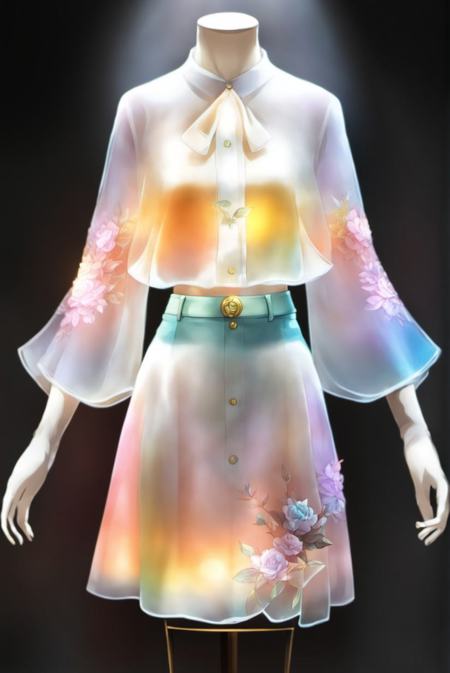


- アップロード日時
- 2024/05/19 8:08
- 採用数
- 691
- レビュー
- 大好評 (1)
- トリガーワード
6-12yifu
- 権限
- 画像生成と共有を許可する
- ユーザーによるモデルのダウンロードを許可する
- 生成画像の商用利用を許可する
詳細説明
original: https://civitai.com/models/137498/chinese-style-dress-sdxl10?modelVersionId=151792
Based on the base base model refining, at present the real NPC model is relatively small, so we do not test the effect of real people to try on.But the individual hanger clothes effect is still relatively wow, XL optimization is really good!Remember to use base to load LORA out of the map, and then use the optimized model map to generate a map to run one side, back to the magnitude of 0.4 can beDon't use LORA when you generate the map, or you will get an error.For large models, use the base version of XL. It is recommended to place the model in the models\Lora directory.Don't put them in the extensions directory, I don't know if it's because of my version.Trigger words can be written or not, please refer to the example picture.The more detailed the description, the better the effect of the clothesYou can refer to the example picture to modify the TAGweight 1 directly out of the character's clothes picture.